Finding five copies of a document is not the same as finding the one you should send. Googlebook file organisation gives search results enough context to be useful. A consistent name and a sensible folder can tell you whether a result is the editable source, an old draft or the finished export.
Quick Answer
Name files for their project and purpose, keep source material separate from deliverables and use dates or versions only where they answer a real question. Googlebook smart search can help locate content, while Drive has its own filters for narrowing cloud results. Tidying a small active folder costs R0 and is a better starting point than reorganising your entire archive at once.
🏷️ Give a filename one clear job
A useful name identifies the material without requiring you to open it. Compare notes.pdf with biology-revision-cell-division.pdf. The second name gives you a subject and purpose even when the file arrives through email or sits outside its original folder. Avoid making every filename an entire sentence, but include the words you would naturally search for.
Use a date when chronology matters. A meeting record benefits from a year-month-day date because it sorts predictably and distinguishes repeated events. A reference guide that is continuously maintained may need a version or review date instead. Choose the detail that helps you decide which copy is relevant.
Do not stack uncertain labels such as final-new-final2. If you are still editing, call it a working version. When it is approved for sending, place the export in a deliverables folder and record the date if necessary. A clear transition between work in progress and issued material reduces accidental sharing of an unfinished copy.
Keep the extension meaningful. Renaming a file ending does not convert its contents into another format. Use the application's export function when you need a different output type. The filename should describe a real file, not disguise a format your recipient cannot open.
📂 Separate sources, working files and exports
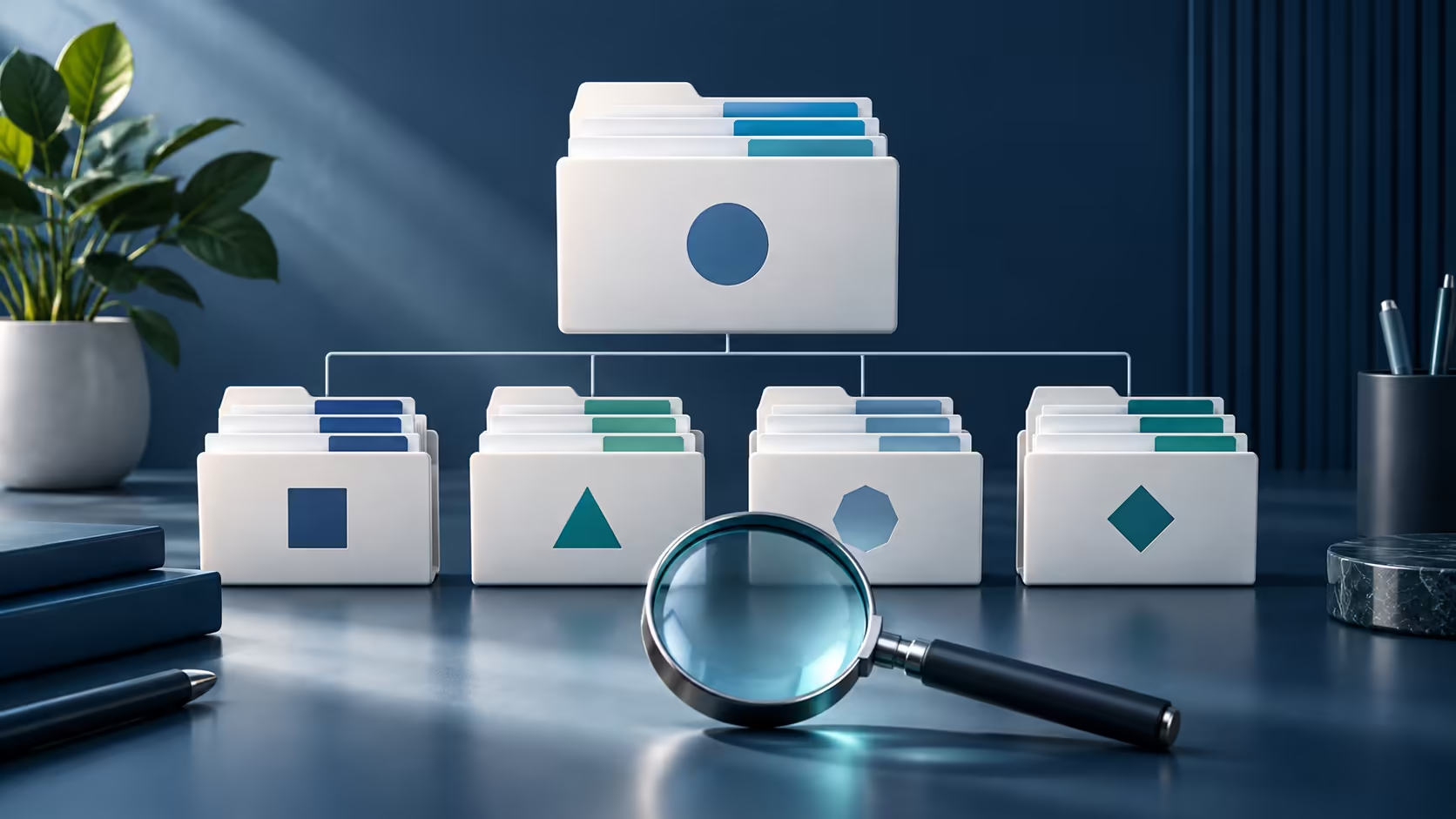
For a small creative project, three folders can be enough: source, working and export. Originals go into source, editable projects into working and final images or documents into export. That structure answers three different questions without an elaborate hierarchy that is difficult to maintain.
Keep linked assets together. A project may refer to an image, audio clip or font by its location. Moving only the main project file can leave those references behind. Use the application's supported collection or export workflow where available, then reopen the project to confirm it can still find what it needs.
Treat downloads as an inbox. Review incoming files, move the useful ones into the project and remove temporary duplicates after checking that the retained copy is complete. This avoids depending on the order in which files happened to arrive as your long-term filing system.
Start with one active project instead of attempting a huge cleanup in one evening. Keep the old arrangement available until the new location is proven. If you use external archive storage, name the archive folders clearly enough that another suitable computer could make sense of them later.
🔎 Search within the right boundary
Googlebook describes searching files and photos by content, which can help when you remember what a document discusses but not its name. A helpful result still needs verification. Open it, confirm the version and inspect the content before editing or sending it. Search relevance is not approval status.
Cloud services offer their own tools. Google Drive can narrow a search by attributes such as file type, people and modification date. If you remember that a classmate shared a PDF last week, those details may be more useful than repeatedly changing a vague keyword. Use the service's filters rather than assuming all operators work in the laptop-wide search box.
Consider an example with three project documents: an editable draft, a PDF sent to a group and a later correction. A search for the project name may find all three. Clear filenames and an export folder let you choose deliberately. Without that structure, smarter search can simply return the confusion faster.
Record ownership when collaborating. The person who can edit a shared file may not be the person who owns it or can restore access later. Keep a note of where the authoritative version lives, especially when a personal account and a school account both appear in the same project.
Organised files still need recovery copies. Compare portable SSD options if a second location fits your workflow, and verify the connection before buying. Preserve the folder structure during copying so the backup remains understandable rather than becoming a flat collection of similarly named files.
The goal is a filing system you can follow on a busy day. A few clear conventions applied consistently will usually outperform a complex scheme that collapses as soon as the next download arrives.
Frequently Asked Questions
Does smart search remove the need for filenames?
No. Descriptive names still help you recognise the right version, share files clearly and recover work when a search result is ambiguous.
How can Google Drive narrow a file search?
Drive offers filters such as file type, people and modified date. These are Drive features, not assumed Googlebook-wide search operators.
Should every document be called final?
Use a specific project name and meaningful version or date. Several files called final are difficult to distinguish.
Can moving folders break a creative project?
It can if the project points to media by location. Move the complete project through its supported workflow and verify linked assets.
Keep the right file easy to recognise.
Explore storage at Evetech after deciding how your active projects, exports and archives will be kept apart.