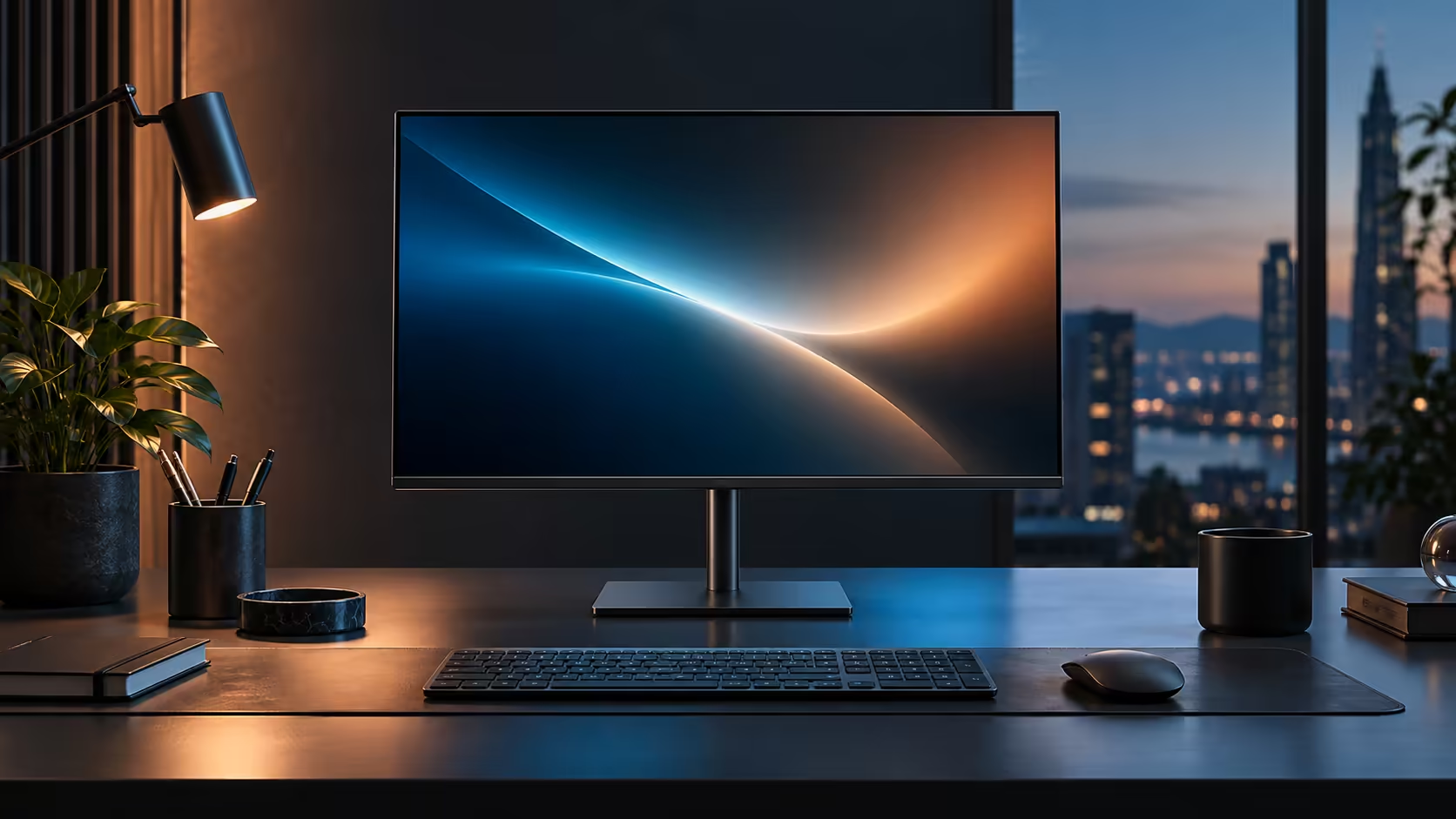
Most desk pain is a height problem wearing a different disguise. Before blaming a chair or a keyboard, the monitor stand is worth ten minutes of attention, and this R6,099 Dell Pro 24 Plus P2425DE gives you four separate adjustments to work with rather than a fixed tilt.
Quick Answer
Start with height: the top of the screen should sit level with your eyes, or just below. An arm's length is the usual viewing distance, and a slight backward tilt keeps ceiling light off the glass. The Dell Pro 24 Plus P2425DE's stand covers height, tilt, swivel and a full 90-degree pivot for R6,099.
📐 Height first, because it fixes the most
Of the four adjustments this stand offers, height does the most work for your neck.
Set the top edge of the screen level with your eyes when sitting normally, or 5 to 8cm below if you wear bifocals or progressive lenses. Too low forces a chin-down slump that builds into neck strain over a working day; too high tips the head back, which is less common but just as uncomfortable over time. Most people find the correct height by sitting normally, closing their eyes, then opening them and adjusting the screen until it is exactly where their gaze naturally lands.
🔄 Tilt, swivel and pivot each solve a different problem
These three exist for reasons that rarely come up until you actually need them.
Tilt angles the top of the screen slightly away from you, which cuts reflections from overhead lighting or a window behind your chair. Swivel rotates the whole panel left or right on its base, useful for turning the screen briefly toward a colleague or a second person at the desk without moving the whole stand. Pivot rotates the panel a full 90 degrees into portrait orientation, which suits reading a long document or a vertical code file without scrolling constantly. The Dell Pro 24 Plus P2425DE's stand adjusts for all three alongside height.
🪑 Getting the desk and chair to agree with the stand
A perfectly adjusted monitor on the wrong desk still causes strain, so check the chain of measurements together.
Sit with feet flat on the floor and elbows roughly level with the desk surface before touching the monitor at all, since chair height decides eye height, and eye height is what the monitor has to match. An arm's length, roughly 50 to 70cm, is the usual viewing distance for a 23.8-inch screen; sitting closer than that with a QHD panel can mean scanning your eyes more than moving your head, which some people find tiring over a full day. A gaming desk with adjustable height, or a stack of stable risers under a fixed desk, closes the gap when the chair and desk do not naturally line up. A VESA arm from monitor accessories buys extra travel beyond what the bundled stand offers, and the office monitor range is where to compare other panels with a similar four-way stand.
🔃 Telling Windows about a portrait switch
Rotating the panel into portrait mode physically is only half the job; Windows needs to be told the screen has moved too.
After pivoting the panel 90 degrees, right-click the desktop, choose Display settings, and change the Display orientation dropdown from Landscape to Portrait, or Portrait (flipped) if the cable exits from the top once rotated rather than the bottom. Windows redraws the desktop to match within a couple of seconds, and any open windows resize automatically to the new taller, narrower shape. Forgetting this step is the most common reason people try portrait mode once, find the image sideways, and never touch pivot again, when the actual fix is a single dropdown menu away in Display settings rather than anything wrong with the stand itself.
Frequently Asked Questions
What is the correct monitor height for reducing neck strain?
Top of the screen level with your eyes, or slightly below for bifocal or progressive lens wearers. Adjust the chair for a comfortable seated posture first, then match the monitor to it.
Why would I ever use portrait pivot mode?
For reading long documents, reviewing code, or working with tall spreadsheets where a landscape screen wastes width and runs out of vertical space quickly.
How far back should I sit from a 23.8-inch monitor?
Roughly an arm's length, around 50 to 70cm, is comfortable for most people at this size and resolution.
Does tilt actually reduce glare, or is it cosmetic?
It genuinely helps. Angling the top of the screen away from an overhead light source redirects the reflection instead of sending it straight back at your eyes.
Can I remove the stand and mount the monitor on an arm instead?
Yes, using the VESA mounting pattern on the back of the panel, which most monitor arms and desk mounts are built to match.
Ready to fix your desk setup without buying anything new?
Adjust height first, then work through tilt, swivel and pivot to see what your day actually needs.