Quick Answer
To avoid overbuying a mouse for architecture portfolio work, skip 26,000 DPI gaming flagships; you need precision and comfort, not raw speed. A comfortable mouse with on-board DPI control and a smooth scroll wheel, around R700-R1,600, suits long sessions in CAD and layout software better than a featherweight esports mouse.
What Portfolio Work Demands From A Mouse
Building an architecture portfolio means hours in modelling, drafting, and page-layout software, where the mouse needs steady precision and all-day comfort, not the twitchy lightness of a competitive gaming mouse. The overbuy is chasing the highest DPI and lowest weight; in CAD you typically work at moderate sensitivity for controlled, accurate cursor movement, and a slightly heavier ergonomic shell reduces wrist fatigue over long stretches.
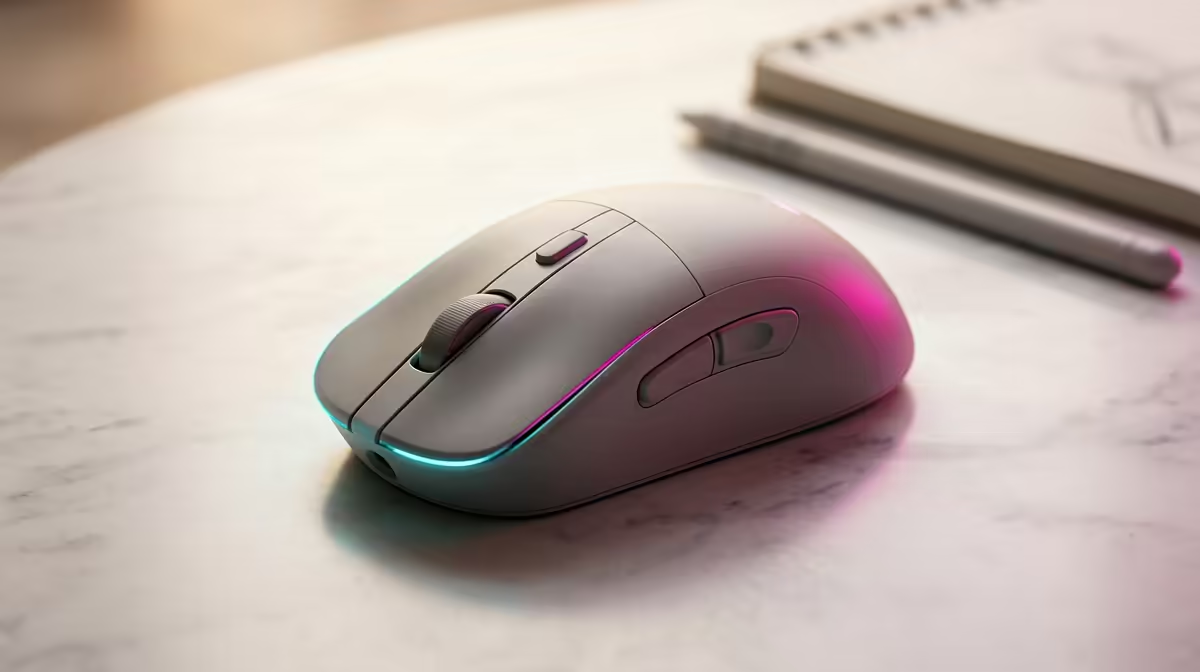
A precise scroll wheel matters more here than in gaming, because you constantly zoom drawings and scroll long documents. On-board DPI buttons let you drop sensitivity for fine detail work. These practical traits beat the spec-sheet bragging rights of an 8000Hz esports mouse.
Comfort Is The Real Productivity Spec
For portfolio crunch sessions, an ergonomic right-handed shape with a supportive contour prevents the hand strain that slows you down. Extra side buttons can be mapped to undo, pan, or orbit, which genuinely speeds CAD work. A reliable optical sensor at moderate DPI tracks perfectly for drafting; you do not need the flagship sensor that justifies a premium price. Spend on comfort and useful buttons, not on numbers you will never use.
FAQ
What DPI is best for architecture and CAD work?
A moderate setting, often 800-1600 DPI, gives controlled, accurate cursor movement for drafting. The headline maximum DPI of gaming mice is irrelevant to this work.
Is a lightweight gaming mouse good for portfolio work?
Not especially. Ultra-light esports mice suit twitch aiming; for long CAD sessions a slightly heavier ergonomic mouse is more comfortable and precise.
Which mouse features help CAD productivity?
A precise scroll wheel for zooming, on-board DPI buttons for detail work, and mappable side buttons for undo or orbit. Comfort matters more than raw DPI.
Choose an ergonomic mouse with a precise scroll wheel and mappable buttons, set it to a moderate 800-1600 DPI for accurate drafting, and skip the high-DPI esports premium.