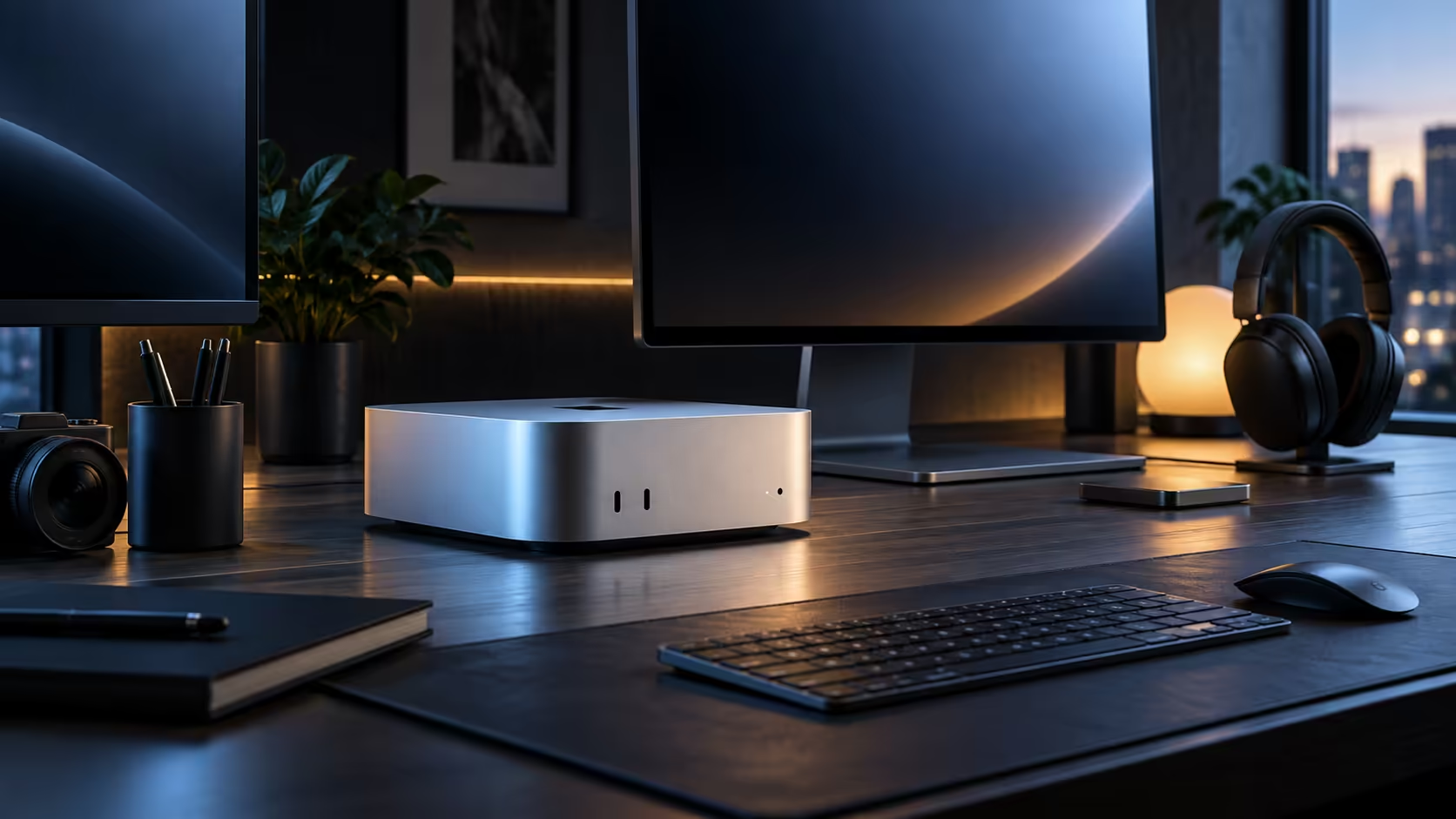
Keep the internal drive strictly for the system, your applications and the one project currently in front of you. Push everything else steadily outward, and a 512GB desktop SSD stays comfortably usable for years rather than mere months.
Quick Answer
Build a routine instead: move finished work to external storage the moment it is signed off, before any warning banner ever gets the chance to nag you about it. Keep that habit up and even a modest 512GB internal SSD stays comfortably usable indefinitely, with an external Thunderbolt drive for active files and a NAS for the long-term archive together covering nearly every realistic case.
🗓️ Building a habit rather than reacting to a warning
"I'll sort the storage out later" almost never happens on its own, precisely because "later" is never a real date on a calendar. Pick an actual trigger instead, once every 30 days, say, or right after any project wraps up, and moving files off the drive becomes routine rather than something only a red warning banner forces you into.
💾 An external SSD for active projects
Leave a dedicated external SSD plugged in permanently rather than reaching a decision every time a file needs a home, and editing straight off it once the internal drive fills is a fast, entirely normal way to work with video or large asset libraries.
🗄️ A NAS for everything you rarely reopen
A network-attached storage device on the same network takes finished projects off any single machine entirely, which matters if more than one computer in the house or office needs access to the same archive. It is the sensible long-term home for anything you are unlikely to touch again within the month.
🧹 Quick wins that free space without buying anything
Empty the Trash regularly, since deleted files sit there using space, sometimes 10GB or more, until it is cleared. Check for duplicate downloads and old installer files, which quietly accumulate in a Downloads folder over months without anyone noticing.
Frequently Asked Questions
How often should I move finished work off the internal drive?
Right after the project wraps, within days rather than weeks, not once a storage warning eventually forces the issue.
Is a NAS worth it for a single-person setup?
For a single machine and light use, an external SSD alone often covers it; a NAS pays off once more than one device needs the same archive.
Does emptying the Trash actually free meaningful space?
Yes, deleted files remain on disk using space until the Trash is emptied, so this is often the fastest free fix available.
Should the external SSD be formatted a specific way to work reliably with macOS?
Yes, format it as APFS or exFAT for the best combination of speed and reliability with macOS, and check the drive's own documentation if it will also need to work with a Windows machine occasionally.
What happens if the internal drive fills up completely without warning?
macOS slows down noticeably and some apps may refuse to save files at all, so it is worth acting on the storage warning banner the moment it first appears rather than waiting for it to escalate into a genuine problem.
Can I schedule the archive routine automatically instead of doing it manually each time?
Some backup and sync tools support scheduled or automatic archiving to an external drive or NAS, which removes the habit-forming step entirely for anyone who would rather set it up once and forget about it going forward.
Does keeping the internal drive nearly empty actually improve performance?
Not meaningfully beyond a sensible buffer; an internal SSD with a reasonable amount of free space performs just as well as one that is nearly empty, so there is genuinely no need to over-clear it once storage pressure is under control and reliably staying that way month after month without any further manual intervention needed from you at all.
🖥️ The same routine works across the range
This external-first habit is not specific to one configuration; it applies just as directly to any machine in the wider mini PC category, since a fixed internal drive with no upgrade path is the norm across nearly every compact desktop, not a limitation unique to this one.
🔄 Setting the routine up so it actually sticks
A routine only survives if it costs almost nothing to follow, so keep the external SSD permanently connected rather than something you dig out of a drawer each time, and set a recurring reminder every 30 days for whichever trigger you pick, a monthly date or a project's own wrap-up. The goal is removing the decision entirely, so moving files outward becomes as automatic as saving the file in the first place, rather than a task competing for attention against everything else on your list.
Ready to stop your desktop's storage from quietly filling up?
Set an archive routine and add external storage before the internal drive runs tight.