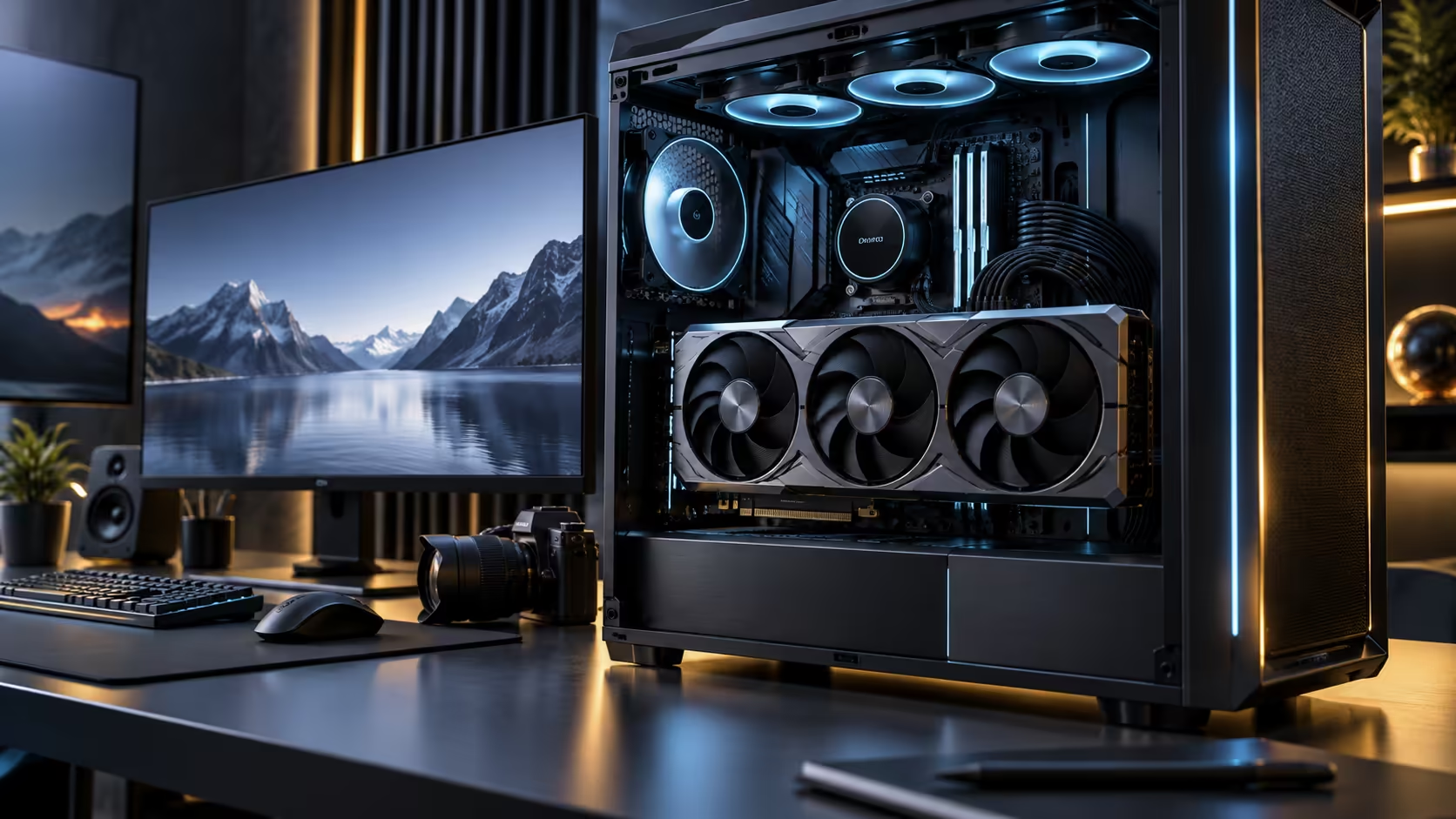
Buying the card first and figuring out the rest of the machine afterwards is how a build stalls at the case doorway. A 32GB graphics card sets almost every other decision on the parts list, from how many expansion slots survive to whether the power supply has the right cabling, so the sensible order is card first, everything else fitted around it.
Quick Answer
Pick the case and cooling layout around the card's slot count before anything else, then size the power supply with real headroom rather than a bare minimum, and finish with DDR5 memory and an NVMe drive fast enough to keep textures and game assets flowing. A 32GB card such as the ROG Astral Edition 20 runs R119,999, so the R15,000 to R25,000 you spend around it is what actually determines whether 4K and 8K rendering feels smooth.
🖥️ Slot count decides the case before anything else does
A flagship card at 4.7 slots blocks nearly five expansion positions on the back of a case, which rules out a lot of compact and mid-tower designs before you have even priced one. Measure the case's graphics card clearance in millimetres yourself, not "supports large GPUs" marketing copy, because the number that actually matters is the distance from the rear bracket to the side panel glass with a drive cage or radiator already installed.
Full towers built around triple-slot and wider cards are the safer starting point, since an empty front section can lose 30mm or more of its stated margin the moment a radiator actually occupies it. Check the case range alongside cards in this class with any cooling already accounted for. A shortfall of even 5mm between the stated clearance and the card's actual height is enough to keep a side panel from closing.
⚡ Give the power supply real headroom, not a bare minimum
A card in this tier pulls hard under sustained 4K and 8K rendering loads, and headroom above the card's rated draw is what keeps the rest of the system stable when the CPU and GPU both spike at once. Look up the exact power connector in the card's specification table before ordering a supply, because high-end cards differ in how they take power and a mismatched cable is the single most common install-day problem.
Buy native cabling for that connector rather than an adapter chain wherever the supply offers it. An adapter works, but it adds one more joint to a circuit already under heavy current, and it is the first thing worth checking if a system reports instability under load.
🧠 Memory and storage that do not become the new bottleneck
A 32GB frame buffer changes what the rest of the system needs to keep up. At 4K and 8K, texture sets and game assets stream continuously between storage, system memory and the card, so a slow path anywhere in that chain shows up as stutter that looks like a graphics problem but is not one.
Pair the card with DDR5 memory running at the platform's rated speed rather than the cheapest kit that clears the minimum, and put the operating system and current game library on an NVMe drive rather than a SATA SSD. The difference shows up specifically in texture pop-in on open-world titles at 8K, where the card can decode faster than a slower drive can deliver the data.
🎮 The CPU still has a say at 4K and 8K
It is tempting to assume resolution this high moves the bottleneck entirely to the graphics card, and mostly it does, but frame pacing and 1% lows still depend on a CPU that can keep the render queue fed. A platform bought two generations ago paired with this card usually shows its age in stutter during CPU-heavy scenes like large crowds or physics-dense moments, not in the average frame rate.
Check the RTX 5090 gaming PC range for platforms already matched to a card in this class, which is a faster way to confirm the balance than pricing every component separately.
Frequently Asked Questions
What should I buy first for a 4K and 8K build?
The graphics card, always. Its slot width, power connector and cooling needs decide the case, the power supply and often the motherboard, so pricing those first and fitting the card in afterwards is how clearance problems happen.
Does a 32GB card need special cooling?
It needs a case with enough airflow to clear whatever heat the card sheds into the room, but the card handles its own cooling. The build-level task is keeping intake unrestricted around it, not adding cooling aimed at the card itself.
How much RAM does a build like this need?
Enough that the operating system, the game and background applications are not competing for the same pool the card's driver also touches. DDR5 at the platform's rated speed matters more here than raw capacity past a sensible amount.
Will an older CPU bottleneck a 32GB card at 4K?
Less than at 1080p, but it still shows up in frame pacing during CPU-heavy scenes. If the rest of the platform is several years old, it is worth checking against a current one before committing R119,999 to the card alone.
Ready to plan a build around a card this capable?
Start with case clearance and power connector, then fill in memory and storage once those two are settled.