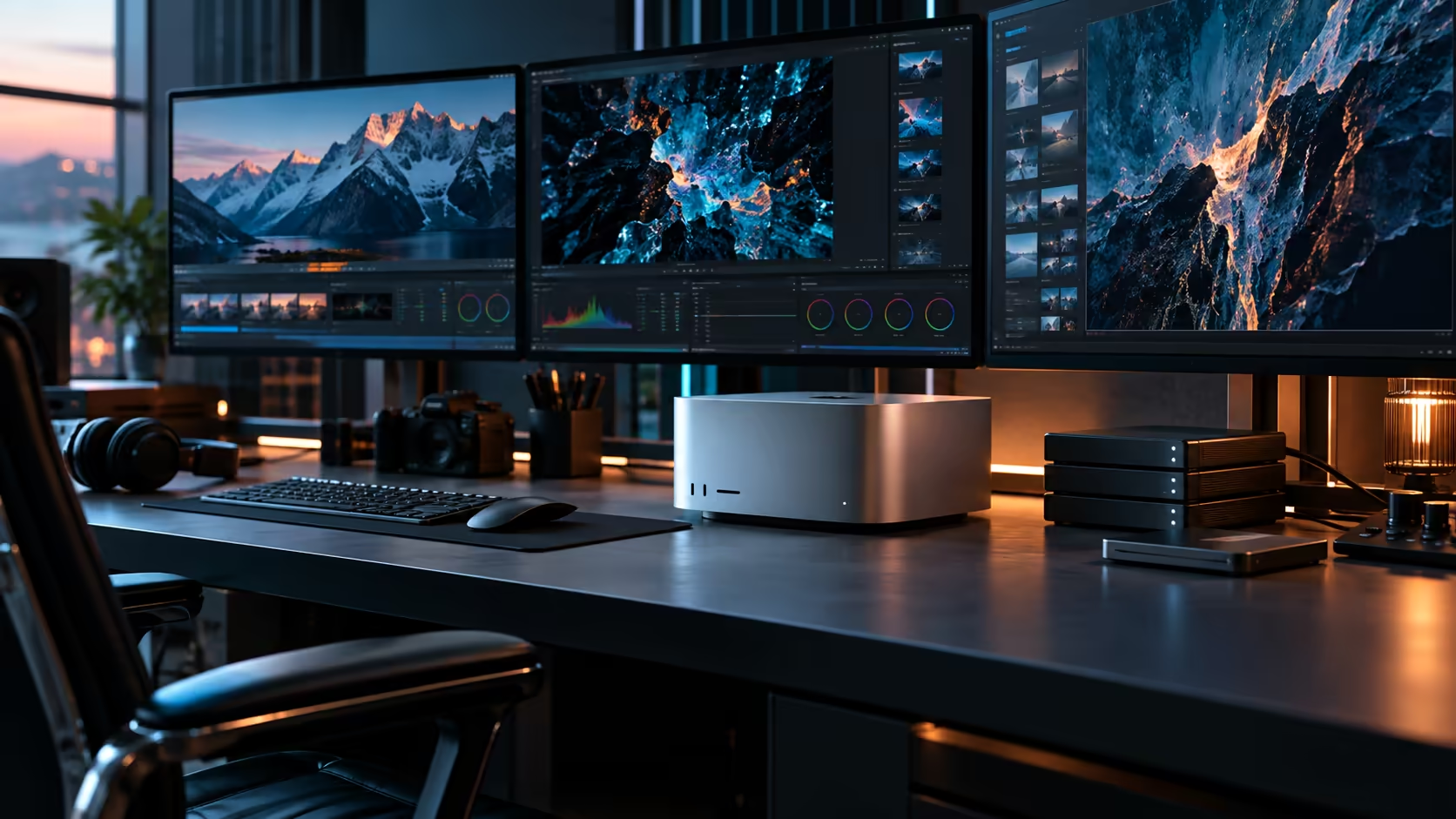
A render that runs for six straight hours tests a room's noise profile in a way a quick export never does, and that's the actual challenge behind a quiet Mac Studio M5 Ultra workstation: not whether it's silent for a minute, but whether the whole setup stays bearable across an entire working session.
Quick Answer
For long rendering sessions, the Mac Studio M5 Ultra itself is rarely the noise source; heat building up in an enclosed room and spinning archive drives nearby usually are. Give the machine real airflow, move active project data onto SSD storage, and plan for the room's temperature to climb over a multi-hour render rather than assuming it'll stay constant. The build is R108,999.
🌡️ Why a long render behaves differently from a quick export
A five-minute export barely warms a room. A six-hour render genuinely does, and that changes what "quiet" means over the course of the session.
Sustained heavy load over hours lets heat accumulate in a way a short task never allows, particularly in a smaller or enclosed room without strong air circulation. Position the Mac Studio with real clearance of at least 100mm on two sides from the start of a long render, not just when it starts sounding busier partway through, since by then the room has already begun warming.
💽 What's actually making noise during a multi-hour session
Track down the real source before assuming it's the machine doing the rendering.
A spinning archive drive or NAS running alongside the render, reading and writing scene files over 6 or more hours, is very often the audible culprit rather than the Mac Studio itself. Moving active render assets onto SSD storage removes this almost entirely, and it has the added benefit of feeding the render faster than a mechanical drive ever could.
🏢 Planning a room for genuinely long sessions, not just short ones
A room that feels fine for 1 hour of general work can behave very differently 6 hours into a sustained render.
Test your actual room under a real long render rather than assuming a short session tells you anything useful, since heat and any resulting noise both build cumulatively rather than appearing immediately. If the room noticeably warms partway through a multi-hour job, treat that as information for placement and airflow, not as a fault with the machine.
🪑 Furniture that holds up over a full working session
Noise from the desk and chair becomes more noticeable, not less, the longer a quiet render runs in the background.
A solid-framed gaming desk resists the resonance a hollow or flexible desk surface can develop over hours of a machine running nearby. A properly cushioned desk mat also absorbs incidental vibration from cables or peripherals shifting slightly during a long session, a small detail that becomes noticeable only once everything else has been quietened down.
🖥️ Scheduling long renders around a shared room
If the room hosting the Mac Studio isn't dedicated solely to rendering, timing matters as much as placement.
Running a multi-hour render overnight or during a break avoids the compounding effect of a warming room on a working day that also needs to stay comfortable for whoever's using the space. For a shared studio, scheduling the heaviest renders for a time when nobody needs the room to feel cool and quiet, typically after 6pm, removes most of the problem before it starts, cheaper than any airflow or furniture change could achieve.
🔁 Checking whether your fix actually worked
Don't assume a change helped without confirming it against the same conditions that first exposed the problem.
Re-run a genuinely long render after making a change, whether that's improving airflow, moving storage to SSD, or rescheduling, and check the room under the same multi-hour conditions rather than a short test. A fix that seems to work in the first 20 minutes can still fail 3 hours in if the underlying cause was heat accumulation rather than something instantaneous.
Frequently Asked Questions
Does a long render make the Mac Studio M5 Ultra noticeably louder than a short one?
The machine itself is designed to run quietly under sustained load, but the room around it can heat up over a multi-hour session, which is what usually drives any perceived increase in noise.
What's the most common source of noise during a long rendering session?
A spinning archive drive or NAS running alongside the render, not the Mac Studio itself. Moving active data to SSD storage typically resolves it.
Should I test a room's noise level with a short task before running a long render in it?
Not reliably. Heat and any resulting noise build cumulatively over hours, so a short test doesn't reveal how the room behaves during a genuinely long session.
Does desk and chair quality matter for a long, quiet render?
Yes, more than for short tasks. Minor creaks and resonance that go unnoticed briefly become noticeable over a multi-hour session once everything else in the room is quiet.
Ready to build a workspace that stays quiet through a genuinely long render?
Pair the Mac Studio M5 Ultra with a desk and airflow plan built for multi-hour sessions.