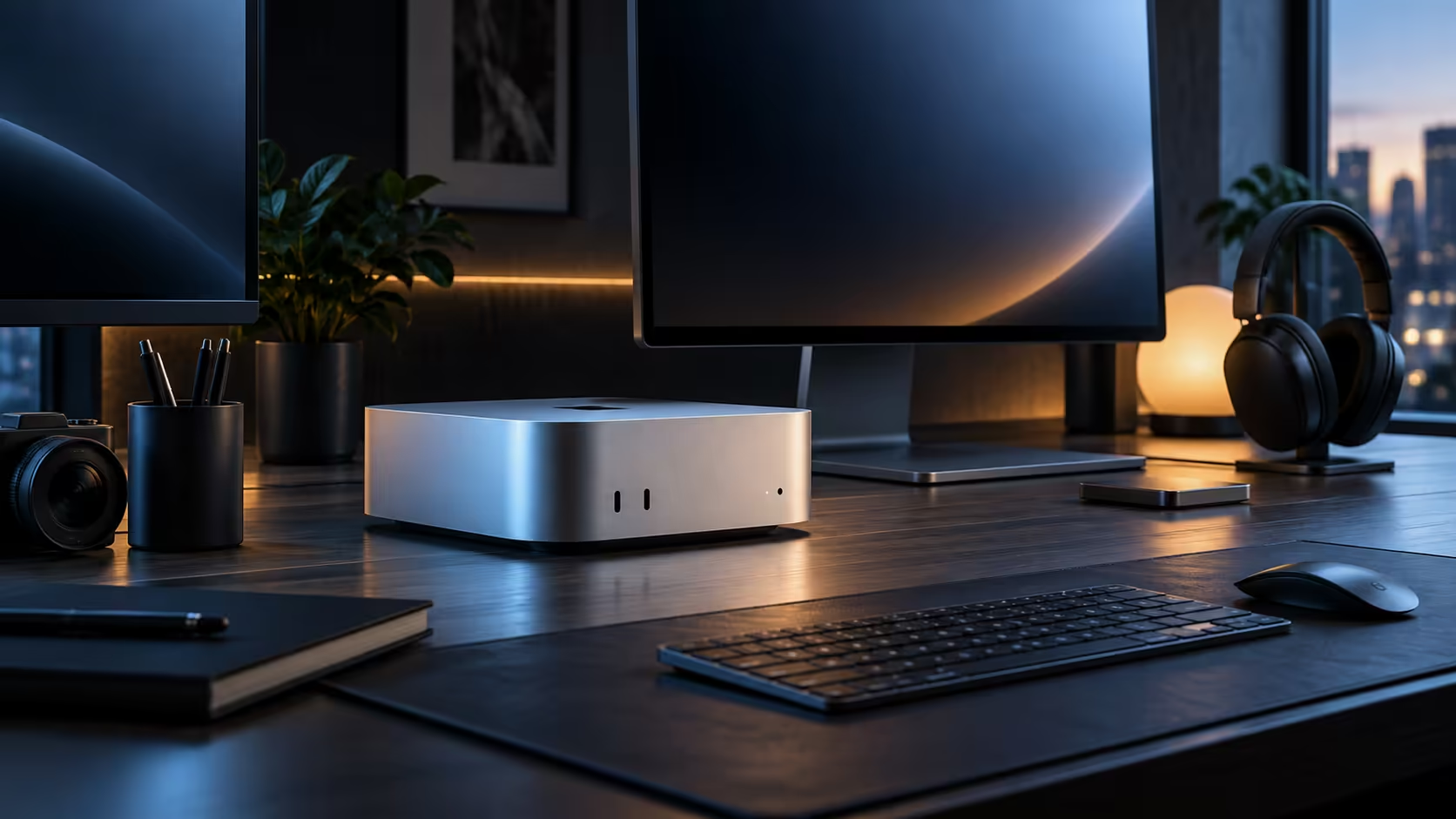
Mounting a Mac Mini M6 directly onto the back of a monitor stand, rather than setting it on the desk at all, is the single trick that turns a cramped student desk or a tiny apartment corner into a workable setup with almost no visible clutter.
Quick Answer
A VESA mount bracket attaches the Mac Mini to the back of a monitor stand pole or to a wall-mount arm, holding the machine off the desk surface entirely. This costs a small fraction of the R21,699 machine price and reclaims almost the full desk width for a keyboard, a notebook or simply elbow room.
🔩 How the VESA mounting trick actually works
Most third-party VESA brackets for a Mac Mini clip or screw onto the standard 75x75mm or 100x100mm mounting pattern on the back of a monitor arm or stand, with the machine held firmly against it by a bracket rather than sitting loose. Once mounted, every cable runs from the back of the monitor rather than across the desk, which is what actually makes the setup look clean rather than merely small.
🎓 Why this suits a student desk or small apartment specifically
A desk squeezed into a shared room or a studio apartment corner rarely has more than 900mm to spare, and a Mac Mini sitting flat on the surface, even though it is small, still claims real space a mounted one would not. Combined with a monitor on a simple stand rather than a full arm, this is often the cheapest way to fit a proper desktop setup into a genuinely tight footprint.
🌬️ Don't mount it somewhere it cannot breathe
Airflow on this case travels in through the bottom and out the rear, which is exactly the surface a VESA mount risks blocking if it presses the machine flush against anything solid. Read reviews of a specific bracket for airflow complaints before picking the cheapest one on offer.
🔌 Cable routing once the machine is off the desk
Route the power cable and the monitor's own video lead up behind the stand rather than letting them dangle visibly at the side, and use a couple of cable clips spaced roughly 100mm apart to keep everything following the same path as the stand's pole. This one detail is what separates a tidy mounted setup from one that just moved the mess higher up.
🎒 Reclaiming the desk for something other than a computer
Once the machine itself is off the surface, the freed-up width, often 100mm or more depending on the case, is genuinely usable for a notebook, a textbook, or simply enough elbow room to eat a meal at the same desk, which matters more in a shared room than it sounds on paper. A student sharing a room, or working from a single desk that also serves as a dining table some evenings, gets the most out of this trick specifically because it is the one change that returns real surface area rather than just tidying cables.
🪵 Pairing the mount with the right desk, not just any desk
A VESA-mounted machine still needs somewhere sturdy for the monitor arm itself to clamp onto, and a flimsy desk edge undermines the whole point of tidying the setup by wobbling every time a cable is plugged in. Looking at a compact, purpose-built gaming desk designed with a solid mounting edge and built-in cable routing solves this properly, rather than fighting an old desk never designed for a clamp-on arm in the first place.
Mac Mini lists the other tiers Apple sells, and mini PC is worth a browse too before picking the exact configuration to mount.
Frequently Asked Questions
Will a VESA mount fit any monitor stand?
Only stands or arms that already carry a 75x75mm or 100x100mm VESA pattern; check your monitor's own specification before buying a bracket.
Does mounting the Mac Mini behind a monitor cause it to overheat?
Not if the bracket leaves the underside of the case open for airflow; avoid brackets that enclose the machine or press it flush against a solid surface, and check for genuine airflow gaps before buying the cheapest option available on the shelf.
Is this cheaper than buying a smaller desk?
Usually, yes; a VESA bracket costs a fraction of even a modest desk upgrade and solves the same space problem more directly.
Can I remove the Mac Mini from the mount easily if I need to move it?
Yes, most brackets use a simple clip or a couple of screws, so unmounting it for a move or a repair takes only a minute or two.
Does a mounted Mac Mini still get easy access to its ports?
Mostly yes; check a specific bracket's design before buying, since a small number of cheaper models partially cover the rear port cluster and make frequent cable changes more fiddly than necessary.
Ready to reclaim your desk surface entirely?
Check your monitor stand's VESA pattern before choosing a mounting bracket.