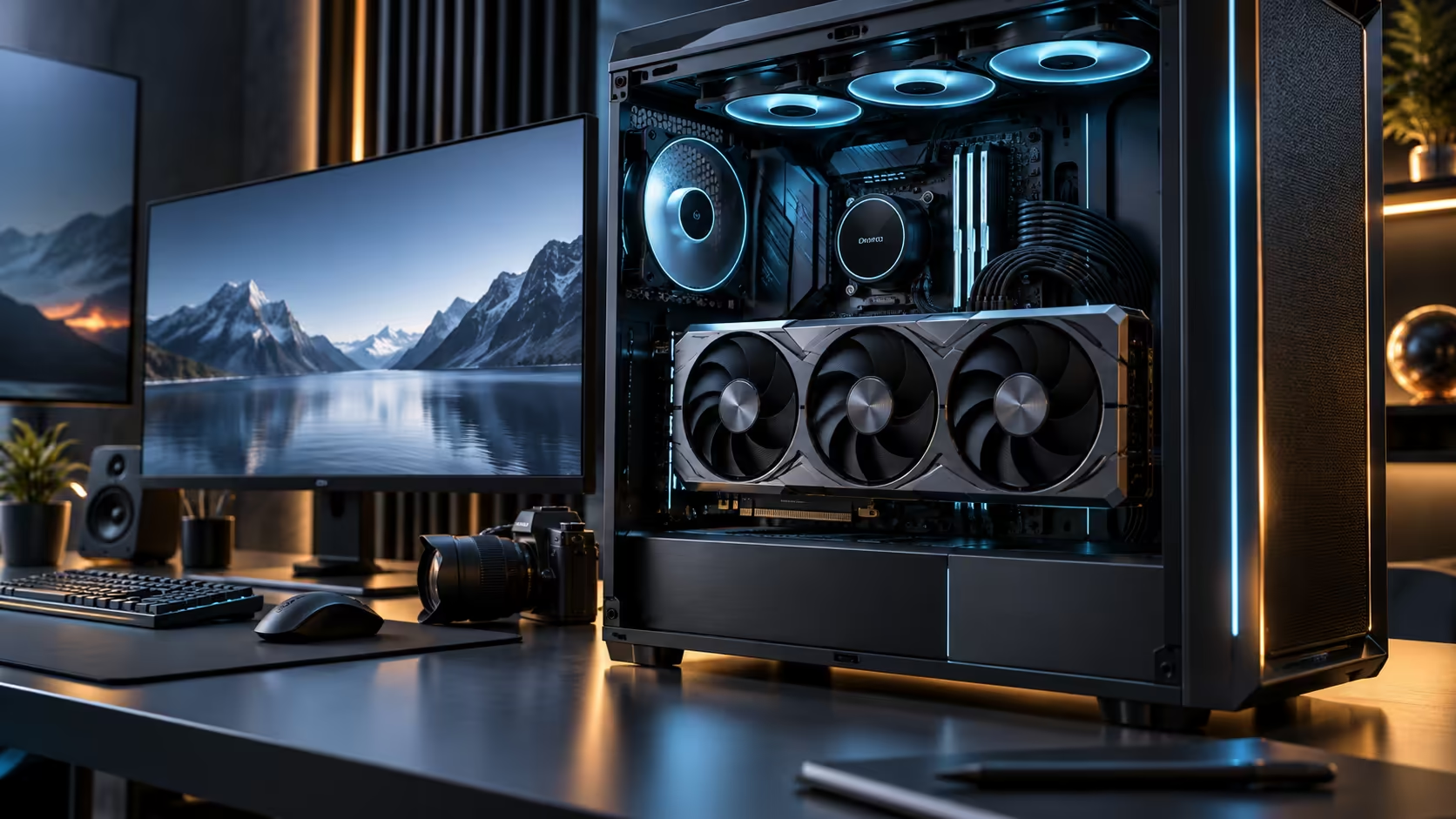
Three measurements decide whether a case swallows a flagship card cleanly or fights it every step of the install, and the one that trips up the most builds is not the one printed largest on a spec sheet. Checking case space for a 4.7-slot GPU properly means measuring from the actual reference points, not eyeballing a product photo.
Quick Answer
Measure length from the rear I/O bracket to the front of the case interior, height from the top expansion slot downward toward the side panel, and depth to the glass with any drive cage or radiator already installed. A 4.7-slot card such as the R119,999 Astral Edition 20 fails on height far more often than on length, and height is the figure case makers publish least clearly of the three.
📏 Length: the measurement everyone already checks
Length is straightforward because it is the number most case listings advertise prominently, usually as "supports graphics cards up to Xmm." The Astral Edition 20 itself measures 361mm, which already rules out several compact and mid-tower cases before height or depth even come into the calculation. Measure from the rear bracket, where the card mounts to the case, forward to whatever obstruction sits in the case's front section, commonly a drive cage, a front radiator mount, or intake fans.
Where this goes wrong is when a front radiator is added after the case's stated clearance was measured without one. A case rated for a 400mm card with an empty front becomes a much tighter fit once a 360mm radiator and its fans occupy that same space.
📐 Height: the measurement everyone forgets
Height is the vertical distance the card extends above the slot line, and it decides whether the side panel actually closes, particularly on cases with tempered glass sitting close to the motherboard tray. This figure is published far less consistently across case listings than length, and it is the dimension most likely to surprise a builder who checked length carefully and assumed the rest would follow.
Measure your case's available height directly, from the slot line to the inside of the glass, rather than trusting a general "large GPU support" claim. A card that clears length comfortably can still fail here.
🧱 Depth: the one that depends on everything else in the case
Depth is the distance from the card's outer edge to the glass, and unlike length and height it changes based on what else is installed. A case with generous stated clearance for a bare card can still pinch a build once cable management behind the tray, a thick radiator, or a wide CPU cooler share the same depth.
Dry-fit the card before final assembly wherever possible, meaning slot it in without connecting anything, and check the panel closes with everything else in place. A radiator alone can add 30mm or more of depth once its own fans are mounted, which is exactly the margin a snug case does not have to spare. This catches a depth conflict before you have run every cable and mounted the cooler, when undoing the work to fix it costs an afternoon rather than 5 minutes.
🏠 Choosing a case built for this tier from the start
Full towers and cases explicitly rated for flagship, oversized cards are the more reliable starting point than a mid-tower marketed as "supports most GPUs," since that phrasing rarely accounts for a card at the extreme end of current sizes. Keep the original packaging until the fit is confirmed, since a case that turns out too tight is far easier to exchange under warranty in its original box than after it has been built into. Compare stated clearance figures in the mid-tower range against the more generous full-tower range if you are choosing between the two, since the gap between them is usually exactly the margin a 4.7-slot card needs. Check the exact dimensions of your chosen model in the graphics card lineup before taking any of the three measurements above, since a millimetre error copied from a generic figure defeats the purpose of measuring at all.
Frequently Asked Questions
Which measurement causes the most fitment problems?
Height, not length. Case listings advertise length prominently but publish height less consistently, and height is what actually decides whether the side panel closes.
Does adding a radiator change how much clearance I actually have?
Yes, significantly. A case's stated clearance for a bare card assumes nothing else occupies that same space, and a front-mounted radiator and its fans eat directly into it.
Should I dry-fit the card before final assembly?
Yes, wherever practical. It catches a depth conflict caused by cable management or a cooler before the build is fully assembled, when fixing it is far quicker.
Can I trust a case's "GPU compatible" label without measuring?
Not on its own. That label rarely specifies which exact card sizes it was tested against, so use it only as a starting point, never as a substitute for checking your specific card's dimensions against the case's own published clearance figures.
Is a mid-tower ever suitable for a 4.7-slot card?
Some are, but check the specific model's published clearance figures directly rather than assuming "mid-tower" guarantees enough room, since the category covers a wide range of internal dimensions.
Ready to measure your case properly before this card arrives?
Check height and depth as carefully as length, with any radiator already accounted for.