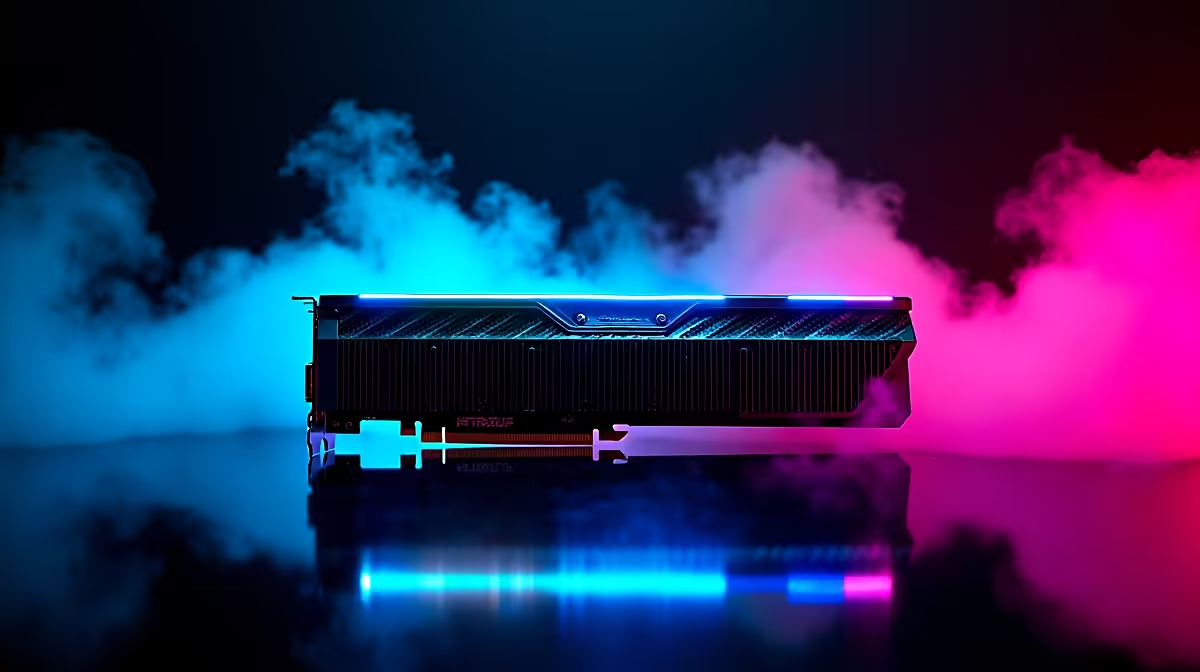
The RTX 5090 is the fastest consumer GPU available, so frame-time spikes on a new build are always a platform issue. A weak CPU, disabled ReBAR, an undersized PSU, or a leftover driver profile are the things to rule out first.
Quick Answer
Stutter on an RTX 5090 build is never the card itself: clean-install the driver, enable Resizable BAR, pair it with a top-tier CPU, and frame-cap to your panel. The RTX 5090 pushes 90-120 fps at 4K Ultra in current AAA titles, so any hitching points to a CPU bottleneck, drivers, or power delivery.
Driver, ReBAR And A Top CPU
Clean-install the NVIDIA driver and enable Resizable BAR plus Above 4G Decoding. The 5090 is so fast it will sit CPU-limited at anything below 4K, so pair it with a Ryzen 7 9800X3D or Ryzen 9 9950X3D and DDR5-6000 to keep 1% lows high. The RTX 5090 sits at the top of Evetech's GPU range.
Power Delivery And The 12V-2x6 Cable
The 5090 needs a quality 1000W 80+ Gold or Platinum PSU and the 12V-2x6 connector fully seated; a partially inserted cable causes intermittent drops and is a safety risk. Use the supplied native cable or a rated ATX 3.1 PSU. Set the NVIDIA power mode to Prefer Maximum Performance.
4K Frame Pacing And Cooling
At 4K, cap frames just under your panel's refresh and enable G-Sync. The 5090 is a large, hot card, so ensure generous case airflow and keep it under about 80C. Watch clocks in Afterburner; thermal sawing rather than driver issues is the usual cause of late-session stutter.
FAQ
What PSU does the RTX 5090 need?
A quality 1000W 80+ Gold or Platinum ATX 3.1 supply with the native 12V-2x6 connector. Make sure the cable is fully seated, since a partially inserted connector causes both stutter and a real overheating risk.
Will the RTX 5090 bottleneck on a mid-range CPU?
Yes, badly, at anything below 4K. Pair the 5090 with a Ryzen 7 9800X3D or Ryzen 9 9950X3D and DDR5-6000 to keep the card fed and avoid CPU-bound stutter in competitive and open-world titles.
What FPS does the RTX 5090 deliver at 4K?
Expect 90-120 fps at 4K Ultra in current AAA titles, with DLSS pushing well beyond that. It is the right choice for a 4K 144Hz or 240Hz panel where no other card keeps up.
" Confirm the 12V-2x6 cable is fully seated, pair the 5090 with an X3D CPU, and cap frames at 4K; the card never stutters on its own, the platform around it does.