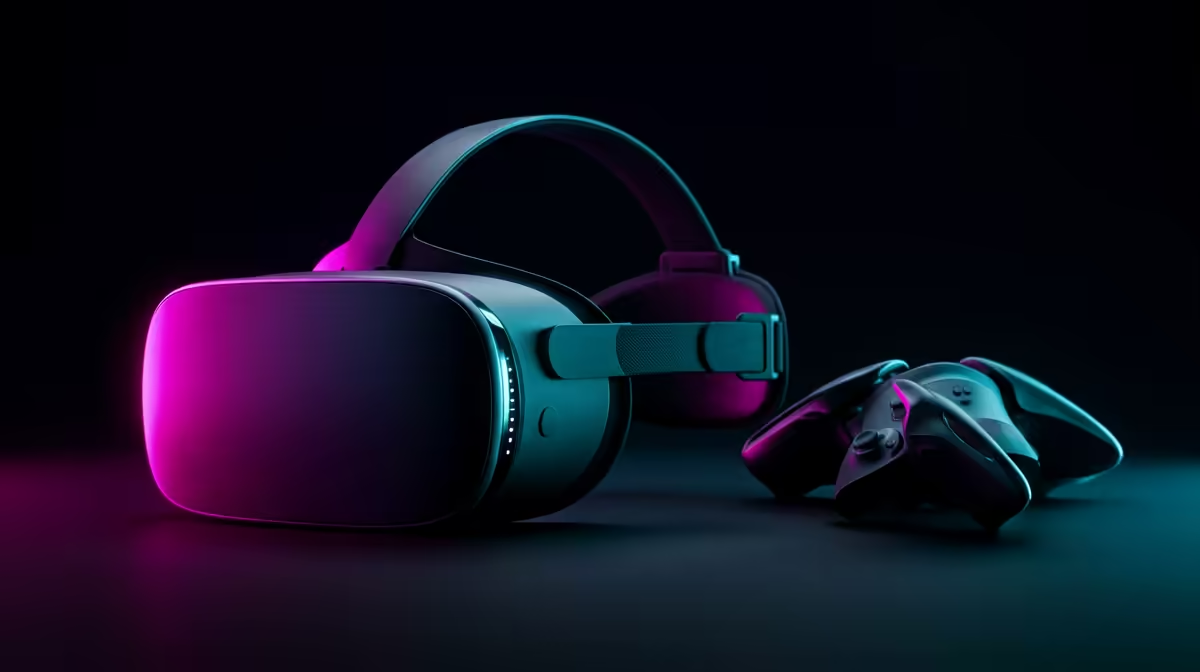
Unboxing a new VR headset and immediately hitting a wall of updates and account screens is the fastest way to kill the excitement. Setting up a new Meta Quest for the first time goes far smoother when you prep one thing before you even open the box: the phone app. Do that, and the headset pairs, updates and draws your play boundary in a few guided steps instead of a frustrating hour.
Quick Answer
Install the Meta Horizon app on your phone first, then power on the headset, pair the two over Wi-Fi, sign in, and let firmware update. After that you set your eye spacing (IPD) and draw a Guardian play boundary. Only then do apps and games become available, so budget time for the update before your first session.
Before You Open the Box
The one move that saves the most time is downloading the Meta Horizon app on your phone while the headset is still sealed. It is the companion app that pairs with the Quest, handles your account, and pushes settings across.
Put the headset on charge at the same time. A first-time firmware update can be sizeable, and a headset that dies mid-update just adds delay. While it charges, sign in or create your account in the phone app so that step is already done. If you are still choosing a headset or want a spare strap or case, the Evetech AR and VR range lists current options.
Step by Step: First-Time Setup
1. Power On and Connect Wi-Fi
Hold the power button until the headset boots. Put it on and you will be prompted to select your language, region and Wi-Fi network. A stable connection matters here because everything that follows, pairing and updating, runs over it. Choose your home network and enter the password using the controller.
2. Pair to the Phone App
Open the Meta Horizon app, choose to pair a new device, and select your headset model. The app shows a five-digit code, which you confirm in the headset. Once paired, your account and settings flow across automatically.
3. Let Firmware Update
The headset checks for a software update and, on a brand-new unit, almost always finds one. This is the longest step. Leave it plugged in and let it finish rather than interrupting it. A first update can take a while depending on your connection, so this is the moment to make tea, not to rush.
4. Set Your IPD
IPD is the distance between your pupils, and matching it to the headset is what makes the image sharp and comfortable. Depending on the model you either slide the lenses physically until the picture snaps into focus, or set it in software. Take a minute here. A wrong IPD causes eye strain and a blurry edge that no amount of fiddling later will fix.
5. Draw Your Guardian Boundary
Guardian is the safety boundary that keeps you from walking into furniture or walls. Following the prompts, you trace the floor and outline a clear play area with the controller. Clear the space of obstacles first. A roomscale boundary needs about 2m by 2m of clear floor, while a stationary boundary suits a smaller seated or standing space. The headset shows the boundary in your view and warns you as you approach its edge.
After Setup: First Things to Do
Once you are in, run the controller tutorial if you are new to VR, because it teaches grab, point and teleport quickly. Adjust the strap so the headset's weight sits balanced and the lenses are square to your eyes, which removes most early discomfort. Then install your first app or game and start with something gentle while you find your VR legs.
Comfort and Safety Notes
Play in a cleared space and keep the Guardian boundary honest, not optimistic. Take breaks early on while your body adjusts, as motion comfort improves with short, regular sessions. Keep the lenses clean with a dry microfibre cloth and never point the headset at direct sunlight, which can permanently damage the lenses and display.
Frequently Asked Questions
Do I need a phone to set up a Meta Quest?
Yes, the Meta Horizon phone app handles pairing, your account and settings, so install it before you start. Downloading it before you open the box is the single best way to speed up first-time setup.
How long does the first-time setup take?
Most of the time goes into the firmware update, which can run for a while on a new unit. The pairing, IPD and Guardian steps themselves take only a few minutes each, so plan for the update to dominate.
What is IPD and why does it matter?
IPD is the distance between your pupils, and matching the headset to it makes the image sharp and comfortable. A wrong IPD causes blur and eye strain, so set it carefully during first use.
How much space do I need for the Guardian boundary?
A roomscale play area needs about 2m by 2m of clear floor, while a seated or standing setup needs much less. Clear furniture and obstacles before drawing the boundary so the safety warning has room to do its job.
Why won't my games install before setup is complete?
Apps only unlock once pairing, the firmware update, IPD and Guardian are done, because the headset needs a working account, current software and a safe boundary first. Finish the guided setup and the store becomes available.
Setting up your first headset or kitting out an existing one? Browse straps, cases and the latest VR gear in the Evetech accessories best sellers, and the team can help you pick the right add-ons for comfortable long sessions.