The Silent Frame Killer ☀️
Summer in South Africa is brutal. When the ambient temperature climbs past 30 degrees, your PC feels the burn. You are in the final circle of a sweaty Warzone match. Suddenly... your frames drop instantly. Your system is choking.
Learning how to solve thermal throttling on power-dense gaming motherboards is vital. Modern boards pack massive power delivery systems to feed hungry processors. They push incredible performance but generate serious heat. If you do not manage that heat, your hardware slows down to protect itself.
Understanding the VRM Oven 🔧
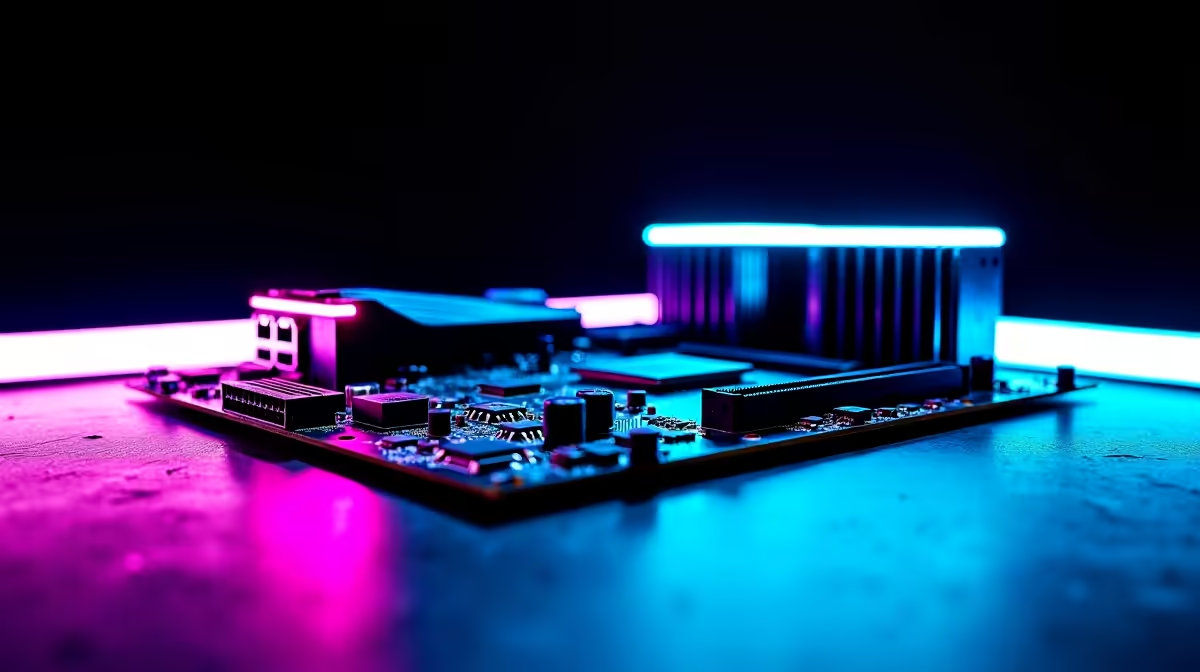
The secret lies in the Voltage Regulator Modules. We call them VRMs. These tiny components surround your CPU socket. They do the heavy lifting. They convert power from your wall supply into clean voltage for your processor.
When you browse the latest top-tier gaming motherboards, you will notice chunky metal blocks around the socket. These are VRM heatsinks. They absorb heat away from the sensitive electronics. However, if they get too hot, they throttle the power output. Your CPU starves. Your clock speeds drop. Your game stutters at the worst possible moment.
You do not need to spend thousands of ZAR on custom water loops to fix this. You just need a practical strategy to optimise your cooling.
Airflow is Your Best Friend 🌬️
A closed case with poor fans is a death sentence for hardware. If you are running high-core processors on premium ASUS Intel motherboards, you need direct airflow.
Many builders focus entirely on CPU and GPU temperatures. They forget the motherboard. You need case fans pushing cool air directly over those VRM heatsinks.
Airflow Pro Tip ❄️
Ensure your front intake fans push fresh air directly over your motherboard. If you use an AIO liquid cooler, mount the radiator at the top as an exhaust. This stops you from dumping hot CPU air back onto your sensitive power components.
Hardware Solutions and Upgrades ⚡
Sometimes standard airflow is not enough for extreme overclocks. Team Red builders pushing heavy-duty ASUS AMD motherboards to the limit must plan carefully.
Start by checking your chassis. Ensure your case has a mesh front panel. Solid glass looks fantastic but completely chokes your intake fans.
Furthermore, remember that fast components generate radiant heat. Tuning your high-performance memory kits adds to the internal chassis temperature. Keep your cables tied back tightly. Messy cables block vital air channels and trap heat where you least want it.
The Stress-Free Alternative 🚀
Fixing thermal issues requires patience. You have to tweak fan curves in your BIOS. You might need to remount coolers.
Not keen on stripping down your rig? If managing thermal paste and airflow sounds like a nightmare, let the experts handle it. You can always explore our expertly assembled pre-built gaming PC deals. We do all the rigorous thermal testing for you. We ensure your rig runs cool right out of the box.
Ready to Defeat the Heat?
Thermal throttling should never ruin your gaming sessions. For maximum power, choice, and cooling value in South Africa, Evetech is hard to beat. Explore our massive range of PC components and find the perfect hardware to conquer your world.