Living in a cramped flat in Cape Town? Sharing a tiny res room in Pretoria? You do not have to sacrifice gaming performance for floor space. A Micro-ATX build is the perfect middle ground. It offers serious power without dominating your desk. Let us look at how to choose the right case and cooling for a Micro-ATX build to keep your rig icy and quiet.
Why Size Matters for Your Compact Rig 🔧
Summer in South Africa is brutal on electronics. When you shrink your PC footprint, airflow becomes a massive priority. Micro-ATX motherboards fit into smaller chassis easily. However, cramming high-end components into tight spaces traps heat quickly.
Good airflow prevents your graphics card from overheating during intense gaming sessions. Nobody wants their frame rates to drop in the middle of a crucial match. If you are hunting for the best gaming PC deals, pay close attention. You will notice many top-tier systems use mATX cases with optimised airflow pathways. You need a case with a mesh front panel. Solid glass looks amazing... but it starves your intake fans of fresh air.
Mastering Airflow and Thermal Solutions ❄️
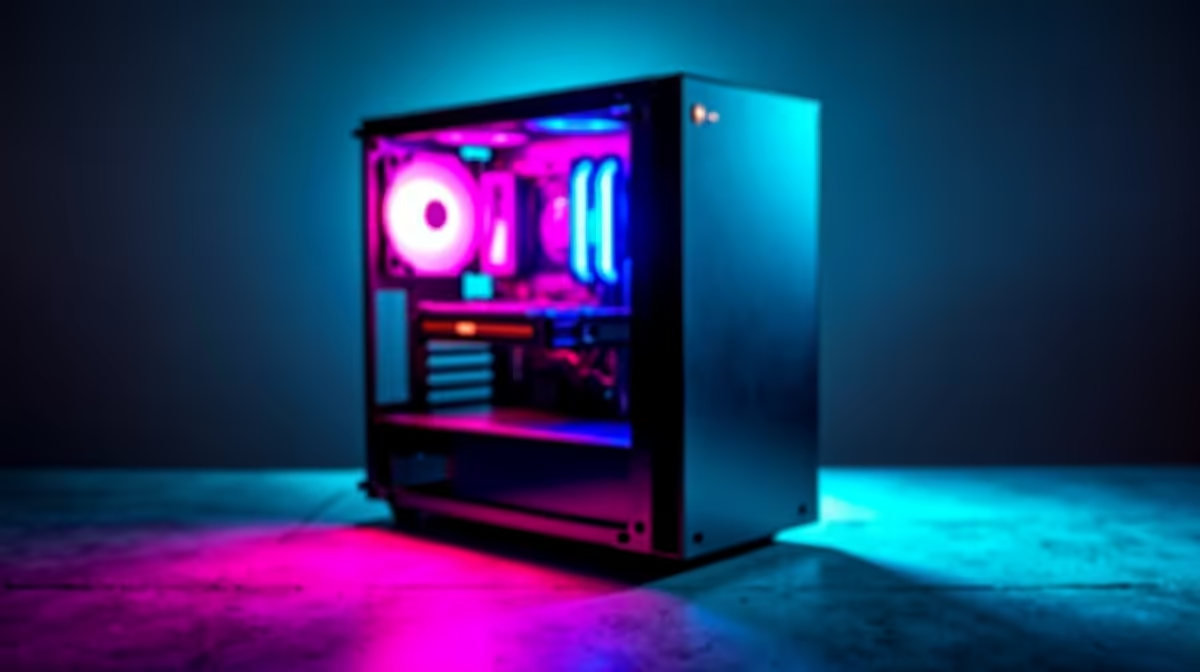
Choosing the right case and cooling for a Micro-ATX build means balancing intake and exhaust. You want positive air pressure inside the chassis. This means having more air coming in than going out. Positive pressure keeps pesky dust away from your precious components.
For CPU cooling, a 240mm liquid cooler is usually the sweet spot. It fits neatly into the roof of most modern mATX cases. If you prefer standard air cooling, double-check your case clearance first. Massive tower coolers often bump against the side panel in compact builds. You should also invest in high-quality 120mm or 140mm case fans. They push more air at lower speeds... keeping your system incredibly quiet.
Cooling Pro Tip ⚡
Always check your GPU length and thickness before buying a Micro-ATX case. A massive three-slot graphics card might block your bottom intake fans. This will completely choke your airflow. Give your high-end components enough room to breathe.
Maximising Value Without Compromising Space
Building a smaller rig does not mean spending thousands of extra ZAR. You can often find fantastic components on sale to fit your budget. Keep a close eye on the latest Evetech specials. You can grab high-airflow fans or compact power supplies at a fraction of the cost.
A modular power supply is almost mandatory for a Micro-ATX build. Stashing excess cables in a tiny basement is a complete nightmare. Cluttered cables restrict your airflow even further.
Sometimes, building a custom rig takes up too much time. If you need ultimate portability for LAN parties or loadshedding, consider pivoting. Browsing laptops for sale in South Africa is a smart alternative. It is perfect if your desk space is truly non-existent.
Finalising Your Compact Powerhouse 🚀
To wrap up your build, prioritise mesh panels and measure your clearances twice. Proper cable management is also vital for good thermals. It is all about working smart with the space you have. Take your time during assembly to route cables neatly.
Choosing the right case and cooling for a Micro-ATX build ensures your system runs at peak performance. You will avoid annoying thermal throttling entirely. A well-planned compact rig will serve you just as well as a massive full-tower setup.
Ready to Build Your Dream Compact PC?
Finding the perfect balance of size and performance is easy when you have the right parts. Explore our massive range of PC components and start your ultimate Micro-ATX build today.