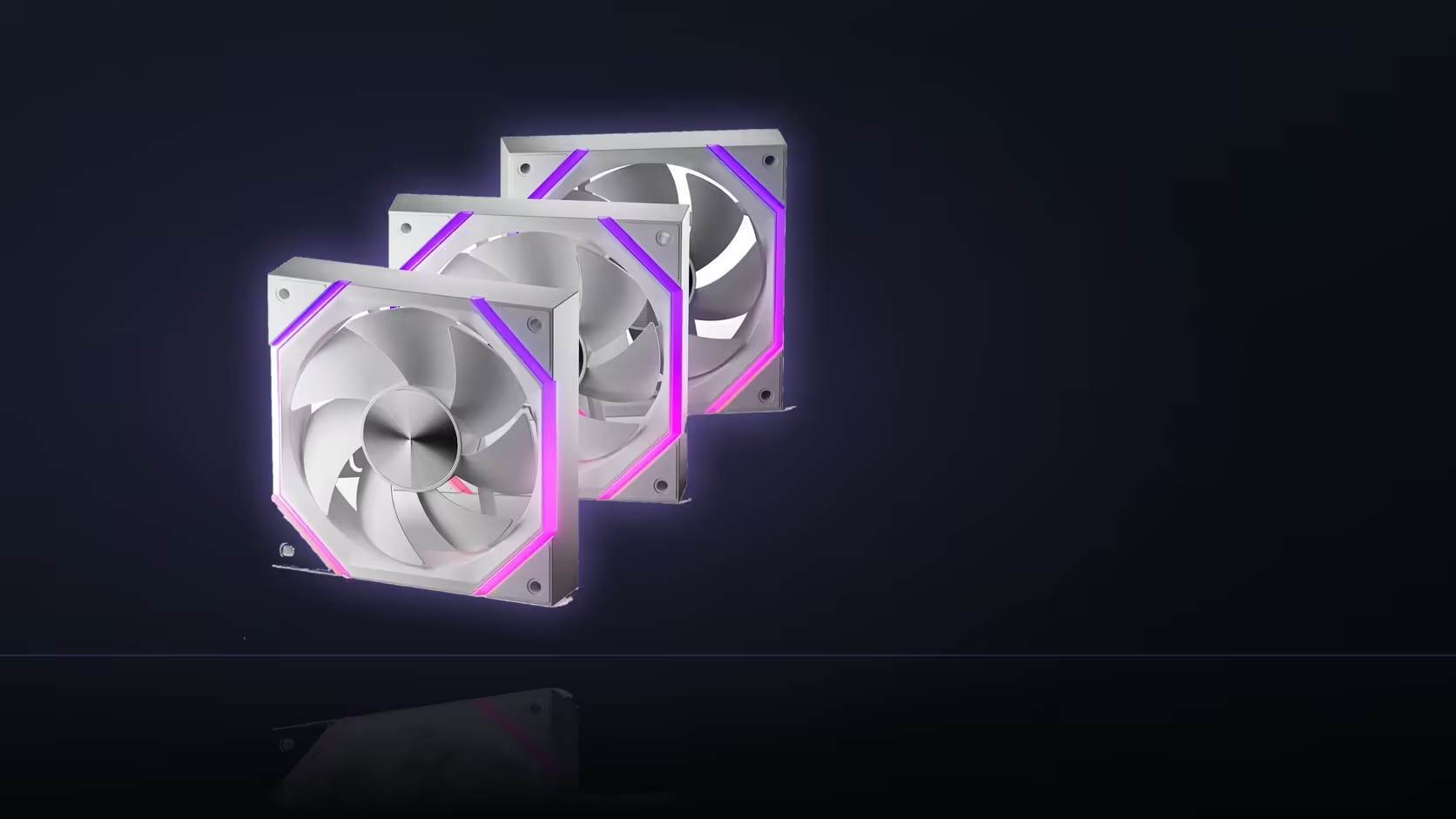
A fan-tuning session that changes five BIOS settings at once and then can't explain which one actually helped is a familiar frustration. Before touching a Nyota A12 trio's curve, write down what it's already doing - that single step saves the whole session from turning into guesswork.
Quick Answer
Record the Nyota A12's reported idle speed, alongside the current temperature and curve settings, before making any BIOS changes. That baseline is what every later adjustment gets measured against. Change one setting at a time rather than several together, or there's no reliable way to tell which change produced which result. Each three-pack costs R499 and runs an 800 to 2000 RPM PWM range.
📝 What to write down first
Before opening the BIOS fan section at all, note the reported RPM at idle, the temperature reading it corresponds to, and whatever curve points or header mode are currently active. That's the baseline every change gets compared against - without it, "did that help?" has no real answer beyond a vague impression.
This takes two minutes and saves considerably more than that if a tuning session goes sideways and needs reversing.
Where to find the live numbers
Most motherboards report actual RPM per header directly in the BIOS fan control screen, and the same figures are usually available through board monitoring software once Windows has loaded. Either source works for a baseline reading, as long as it's noted before any setting is touched.
🔬 One change at a time, every time
It's tempting to adjust the curve shape, the temperature source, and the header mode all in one sitting - but doing that leaves no way to attribute the result to any single change. If the fans end up quieter afterwards, was it the shallower curve, the different sensor, or something else entirely? A methodical approach changes one variable, tests it, records the result, and only then moves to the next.
How long to test each change
Give temperatures time to actually settle before judging a change - a fan responds to a moving reading, not an instantaneous one, so a five-second glance rarely tells the full story. A few minutes of representative use is a more honest test than watching the number for a moment after a setting is applied.
🎯 Where the 800 RPM floor shows up
Watching the baseline and subsequent readings also surfaces the A12's documented floor directly: a curve asking for less than 800 RPM will simply report 800 RPM regardless, which is the clearest sign a setting has hit the fan's own limit rather than something being misconfigured.
Testing load as well as idle
Once idle behaviour is understood and recorded, repeat the process under actual load - gaming, rendering, whatever represents real use for the build - since the two ends of a curve behave largely independently and both deserve their own baseline.
A quick safety net
A photograph of the original BIOS fan screen, taken before any change, is the fastest way to restore known-good behaviour if a session doesn't go the way you'd hoped.
📊 Keeping the log usable for more than one session
A single baseline reading is useful on the day it's taken, but a short running log - date, idle RPM, load RPM, and whatever curve was active - turns individual snapshots into something that shows drift over time. Dust build-up in a filter or a case that's had extra components added since the original tuning session can both shift what "normal" looks like, and a log going back a few months is the only way to tell a genuine change from a one-off fluctuation in the room's ambient temperature that day.
When the numbers don't match the log
If a later reading comes back noticeably different from the recorded baseline with no BIOS changes made in between, that's worth investigating before assuming the fan itself has degraded. A clogged filter restricting airflow, a warmer room during testing, or even a curve setting reverted by a BIOS update are all more common explanations than the fan's own bearing wearing out inside its rated life. The log's value is exactly this: it gives a specific number to compare against, rather than a vague sense that "it seems louder than it used to."
Frequently Asked Questions
What exactly should be recorded before tuning starts?
The reported idle RPM, the corresponding temperature, and the current curve points or header mode settings.
Where do I find the live fan speed reading?
In the BIOS fan control screen, or through the motherboard's own monitoring software once Windows is running.
Why does changing one setting at a time matter?
Because several simultaneous changes leave no way to tell which one produced the result, turning the next adjustment into guesswork.
How long should each test run before judging it?
Long enough for temperatures to settle under representative use - a brief glance right after applying a change rarely tells the full story.
Does the 800 RPM floor show up during testing?
Yes - a curve requesting less than 800 RPM will report that floor regardless, which confirms you've hit the fan's own limit.
Should load behaviour be tested separately from idle?
Yes, since a curve's idle and load ends behave largely independently and each deserves its own baseline reading.
Is photographing the original settings worth the extra step?
It is - a quick photo of the starting BIOS screen makes reverting a session gone wrong far faster than reconstructing it from memory.
Once the baseline is recorded, Evetech's case fans and case accessories ranges have the rest of the parts list covered.
Planning a proper fan-tuning session?
Check Evetech's case fan range to make sure your baseline setup is worth building a curve around.