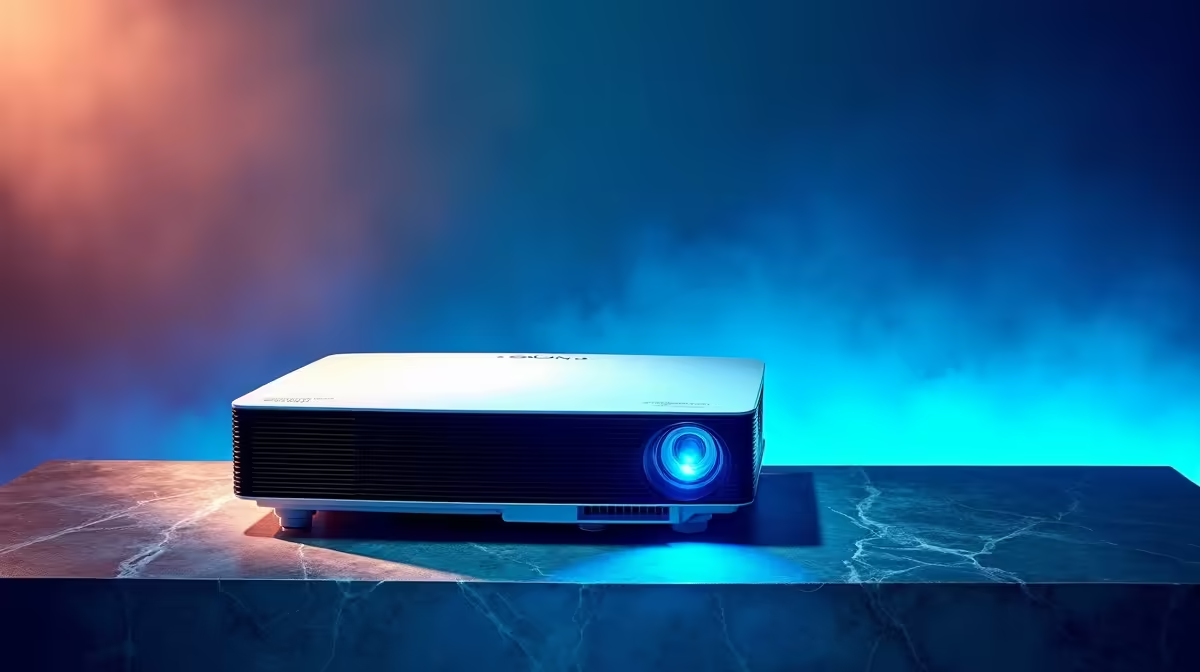
So, you’ve unboxed your new baby, ready for a massive gaming session on a 100-inch screen, only to find the picture looks… flat? Washed out colours and murky blacks can ruin the big-screen experience. Don't stress. Mastering your projector picture settings is the secret to unlocking that crisp, vibrant, and perfectly calibrated display you paid for. It’s easier than you think, and we’re here to show you how. 🔧
The "Big Three" Projector Picture Settings to Tweak
Before diving into complex menus, getting these three core settings right will solve 90% of your picture quality issues. Most modern projectors, especially a great projector from our extensive range, have presets like "Cinema" or "Game" that offer a solid starting point. From there, you can fine-tune for that perfect display.
### Brightness vs. Contrast: Finding the Balance
This is where most people go wrong. They crank both to max, hoping for a punchier image, but end up with a mess.
- Brightness: This actually controls your black levels. If it's too high, black areas will look grey and washed out. If it's too low, you'll lose detail in shadows.
- Contrast: This controls your white levels. Too high, and you'll lose detail in bright scenes (like clouds or snow). Too low, and the image will look dull.
Adjust brightness first to get deep blacks without losing shadow detail, then adjust contrast for brilliant whites.
### Colour Temperature & Saturation
Ever notice how a movie can look "warm" (reddish) or "cool" (bluish)? That's colour temperature.
- Temperature: Most projectors offer "Warm," "Normal," and "Cool" presets. For movies and series, "Warm" is often the most cinematic. For gaming, "Normal" or "Cool" can make details pop.
- Saturation: This is the intensity of the colours. Pushing this too high will make things look unnatural (think sunburned faces). Nudge it up slowly until colours look rich but realistic.
Advanced Tweaks for a Truly Perfect Display
Ready to go from "good" to "wow"? These next settings are key to achieving an always perfect display, giving you an edge in competitive games or a more immersive movie night. ✨
### Sharpness: Less is More
It sounds counter-intuitive, but turning the sharpness setting too high is a classic mistake. It creates artificial edges around objects, known as "ringing," which makes the picture look processed and grainy. Most high-quality projectors, including excellent options under R20,000, look best with the sharpness set very low, or even at zero. Let the quality of the lens and the source material do the work.
Quick Calibration Trick 🎬
Search on YouTube for "THX Optimizer" or "HDTV calibration video." These free videos provide test patterns that make it incredibly easy to adjust brightness, contrast, and colour accurately without any expensive equipment.
### Keystone Correction & Physical Placement
Keystone correction squares up the image if the projector isn't perfectly centred with the screen. While useful, digital keystone correction slightly degrades image quality by compressing the picture. The best way to get a perfectly rectangular image is through physical placement. Take the extra five minutes to position your projector correctly—it’s worth it for the pristine image quality, especially with detailed 4K models from top brands like Viewsonic.
By taking 15 minutes to master these projector picture settings, you ensure every game, movie, or presentation is shown exactly as it was meant to be seen. Happy viewing!