Hot-swap sockets are one of the best things to happen to keyboards: change the feel of a board in an evening, with no soldering iron in sight. The catch is that "hot-swappable" does not mean "takes any switch". AULA's range has two quite different kinds of socket, and fitting the wrong switch achieves nothing at best. This guide sorts out hot-swap switch compatibility across the AULA boards and walks through a safe swap.
Quick Answer
The AULA WIN68, HERO and AG75 boards take magnetic switches, while the three mechanical boards (F99 Max, F87 Pro V2 and L99) take mechanical ones. None of them needs soldering. The F99 Max accepts both 3-pin and 5-pin mechanical switches, and on the HERO 84 HE you should stay within one magnetic switch family, as AULA's partner store notes not every magnetic switch fits. In Evetech's range the magnetic boards cost R449 to R2,799 and the mechanical ones R799 to R1,099.
🧲 Magnetic sockets: WIN68, HERO and AG75
A magnetic board works by reading the position of a magnet inside each switch with a sensor on the circuit board. That is how it offers adjustable actuation and Rapid Trigger. A mechanical switch has no magnet for that sensor to read, so it cannot do the same job in a magnetic socket. Swap magnetic for magnetic.
Here is what each board brings:
- WIN68 HE: Gray Wood magnetic switches, swappable without soldering. Two spare magnetic switches come packed with it, along with a tool for lifting caps, which is handy if a switch ever needs replacing.
- WIN68 MAX: Wing Chun magnetic switches; keycaps and switches are both plug and play.
- HERO 75 HE: Stormrise switches on the black board and Spiritcloud on the orange and green. Keycaps and magnetic switches swap out, and AULA says mixed switch setups are supported.
- HERO 84 HE: pre-lubed Black King switches. Mixed switches are supported, but AULA's partner store advises keeping to the same magnetic switch family, because not every magnetic switch fits.
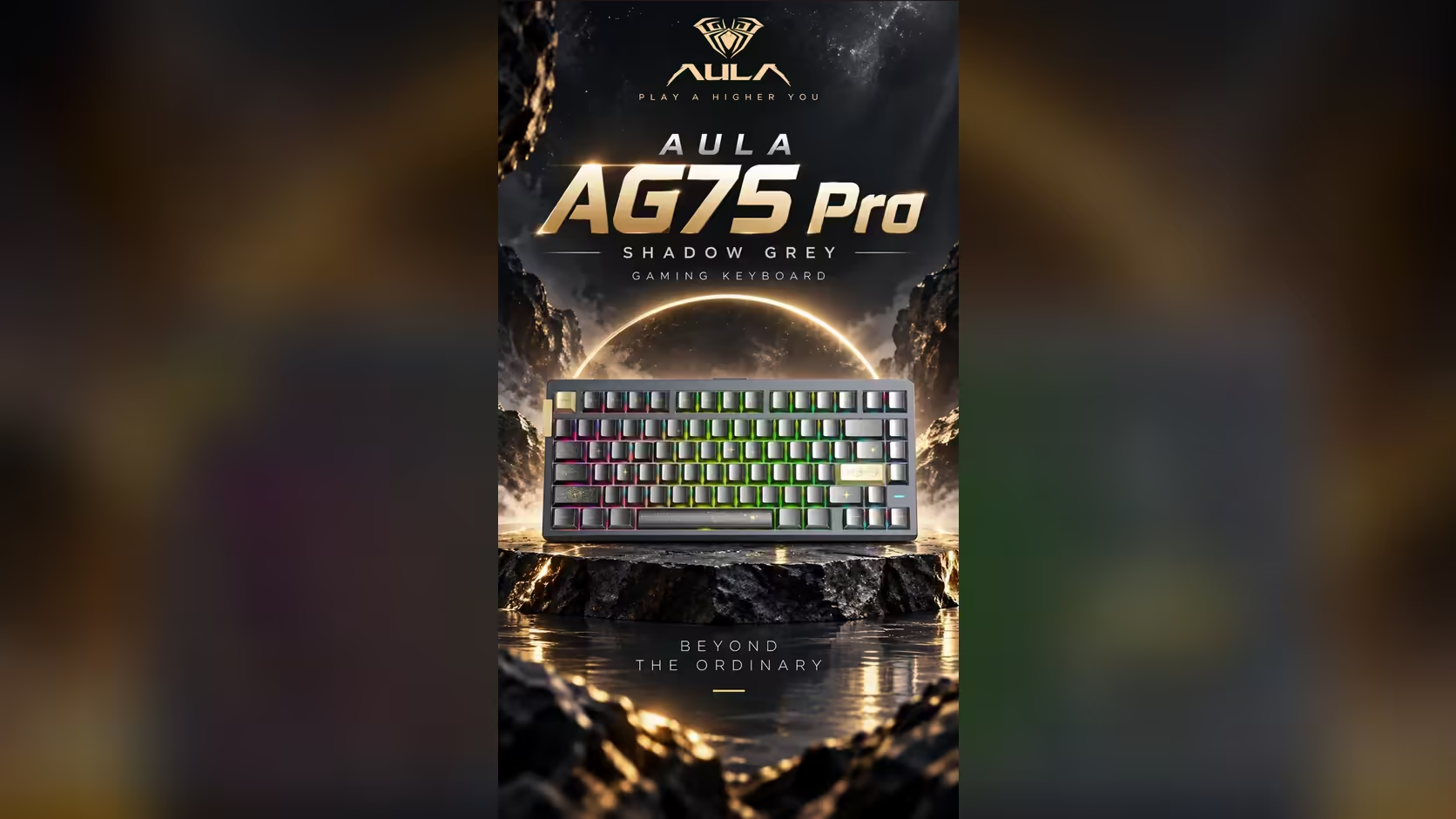
- AG75 Pro and Ultra: LEOBOG Frostcore on the Pro, LEOBOG Eight Treasures on the Ultra, both hot-swappable. The AG75 case also opens tool-free through a ball-catch quick-release structure.
Mixing switch types on a HERO
Mixing is a popular trick: a lighter switch on the movement keys, a heavier one elsewhere to cut accidental presses. Both HERO boards support mixed setups. On the HERO 84 HE, keep any mix within one compatible magnetic family, and after swapping, use the driver's calibration where it is offered. On the HERO 75 HE, the driver can calibrate the switches and display each key's travel as you press, which makes it easy to confirm every key reads correctly.
⚙️ Mechanical sockets: L99, F87 Pro V2 and F99 Max
F99 Max: 3-pin and 5-pin
The F99 Max ships with pre-lubed LEOBOG Reaper linear switches and accepts both 3-pin and 5-pin mechanical switches. A switch puller is included. The difference between the two pin types is the number of plastic legs on the bottom: 5-pin switches have two extra stabilising pegs. A board that takes both gives you the widest choice.
L99 and F87 Pro V2
The L99 has hot-swap sockets for mechanical switches, with mixed setups supported; it ships with factory-lubed linears (Raindrop on the grey, white and blue board, Caramel Latte on the red and black). The F87 Pro V2 has hot-swap sockets on every key, so any position can take a different mechanical switch. Neither needs soldering.
🛠️ A safe swap, step by step
- Unplug or switch off the board. On a tri-mode board, turn it off rather than just disconnecting the cable.
- Remove the keycap with a keycap puller, pulling straight up.
- Grip the switch with a switch puller on the clips at its top and bottom, and pull straight out. Do not rock it side to side.
- Check the new switch's pins are perfectly straight. A bent pin is the most common cause of a dead key after a swap.
- Line it up and press it in firmly and evenly until it clicks into the plate.
- Refit the keycap and test the key in a key tester before moving on.
- On magnetic boards, recalibrate in the driver if it offers calibration.
Work one key at a time while you are learning. It is slower, but it makes any mistake easy to find.
How long is the cover?
The magnetic WIN68, HERO and AG75 boards carry a 2 Years Local Warranty through Evetech; the three mechanical boards carry one year. If you are new to swapping, practise on a key you rarely use.
Browse all the hot-swap boards in Evetech's gaming keyboard range, and match replacements from the keyboard switches collection to the socket type your board uses.
Frequently Asked Questions
Can I fit a mechanical switch in a magnetic board?
No. Magnetic boards read a magnet inside each switch, which a mechanical switch does not have.
Does the F99 Max take 3-pin or 5-pin switches?
Both. A switch puller comes in the box.
Can I mix switch types on one HERO board?
Yes, both HERO boards support mixed setups. On the HERO 84 HE, stay within one magnetic switch family.
Do the L99 and F87 Pro V2 need soldering?
No. Both have hot-swap sockets for mechanical switches.
What spares come with the WIN68 HE?
Two spare magnetic switches and a keycap puller.
How long are these boards covered?
Two years on the magnetic boards, and one year on the F99 Max, F87 Pro V2 and L99.
Ready to change how your keyboard feels?
Explore the hot-swap keyboards and switches at Evetech and pick parts that match your board's socket type.