Quick Answer
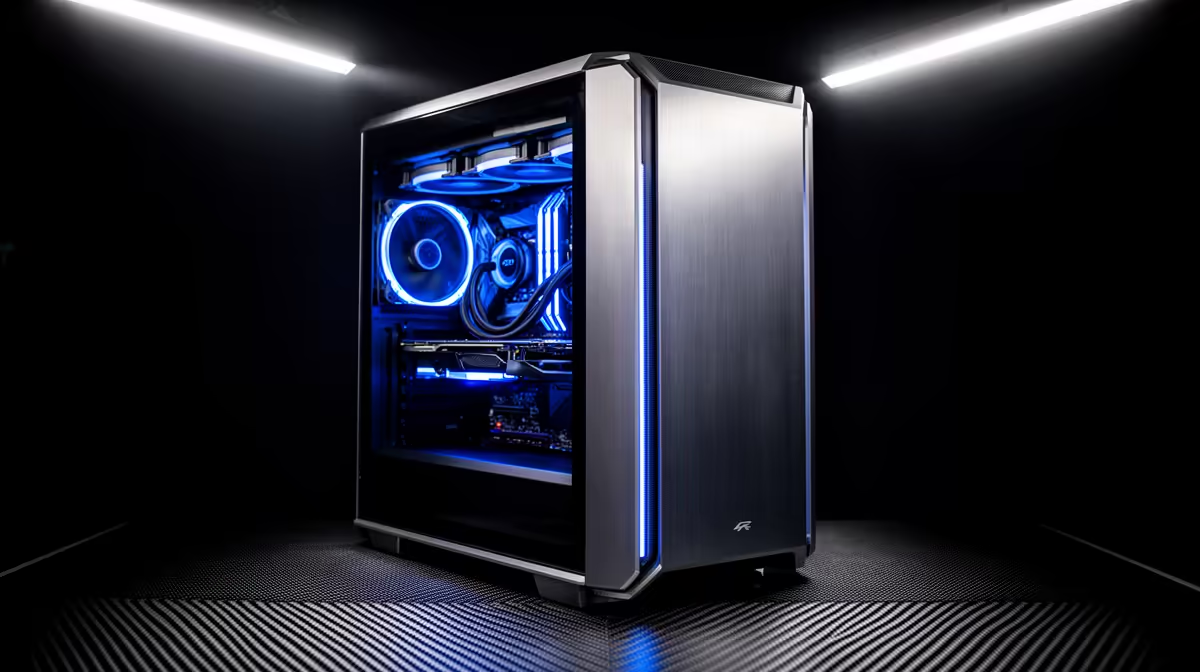
The minimum 1440p PC build for architecture and BIM software in SA starts at R28,000–R35,000 — centred on a Ryzen 9 7900X (R9,500) for Revit's single-thread demands, 64GB DDR5 for large model files, and an RTX 4070 12GB (R16,500) for Enscape real-time rendering at 1440p. This configuration handles Revit 2025, ArchiCAD 28, and Enscape 3.x on models of 150MB–300MB without viewport slowdowns.
Why BIM Needs More Than a Standard Gaming Build
Revit, ArchiCAD, and Vectorworks stress three hardware areas differently from gaming:
- CPU single-thread performance: Revit regeneration and file save are single-threaded — the Ryzen 9 7900X's 5.6GHz boost is critical for large model responsiveness
- RAM capacity: A 250MB Revit file loads ~18–24GB of RAM in memory; 64GB provides safe headroom for multi-discipline coordination models
- GPU VRAM: Enscape real-time rendering at 1440p requires the RTX 4070's 12GB for complex architectural scenes with high-poly landscaping and 4K material textures
Minimum 1440p BIM Build (~R32,000–R40,000)
- CPU: Ryzen 9 7900X (~R9,500) — 12 cores, 5.6GHz; best single-thread for Revit on AM5
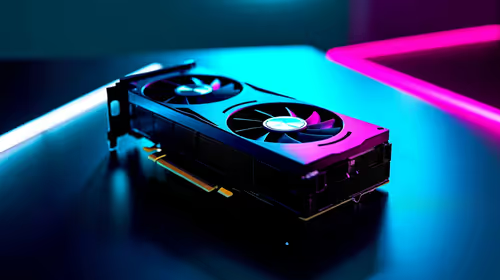
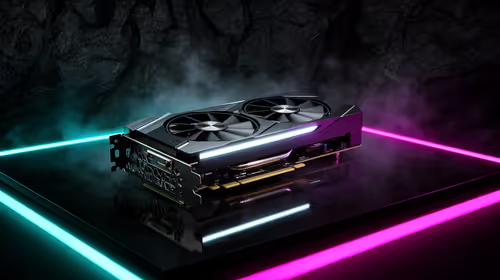
- GPU: RTX 4070 12GB (~R16,500) — Enscape 1440p at 30–45fps on mid-complexity projects
- RAM: 64GB DDR5-6000 (~R7,800) — Revit large model requirement
- Storage: 2TB PCIe 4.0 NVMe (~R3,200) — fast BIM project file operations
- X670 board (
R5,500), 650W PSU (R1,400), case (~R1,200) — Total: ~R45,100. To reach R35,000 use Ryzen 7 7700X + 32GB DDR5.
FAQ
What is the minimum GPU for Enscape at 1440p in SA?
The RTX 4070 12GB (R16,500) is the minimum comfortable GPU for Enscape real-time rendering at 1440p on mid-complexity architectural models. The RTX 4060 Ti 8GB (R10,500) works for smaller models but runs out of VRAM on scenes with multiple 4K texture materials loaded simultaneously.
How much RAM does Revit 2025 need for a 1440p BIM workstation in SA?
Revit 2025 recommends 32GB minimum; Autodesk recommends 64GB for large models and multi-discipline coordination workflows. SA architectural firms working on larger commercial projects routinely see RAM usage above 32GB during model regeneration — 64GB DDR5 is the correct target for a BIM workstation.
Should a SA architect choose RTX over Quadro for a BIM workstation?
For Revit and Enscape, RTX gaming GPUs (RTX 4070 or RTX 4070 Ti Super) outperform Quadro cards at equivalent SA retail prices — Quadro/RTX Pro certification matters only for structural engineering software (Ansys, Nastran) that requires ISV-certified drivers. For architectural BIM tools, RTX 4070 is the correct value choice.
navigate to Graphics > Use Hardware Acceleration and confirm your RTX GPU is listed as the active device — Revit sometimes defaults to software rendering on fresh installs. Enabling hardware acceleration on the RTX 4070 cuts 3D view regeneration time by 40–60% on large commercial models and enables real-time materials preview in design views.