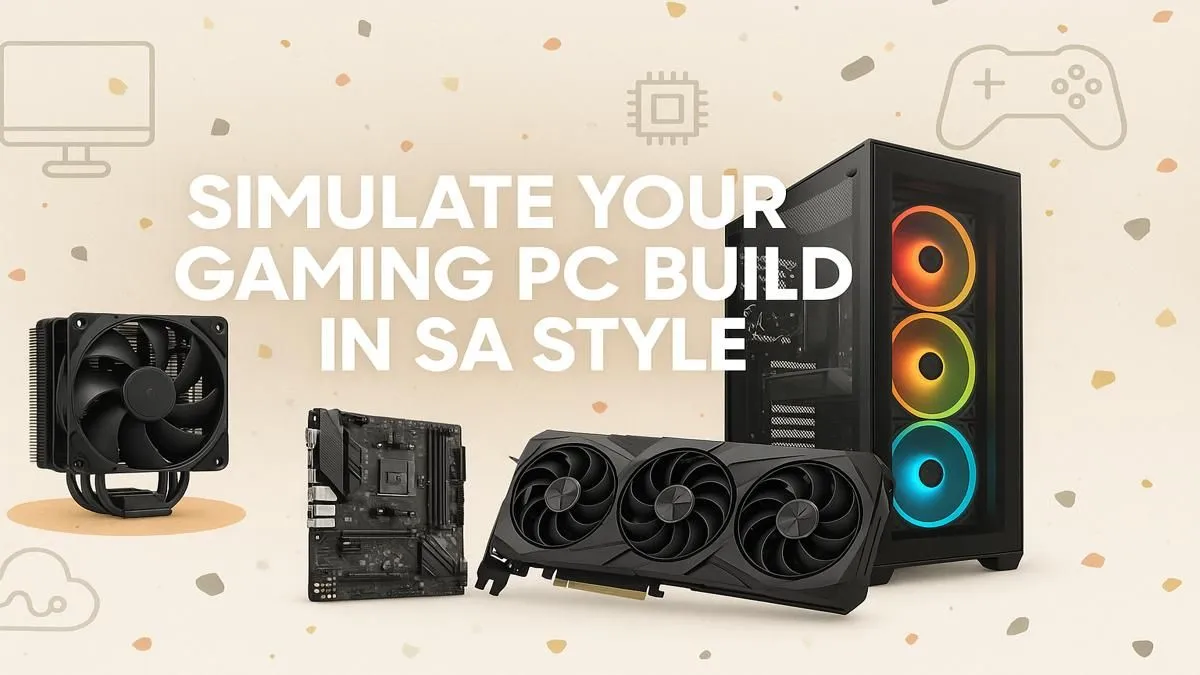
Dreaming of that ultimate gaming rig but terrified of picking parts that don’t play nicely together? We’ve all been there. The excitement of a new build can quickly turn into a headache of compatibility checks and budget woes. What if you could assemble your entire PC virtually, ensuring every component fits and functions perfectly before spending a single Rand? That's the magic of a PC build simulator, your digital blueprint for crafting the perfect machine right here in South Africa. 🚀
Why Use a PC Build Simulator?
Planning a new PC build can feel like a high-stakes puzzle. Will that beefy GPU fit in your chosen case? Is your power supply strong enough for that CPU? A PC build simulator or planning tool removes the guesswork. It’s a virtual workbench where you can mix and match components, check for compatibility issues in real-time, and get an instant estimate of your total cost.
This process helps you:
- Avoid Costly Mistakes: Prevent buying incompatible parts that you'll have to return.
- Optimise Your Budget: See exactly where your money is going and allocate funds to the parts that matter most for your needs.
- Visualise Your Dream Rig: Understand how different components contribute to overall performance before you commit.
Planning Your PC's Core Components
The heart of any build comes down to a few key choices. A virtual PC builder helps you balance these critical parts to avoid bottlenecks… where one slow component holds back the rest of your system.
The CPU & Motherboard Combo
This is your rig's brain. The choice often comes down to two giants: Intel and AMD. Intel has long been a powerhouse for single-core performance, great for many gaming scenarios. AMD, with its Ryzen series, often offers incredible multi-core value, perfect for gaming while streaming or handling heavy creative workloads. A great way to get a feel for balanced builds is to check out our latest Intel PC deals to see how components are paired. Similarly, exploring complete powerful AMD Ryzen gaming PCs can give you fantastic ideas for your own custom setup.
The Graphics Card (GPU)
For gamers, this is the most exciting part. ✨ Your GPU determines the visual quality and frame rates you’ll experience. The main battle is between NVIDIA's GeForce and AMD's Radeon. NVIDIA often leads with features like ray tracing and DLSS, while AMD Radeon frequently competes fiercely on raw performance for your Rand. Looking at pre-configured NVIDIA GeForce gaming PCs can show you what it takes to run the latest titles at max settings. On the other side, many gamers find incredible value in purpose-built AMD Radeon gaming rigs, which deliver amazing horsepower for both 1080p and 1440p gaming.
The Unsung Hero: Your PSU ⚡
Never, ever skimp on your Power Supply Unit (PSU). A cheap, unreliable PSU can put your entire R20,000+ investment at risk. Use a PSU calculator (many PC building tools include one) to determine your wattage needs, then buy a quality unit from a reputable brand with at least an 80+ Bronze rating. It’s the best insurance policy for your dream rig.
Beyond Gaming: Simulating for Work & Creativity
While gaming is a massive driver for PC building, many South Africans need a machine that can do more. A PC build simulator is just as crucial for planning a workstation. If your daily grind involves video editing, 3D modelling, or complex data analysis, your component priorities shift. You might focus more on CPU cores, RAM capacity, and storage speed. Simulating the build ensures you’re not just creating a gaming beast, but a productivity powerhouse. For inspiration, see how the pros do it by looking at the specs of professional workstation PCs, which are optimised for stability and raw processing power.
From Virtual Plan to Real-World Power
Once you’ve used a PC build simulator to finalise your parts list, the next step is the most thrilling: bringing it to life. You have a compatible, budget-friendly, and powerful blueprint. You know exactly what you need to build a rig that will crush the latest games, streamline your workflow, and last for years to come. The planning is done… now the fun begins.
Ready to Build Your Dream Rig? 🔧
Stop guessing and start building. Our powerful and easy-to-use tool acts as your personal PC build simulator, ensuring every part is compatible and optimised for your budget.
Start planning with our Custom PC Builder now!