


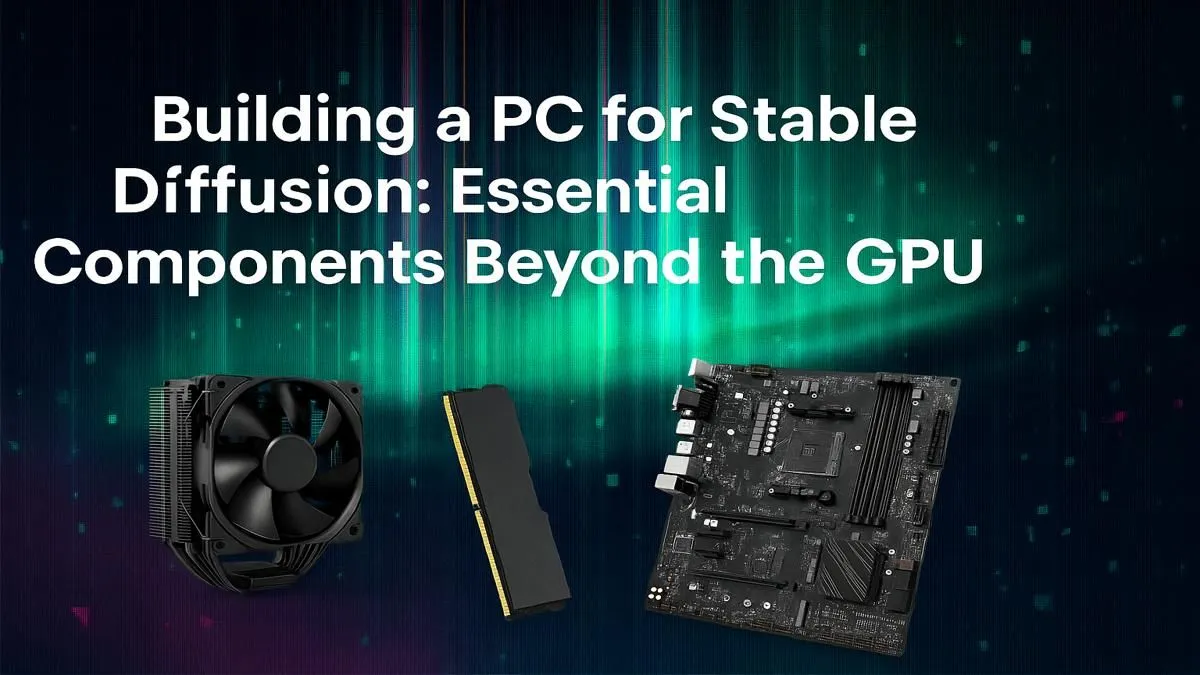
So, you’re diving into the wild world of AI art with Stable Diffusion. Awesome! Everyone in Mzansi is talking about the GPU, and for good reason. But what if we told you that your brand-new RTX card could be held back by the rest of your rig? A powerful graphics card is just the start. Let’s look at the other essential PC components for Stable Diffusion that will truly unlock your creative potential. 🚀
The GPU is King... But Not the Whole Kingdom
Let's be clear: your Graphics Processing Unit (GPU) is the most critical part of your Stable Diffusion PC. It does all the heavy lifting during image generation. The amount of VRAM (video memory) on your card directly impacts the resolution and complexity of the images you can create without errors. For this reason, choosing the right graphics card is the first step.
However, a Formula 1 engine in a bakkie's body won't win any races. The other components in your system play vital support roles, and ignoring them will lead to frustration, slow performance, and system crashes.
Why Your CPU Still Matters 🧠
While the GPU handles the image creation, the Central Processing Unit (CPU) is the project manager. It's responsible for loading models into memory, preparing data for the GPU, and running the underlying software like AUTOMATIC1111's web UI.
A weak CPU will leave your powerful GPU waiting around, creating a bottleneck that slows down your entire workflow. You don't need a top-of-the-line thread-ripper, but a modern processor with a decent core count (6 to 8 cores is a great start) and high clock speeds will ensure your system remains responsive. This is especially true when you're multitasking… like generating images while browsing for new models or prompts. A balanced build pairs a capable CPU with the popular NVIDIA GeForce GPUs that dominate the AI space.
RAM: The Unsung Hero of AI Image Generation
This is where many first-time builders get stuck. What’s the difference between RAM and VRAM?
- VRAM is the ultra-fast memory on your GPU. Models are loaded here for generation.
- System RAM is your PC's main memory. Models are often loaded into RAM first before being sent to the GPU.
If you don't have enough system RAM, your PC will struggle to even load large, complex models (like SDXL base models), leading to crashes before the GPU even gets to work. While 16GB is the absolute minimum, 32GB of fast DDR4 or DDR5 RAM is the recommended sweet spot for a smooth experience. For artists working with multiple models or training their own, 64GB is even better. Many modern AMD Radeon graphics cards also offer great performance-per-rand, but you still need that solid foundation of system RAM.
Check Your Memory Usage ⚡
While generating images, open your Windows Task Manager (Ctrl+Shift+Esc) and go to the 'Performance' tab. You can monitor your GPU's dedicated VRAM usage and your system's RAM usage in real-time. If either is constantly maxed out at 100%, it's a clear sign you need an upgrade to prevent slowdowns.
Storage Speed: Cutting Down Your Wait Times 🔧
AI models are not small. A single checkpoint file can be anywhere from 2GB to over 7GB. If you're storing these on a slow, old-school Hard Disk Drive (HDD), you'll be waiting ages for them to load every time you want to switch styles.
This is why a fast NVMe Solid State Drive (SSD) is one of the most important PC components for Stable Diffusion. It drastically reduces loading times for models, extensions, and the application itself. It also makes saving your high-resolution masterpieces instant. For serious creators or data scientists, investing in professional workstation graphics cards with massive VRAM pools is an option, but even those powerhouse cards need a fast SSD to feed them data efficiently.
A 1TB NVMe SSD is a fantastic starting point, giving you enough space for your operating system, software, and a healthy collection of your favourite models.
Ready to Build Your AI Powerhouse? Stop guessing and start creating. Use our powerful PC builder to configure the perfect machine for your Stable Diffusion projects, or explore our pre-built rigs designed for creators. Design your ultimate AI PC with Evetech today!











