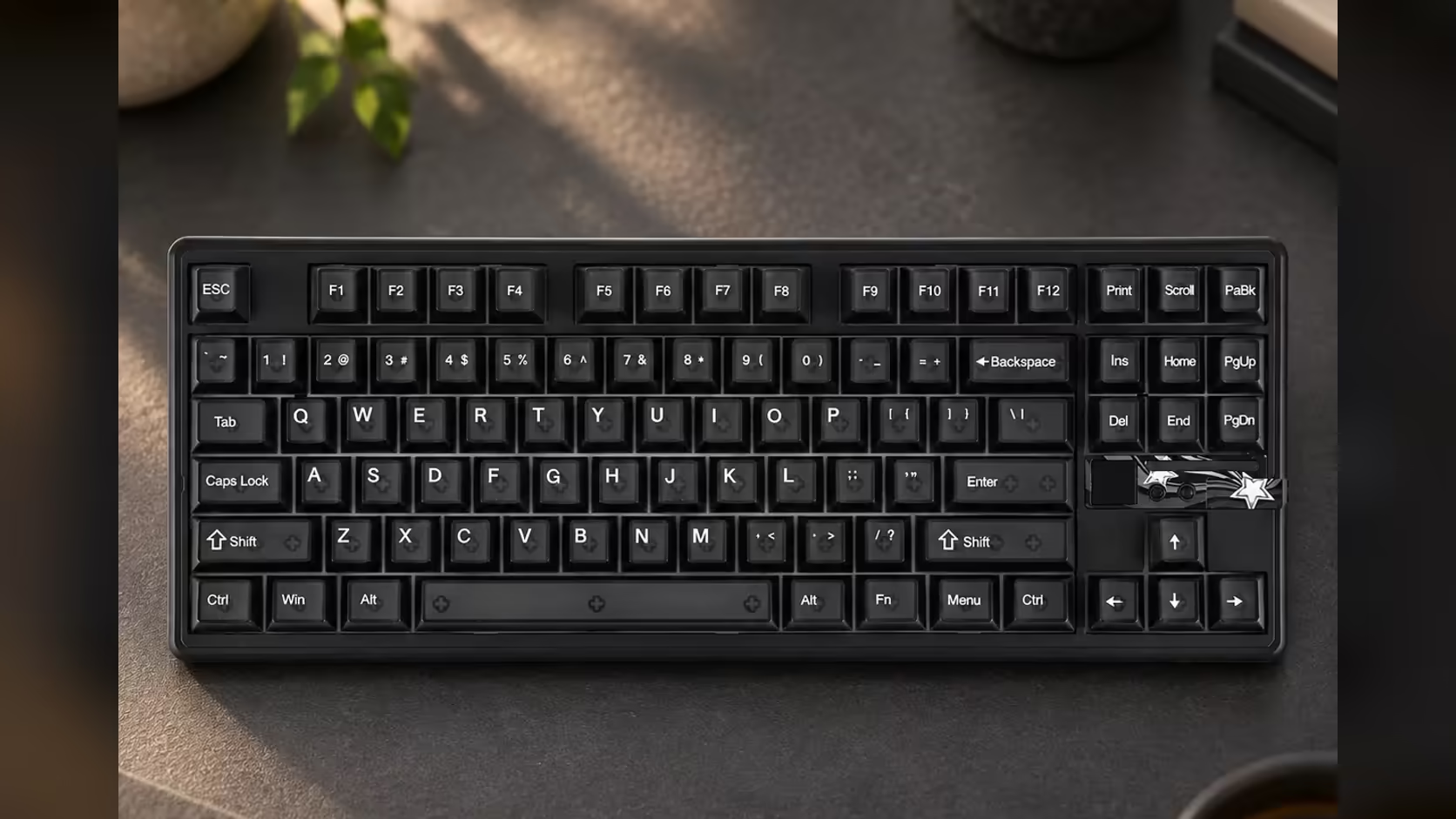
A 49-dot canvas is closer to a retro handheld's sprite than to a phone screen, and that changes how you design for it. The AULA F87 Pro V2's display is a dot-matrix grid of 49 LEDs, and making pixel art for an LED keyboard display means thinking one light at a time. Get the approach right and a short loop reads clearly from across the desk; get it wrong and your favourite animation turns into random flicker.
Quick Answer
Treat each of the F87 Pro V2's 49 LEDs as a single pixel, design with bold shapes and very few frames, and load the finished GIF through AULA's software. Fine lines, small text and photographs do not survive at this size, while arrows, hearts, simple faces and pulsing shapes read well. Evetech lists the board in Smoke Black at R899, with a 1 Year Local Warranty.
🟩 Know the canvas before you draw
Forty-nine lights is the whole picture. AULA publishes the LED count but not the grid's exact rows and columns, so the practical step before any design work is to look closely at the display on your own board and count how the dots are laid out. Sketch that layout on paper or in an editor as a blank template, one square per LED, and design inside it.
Working to the true layout matters because resizing is brutal at this scale. A 500-pixel GIF scaled down to a few dozen dots averages away almost everything. Designing at native size means every dot you place is a dot that lights up.
✏️ Designing a loop that reads
Pick a subject with a strong outline
Icons work because they are recognisable from silhouette alone. An arrow, a heart, a lightning bolt, a skull, a heartbeat line or a simple smiley all hold up. A detailed character, a landscape or a logo with fine lettering will not.
Use contrast, not detail
With so few lights, the difference between lit and unlit dots carries the image. Leave plenty of dark space around your shape so its edges are clear.
Keep frame counts low
Short loops of a handful of frames are easier to get right and easier to read. Think of a heart that beats in two or three frames, an arrow that slides one step at a time, or a bar that grows and shrinks. Long, complex animations blur together on a grid this small.
Watch the timing
Let each frame sit long enough to register. Very fast frame changes on a tiny grid look like flicker rather than motion. Start slow and speed up only if it feels sluggish.
🛠️ Tools and loading
Any editor that lets you place single pixels will do: free pixel-art editors, browser-based sprite tools, or a general image editor zoomed right in with a one-pixel pencil. Export the finished animation as a GIF.
AULA's listing says custom GIFs for the display are set in its software, so that is where your file goes onto the board. Keep a copy of your template and your source files, because tweaking and reloading is part of the process. Most designs need two or three rounds before they look right on the real LEDs rather than on a monitor.
Text is worth a separate word. A single letter or number can work if it fills the grid, and a very short scrolling word is possible with care, but anything longer becomes unreadable. Use symbols instead where you can.
🎵 GIF or spectrum?
The display's other job is a live audio spectrum, which reacts to music and game sound. The two are both listed features of the same display, so you are choosing between them rather than overwriting one with the other. A sensible split is the spectrum while music plays and a personal GIF the rest of the time.
The display is part of a wider light show on the F87 Pro V2, whose case glows on all sides. Matching your GIF's colours to that lighting makes the whole board look planned.
Underneath, it is a tri-mode tenkeyless board with 8000Hz polling, SOCD support and a 10000mAh battery. Compare it with other lit boards in Evetech's gaming keyboards, or browse popular picks on the keyboard best sellers.
Frequently Asked Questions
How big is the canvas I am designing for?
Forty-nine LEDs in total. AULA does not list the rows and columns, so check the layout on your own board and build a matching template.
How do I get my GIF onto the display?
Through AULA's software, which the listing names as the place custom GIFs are set.
Should I make long animations?
No. A short loop of a few frames reads much better on 49 dots than a long sequence.
Can I show words on it?
Single characters or symbols work best. Longer text becomes hard to read on such a small grid.
What kind of editor should I use?
Any editor that lets you place individual pixels, such as a free pixel-art or sprite tool.
Will I lose the audio spectrum by adding a GIF?
Both are features of the same display, so you choose which one it shows rather than replacing the spectrum.
Ready to design your own light show?
Browse Evetech's gaming keyboards and see how the F87 Pro V2's LED display compares with other boards that light up.