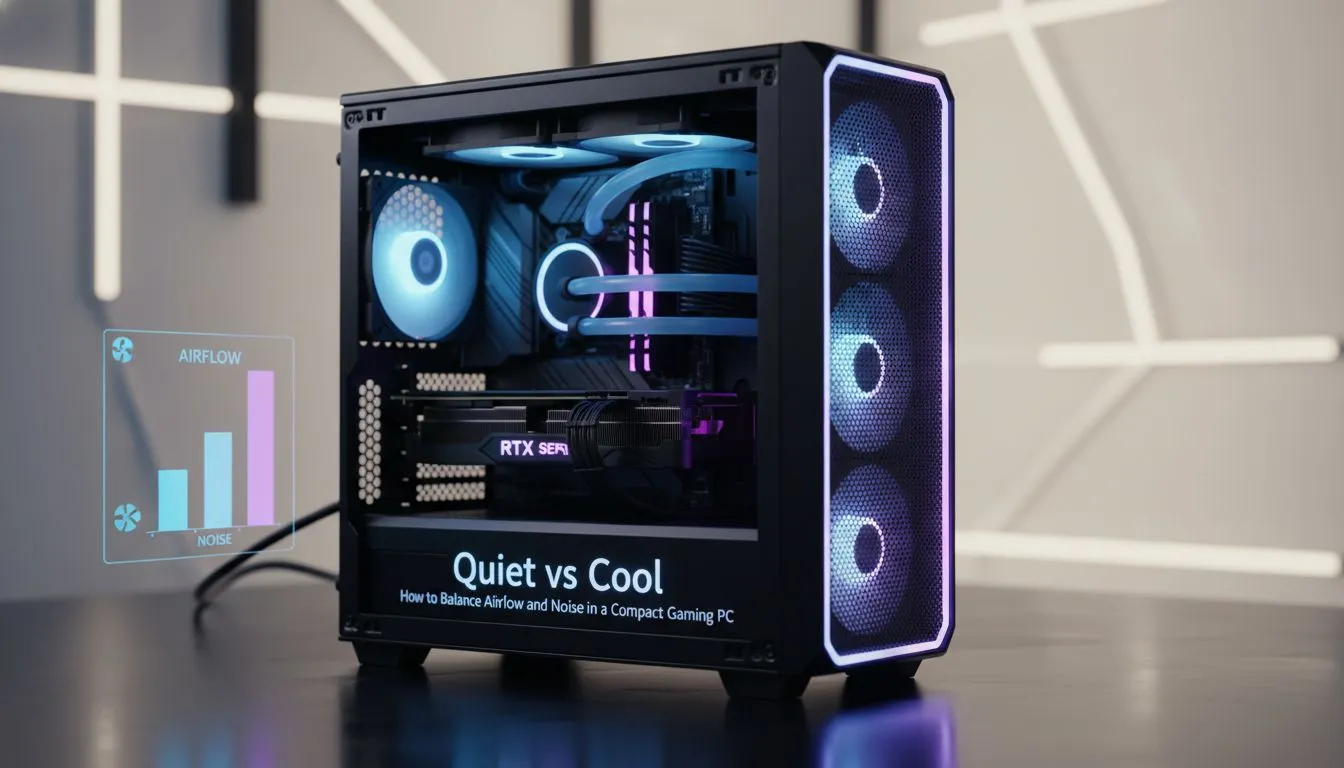
Selecting the Perfect Chassis for Your Quiet Compact Gaming PC
Building a beastly rig in a small footprint is the dream for many South African gamers. But the heat can get intense... especially during a typical Durban summer. Achieving a Quiet Compact Gaming PC requires a delicate touch to balance airflow and noise. You don't need a massive tower to stay cool... you just need the right strategy. 🔧
The foundation of any stealthy build starts with the frame. When you browse our latest computer cases, look for models that support larger fans. Larger fans can move more air at lower RPMs. This reduces that annoying high-pitched whine often heard in smaller setups.
Optimising Airflow Pathways in Tight Spaces
In a small form factor (SFF) build, every centimetre counts. Cables can easily block the path of cool air... leading to thermal throttling. If your goal is a premium, silent experience, Fractal Design PC cases are a top-tier choice. They often include high-quality sound-dampening foam and clever cable management channels. ⚡
Pressure is another key factor. Positive air pressure... where you have more intake than exhaust... helps keep dust out of your components. This is vital for maintaining long-term cooling efficiency in dusty South African environments.
Balancing Aesthetics and Thermal Performance
You do not have to sacrifice looks for silence. Many modern designs featuring tempered glass still offer clever ventilation gaps. For instance, Gamdias gaming cases provide a great mix of RGB flair and mesh panels. This allows your components to breathe while looking sharp on your desk. ✨
Acoustic Pro Tip ⚡
Use rubber anti-vibration mounts for your case fans instead of standard metal screws. These tiny accessories decouple the fan motor from the chassis. This prevents the "humming" sound caused by vibrations resonating through the metal panels of your compact PC.
Quiet Gaming on a Budget
Building a Quiet Compact Gaming PC does not have to cost a fortune in ZAR. High-performance cooling is becoming more accessible. You can find excellent affordable gaming cases under R1500 that provide the necessary mesh front panels for optimal air intake. 🚀
Remember to set custom fan curves in your BIOS. By keeping fan speeds low until the GPU hits 60 degrees, you can enjoy a silent desktop while browsing or streaming. Only let the fans roar when the action gets heavy.
Ready to Build Your Stealth Rig?
Finding the right balance between silence and performance is easier than you think. Explore our massive range of PC cases and start your quiet, compact journey today.