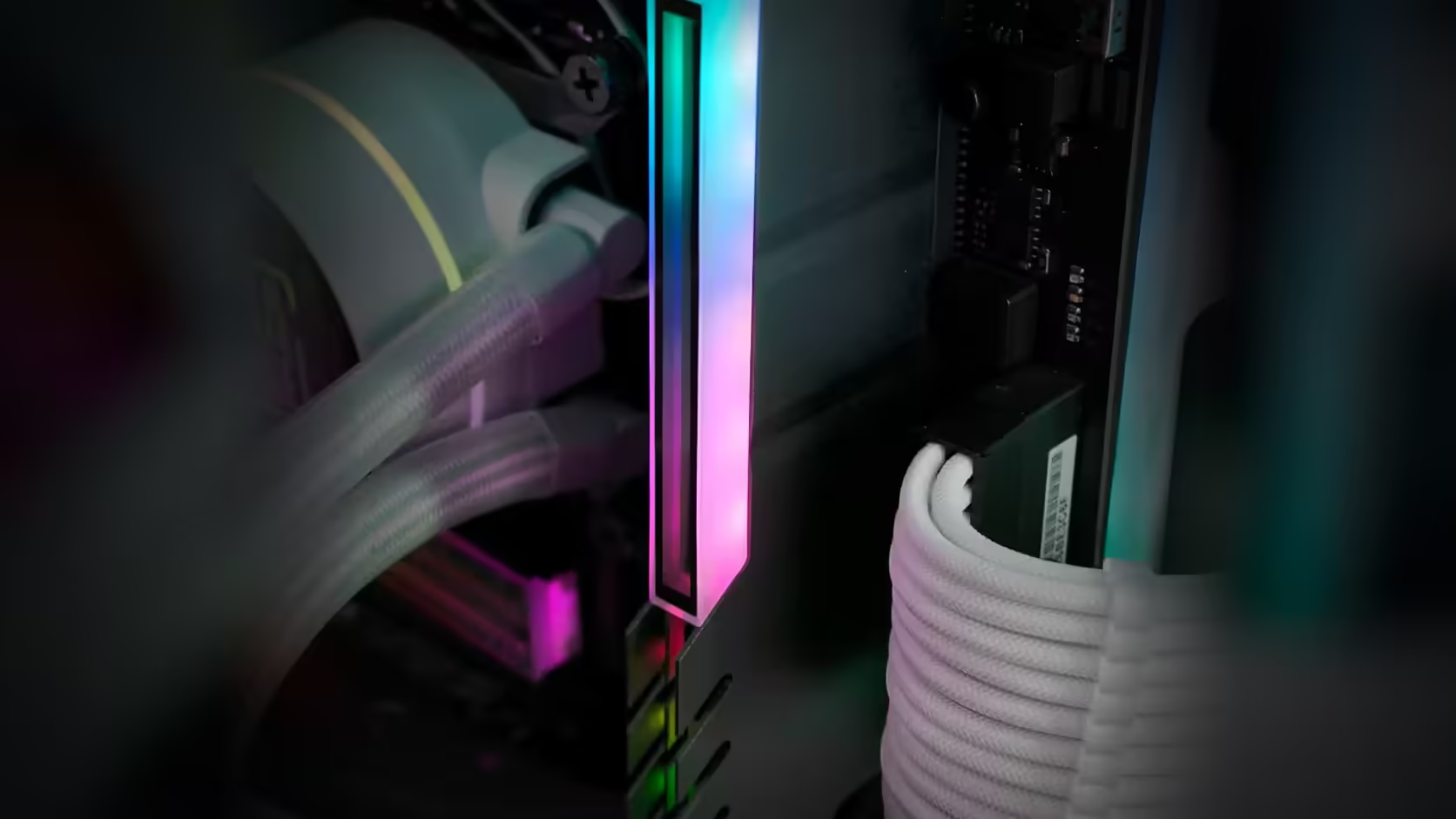
The thirty seconds it takes to photograph a memory label properly is nothing compared to what it costs to reconstruct that same information once four matching covers are sitting on top of it. A RAM cover aimed at unifying mismatched memory hides exactly the detail that told you the sticks were mismatched to begin with, which is a small irony worth acting on before it becomes a problem.
Quick Answer
Photograph each memory module's label clearly before an AsiaHorse RAM Cover ARGB Heatsink, priced at R249 with VAT already worked in, goes anywhere near it. Unifying differently styled memory under one finish also means hiding what each individual stick actually is - the part number, capacity, speed and timings printed on it - and that information is trivial to capture now, far harder to retrieve once several covers and their lighting leads are in place.
📷 What to actually photograph
Get close enough that the printed text is legible in the image, covering the part number, capacity, speed rating and timings together on one label. A phone camera in good light is entirely sufficient - there is no need for anything more elaborate than a clear, readable shot of each stick before it goes under a cover.
🗺️ Recording the layout, not just the labels
Beyond the labels themselves, note which module sits in which slot. Mismatched modules can behave slightly differently depending on position, particularly around achievable speed or stability, so knowing the exact arrangement is genuinely useful if anything is ever worth diagnosing later - a detail that a label photo alone does not capture.
⏱️ The time cost either way
Doing this before fitting covers takes perhaps a minute with the modules already visible or briefly removed. Doing it afterward - lifting covers, disturbing lighting leads, working around installed hardware - is considerably more effort for the same information, assuming the covers can even be removed cleanly without disturbing anything else.
🗃️ Where the record should actually live
Build notes kept alongside other documentation, or a simple photo album on a phone, both work better than a handwritten note that can go missing. The goal is findability months or years later, not elaborate organisation now.
🗓️ Do it as one job, not per module
Rather than photographing labels the day each stick was originally installed, treat it as one dedicated pass done immediately before the covers arrive - open the case, photograph every populated slot in one sitting, and only then start fitting. Doing it this way means the record is complete and consistent, taken under the same lighting and at the same time, rather than assembled piecemeal from whatever photos happen to exist from different points in the build's history.
📦 Why matched kits need this less
A matched memory kit bought as a set is already documented by its own retail packaging, which typically states capacity and speed clearly. The labels remain the more complete and definitive source regardless, but packaging offers a reasonable fallback for matched sets in a way it does not for genuinely mismatched, individually acquired sticks.
🔢 Why part numbers specifically matter with mismatched sets
A capacity and speed figure alone ("16GB, 3200MHz") is not always enough to tell two mismatched sticks apart if they happen to share those two numbers despite coming from different production runs or even different brands - which is common in memory bought a year or two apart. The part number is the one detail that uniquely identifies a specific module down to its exact revision, and it is the detail most likely to be needed if a support conversation ever requires knowing precisely what is installed rather than roughly what is installed.
💻 If covers are already fitted
System utilities that report installed module details are the usual fallback once a label is no longer visible, covering most of the same ground even without direct access to the printed text. It is a workable substitute, though clearly the less complete option compared with a clear photograph taken in advance - whether the modules are DDR5 or DDR4.
Frequently Asked Questions
What should be photographed?
Each module's label, clearly enough to read the part number, capacity, speed and timings printed on it.
Why record which slot each is in?
Because mismatched modules can behave differently by position, so knowing the arrangement helps if stability is ever questioned.
How long does this take?
A minute with the modules out or visible, against considerably more effort once covers and leads are fitted.
Where should the record live?
With your build notes or in a photo album on a phone, so it is findable when it is eventually needed.
Does this matter for matched memory?
Less so, since a matched kit is documented by its own packaging, though the labels are still the definitive source.
What if the covers are already on?
System utilities report module details, which is the usual fallback when a label is no longer visible.
Is the packaging enough?
It helps, though packaging is often discarded and does not always distinguish which module went into which slot.
About to hide mismatched memory under matching covers?
Record what you have first, then browse Evetech's DDR4 and DDR5 range for the covers or a proper matched replacement.