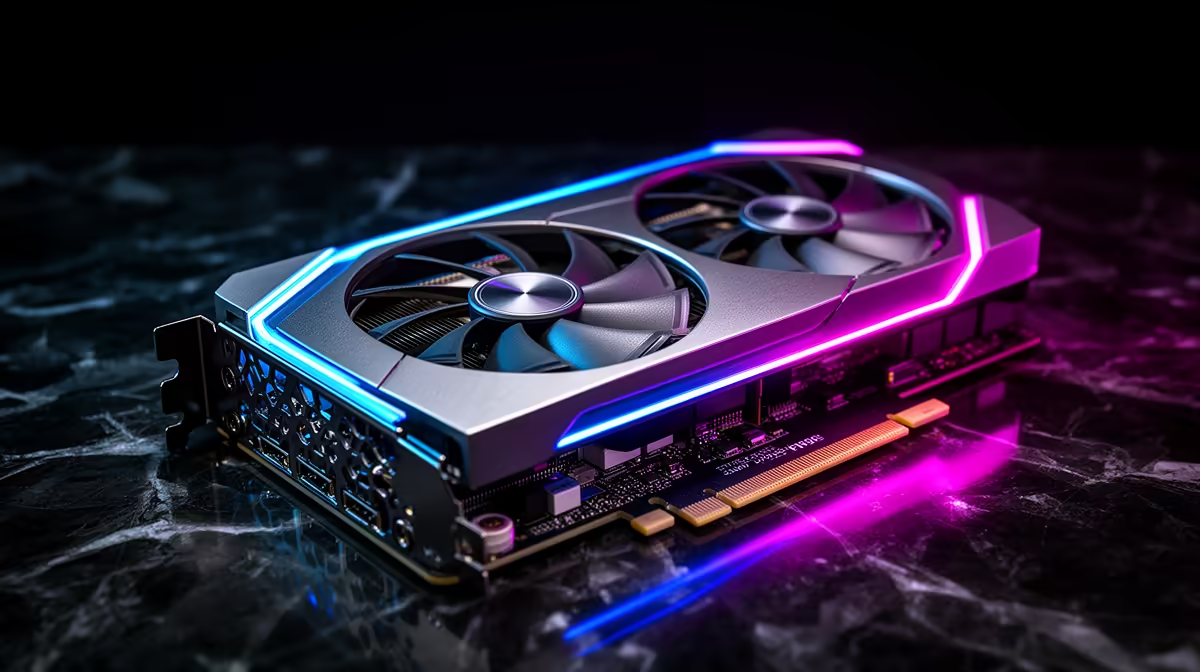
An RTX 3070 undervolt can reduce heat and fan noise without changing the card's role. A clock around 1900MHz may be a useful experiment, but it is not a universal efficiency point. Card BIOS, cooler, silicon and game load decide the stable curve.
Quick Answer
Measure the card at stock, select one conservative voltage-frequency point, leave memory unchanged and test several games. Keep a margin above the first unstable setting. Restore defaults when crashes, artefacts or driver resets appear.
Compare replacement hardware through the current NVIDIA GPU catalogue and graphics-card best sellers. Those are upgrade references; they do not establish the tuning behaviour of your RTX 3070.
Step 1: Inspect the Card
Check power connectors, fans and dust without opening the cooler. Confirm case intake and exhaust are clear. An undervolt cannot fix a fan bearing or blocked heatsink.
Restore stock clocks, power limit and fan curve. Install a suitable stable driver and reboot. A card that fails at defaults needs diagnosis before tuning.
Step 2: Log a Stock Run
Use a repeatable game scene for twenty minutes. Record core clock, voltage, board power, GPU temperature, hotspot where available, fan RPM, average frame rate and one-percent lows.
Record room temperature and case state. Run it twice so natural variation does not become your claimed saving.
Step 3: Open the Curve
Use a supported tool such as MSI Afterburner. Save the stock profile. The curve shows frequency targets across voltage points.
Observe the frequency the card sustains under load. A 1900MHz target can be too high, too low or irrelevant for your sample. Choose a conservative point close to actual stock behaviour at lower voltage.
Step 4: Make One Change
Move the selected point and flatten the higher-voltage part of the curve. Leave memory and power limit alone. Apply without enabling startup.
Run a short test. If frequency jumps around, power or temperature may still set the limit. Check logs before moving another point.
Step 5: Find Stability in Small Steps
Reduce voltage or raise frequency gradually. At the first crash, black screen, artefact or driver reset, return to the previous setting.
Then add margin. A tune sitting on the failure edge can break in a hotter room or another game. The daily profile needs boring reliability.
Step 6: Test Different Loads
Use a raster game, a ray-traced game and a high-frame-rate title. Include menus, loading screens and alt-tab because voltage states change.
Run any CUDA or creative workload you depend on. A curve can pass a game and fail rendering.
Play for several hours across a few days. Do not confuse one benchmark completion with stability.
Step 7: Compare Frame Times and Noise
Use the same settings and test window. Compare one-percent lows, sustained clock, board power, fan RPM and temperature.
The average may remain close while stutter worsens. Reject that result. A smaller power saving with clean lows is the better curve.
Listen for fan hunting. Lower heat may keep the default curve under an annoying RPM step without any custom fan work.
Step 8: Tune Fans Last
After the undervolt is stable, smooth the fan curve if needed. Avoid sharp jumps. Keep enough airflow over memory and the VRM.
Check zero-RPM transitions at idle. If fans start and stop repeatedly, a hysteresis setting or low steady minimum can help where supported.
Do not use a low core reading as permission to stop all airflow.
Step 9: Save Stock and Daily Profiles
Name the profiles clearly. Keep stock ready for troubleshooting and only enable the daily tune at startup after the full test.
Driver or utility updates can reset the curve. Recheck it and run a short validation after major software changes.
Write down voltage, frequency, driver and test games. These notes prevent a future crash from becoming guesswork.
Step 10: Know the Hardware Limit
Undervolting cannot increase the RTX 3070's 8GB VRAM or add newer hardware features. It can make the existing performance easier to live with.
When games need more memory or speed, compare a named July 2026 replacement and total PSU or case cost. Keep tuning separate from an upgrade decision.
Check Power Delivery While Testing
The RTX 3070 reference class uses PCIe power from the PSU, while partner cards can use different connector layouts and limits. Verify the supply model, approved cables and card plugs before blaming the curve for a black screen.
Use the cabling arrangement specified by the PSU and graphics-card makers. Never mix modular leads from another unit. An undervolt can reduce sustained power, but it does not turn an ageing or unsuitable PSU into a sound one.
If the whole PC shuts down, restore stock and diagnose power, temperature and protection events. Repeated shutdowns are not a stability test.
FAQ
Is 1900MHz the best RTX 3070 target?
No. Use your card's stock sustained behaviour and stability to choose a point.
Can an undervolt improve frame rate?
It may hold clocks more steadily under heat or power limits, but the main goal is efficiency and noise.
Should memory be overclocked too?
Leave it stock until the voltage curve is proven. Change one variable at a time.
Log the RTX 3070 at stock, tune one voltage point at a time and keep the daily curve only after three different loads preserve clean frame times.