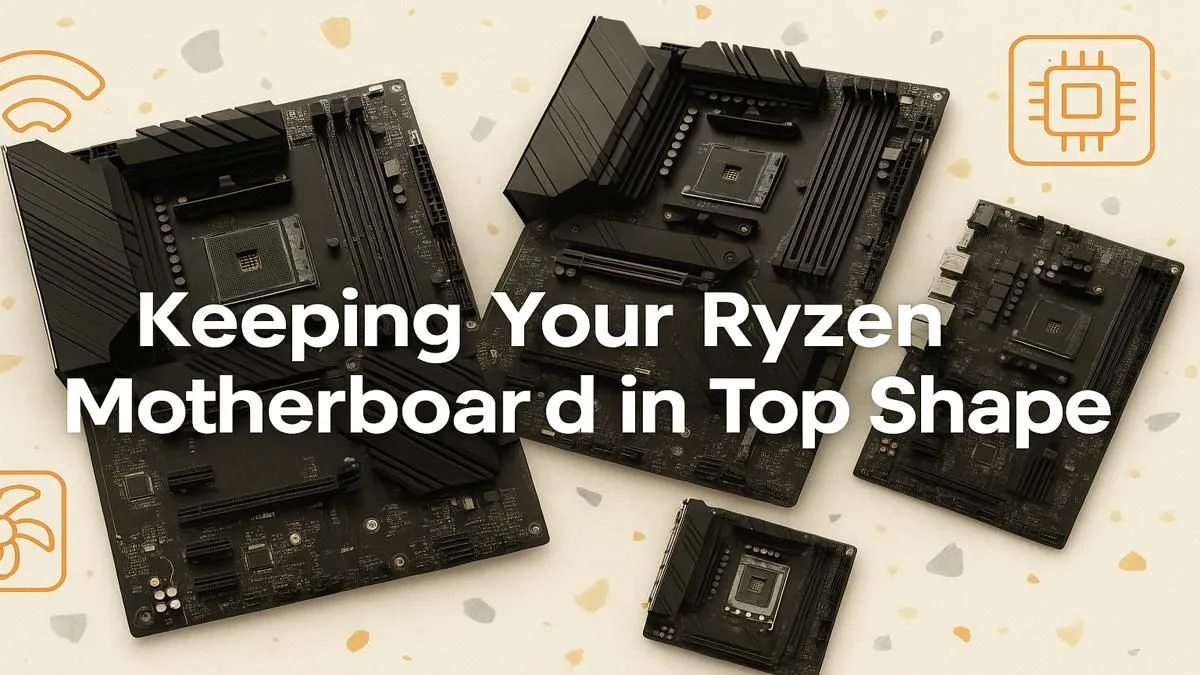
Your Ryzen CPU is the heart of your gaming rig, but the motherboard is its central nervous system. Here in South Africa, keeping that system clean and updated is crucial for performance. Proper Ryzen motherboard maintenance isn't just about dusting; it's about protecting your investment from heat, instability, and premature failure. A little care ensures your PC runs smoothly for years, from intense Comp Sci projects to late-night gaming sessions. ✨
Why Ryzen Motherboard Maintenance Matters
Think of your motherboard as the command centre. It connects every single component—your CPU, GPU, RAM, and storage—and ensures they communicate flawlessly. When you neglect its care, you risk performance bottlenecks. Dust buildup can trap heat around critical components like the VRMs (Voltage Regulator Modules), which feed clean power to your CPU. Overheating VRMs can cause your processor to throttle, slashing your frame rates right when you need them most.
Regular upkeep is the key to unlocking the full potential of your hardware, whether you're running a budget build or a high-end gaming beast. A well-maintained board provides a stable foundation for everything you do, making the entire experience smoother. This fundamental care applies across all platforms, from reliable workhorses to the latest and greatest AMD motherboards on the market.
The Essential Physical Care Routine 🔧
Performing physical Ryzen motherboard maintenance is easier than it sounds. You don't need to be a pro builder, just patient and careful. Aim to do this every 3-6 months, or more often if your environment is particularly dusty.
Step 1: Power Down and Disconnect
Safety first! Completely shut down your PC, switch off the power supply unit (PSU) at the back, and unplug it from the wall. Press the power button on your case a few times to discharge any residual electricity. Open up your side panel and get ready.
Step 2: The Dust Takedown
Dust is the number one enemy. It's an insulator that prevents heatsinks and components from cooling effectively.
- Compressed Air: Use short, controlled bursts of compressed air to blow dust out of your case, focusing on the motherboard's heatsinks, fan headers, and the gaps between PCIe slots.
- Soft Brush: For stubborn dust, a soft, anti-static brush (a new, clean paintbrush works wonders) can gently dislodge particles from surfaces.
This simple cleaning routine is vital for keeping boards like the ever-popular AMD B550 motherboards running cool and efficiently for years.
The Toothbrush Trick ⚡
For cleaning really tight spots like the area around your CPU socket latch or between RAM slots, a brand new, bone-dry toothbrush is an excellent tool. Its soft bristles can get into crevices that compressed air might miss. Just be gentle and make sure your PC is fully powered down and unplugged!
Keeping Your Motherboard's Brain Sharp
Beyond the physical clean-up, digital upkeep is a crucial part of your AMD motherboard care schedule. This involves keeping its firmware and drivers up to date, which can unlock performance, improve stability, and patch security vulnerabilities.
BIOS/UEFI Updates
The BIOS (or UEFI on modern boards) is the motherboard's fundamental software. Manufacturers release updates to:
- Improve memory compatibility (XMP/EXPO profiles).
- Add support for new CPUs.
- Fix bugs and enhance system stability.
Always download BIOS updates directly from your motherboard manufacturer's official website. Flashing a new BIOS is a straightforward process, but follow the instructions carefully. This is especially important for those looking forward to next-gen platforms like the upcoming AMD B850 motherboards, which will rely on mature firmware for optimal performance.
Chipset Driver Updates
Chipset drivers are just as important. They manage the data flow between the CPU, PCIe slots, USB ports, and storage drives. Outdated drivers can lead to weird glitches or prevent your components from running at their full speed. You can grab the latest AMD chipset drivers directly from AMD's website. For enthusiasts pushing the limits on high-end boards, such as the powerful new AMD X870 motherboards, having the latest drivers is non-negotiable for peak performance. This simple step in your Ryzen motherboard maintenance guide ensures everything talks to each other perfectly. 🚀
Ready to Build or Upgrade Your Ryzen Rig?
A powerful motherboard is the backbone of any great PC. From budget builds to enthusiast-grade rigs, the right board makes all the difference. Explore our massive range of PC components and find the perfect foundation to conquer your world.