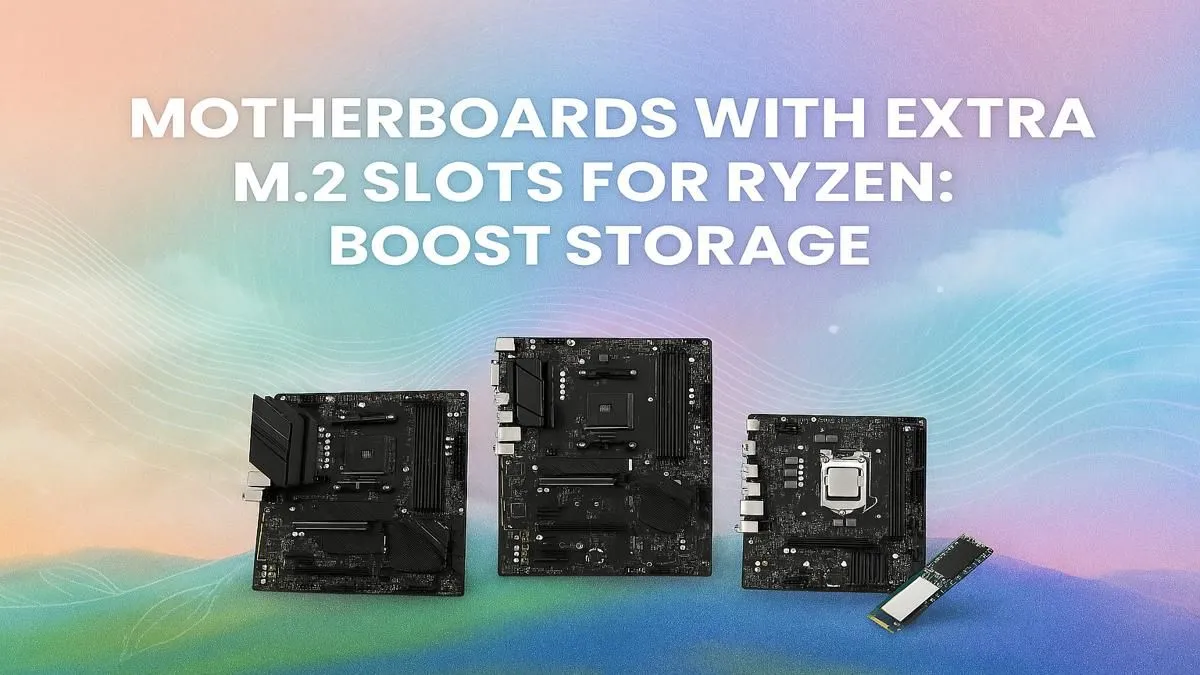
Tired of playing 'storage Tetris' every time a new Warzone update drops? We get it. Modern games are massive, and that old SATA SSD just isn’t cutting it anymore. For a clean, lightning-fast PC build, a Ryzen motherboard with multiple M.2 slots is your secret weapon. It’s not just about more space; it's about unlocking next-level speed for your operating system, games, and applications without a single messy cable in sight. 🚀
Why Your Next Ryzen Build Needs Multiple M.2 Slots
Let's be honest, the days of a single 256GB boot drive are long gone. With games easily topping 100GB, content creators working with 4K video, and our digital lives expanding, storage speed and capacity are paramount. This is where a motherboard with more than one M.2 slot becomes essential, not just a luxury.
An M.2 NVMe SSD connects directly to your motherboard's PCIe lanes, bypassing the slower SATA interface entirely. This means dramatically faster boot times, near-instantaneous game loading, and a snappier feel across your entire system. By choosing a Ryzen motherboard with multiple M.2 slots, you can dedicate one ultra-fast drive for your OS and essential programs, and a second (or even third!) for your massive game library. It's the ultimate setup for a clutter-free, high-performance rig. ✨
Choosing the Right Ryzen Motherboard with Multiple M.2 Slots
The AMD ecosystem offers fantastic choice, but the chipset you pick determines your features and future-proofing. When it comes to storage, the differences are significant.
The AM4 Value Champion: B550
For builders on a sensible budget who still demand performance, the AM4 platform remains a powerhouse. Many excellent AMD B550 motherboards come equipped with at least two M.2 slots. Typically, the primary slot offers blazing-fast PCIe 4.0 speeds (perfect for your main NVMe drive), while the second slot runs at PCIe 3.0 speeds—still significantly faster than any SATA SSD and perfect for your game collection.
The AM5 Future: B850 & X870
Stepping up to the latest AM5 platform? You're in for a treat. These boards are built for the next generation of components. The brand-new AMD B850 motherboards offer a brilliant entry point into PCIe 5.0, often providing multiple M.2 slots with enhanced bandwidth for tomorrow's ludicrously fast drives.
For those who want zero compromises, the top-tier AMD X870 motherboards are the pinnacle of performance. These boards are often packed with three or even four M.2 slots, many supporting full PCIe 5.0 speeds. This is the platform for enthusiasts who need maximum storage flexibility and the absolute fastest transfer rates possible.
NVMe Lane Splitting 🔧
When shopping for a Ryzen motherboard with multiple M.2 slots, check the manual! Some boards share PCIe lanes between the second or third M.2 slot and some SATA ports. Populating that M.2 slot might disable a couple of SATA ports. It's a small detail that can save you a big headache if you plan on using lots of drives.
Optimising Your Multi-M.2 Storage Setup
Getting the hardware is only half the battle. To get the most out of your setup, a little planning goes a long way.
- OS on the Primary Slot: Always install Windows on the M.2 slot that connects directly to the CPU's PCIe lanes (check your motherboard manual). This ensures the lowest latency and highest possible speeds for your operating system.
- Games & Apps on the Secondary: Use your second or third M.2 drive for your Steam library, Epic Games installs, and other large applications. This keeps your OS drive clean and ensures your games load in a flash.
- Mind the Heat: NVMe drives can get toasty under heavy load, which can lead to thermal throttling (slowing down to cool off). Look for motherboards with built-in M.2 heatsinks or consider adding aftermarket ones to maintain peak performance.
Investing in a motherboard with room to grow is one of the smartest decisions you can make for a new PC build. It gives you the power you need today and the flexibility you'll be grateful for tomorrow.
Ready to Build Your Storage Powerhouse?
From budget-friendly speedsters to bleeding-edge PCIe 5.0 beasts, the perfect foundation for your build is waiting. A Ryzen motherboard with multiple M.2 slots is the smartest upgrade you can make today. Explore our massive range of AMD motherboards and find the perfect board to conquer your storage needs.