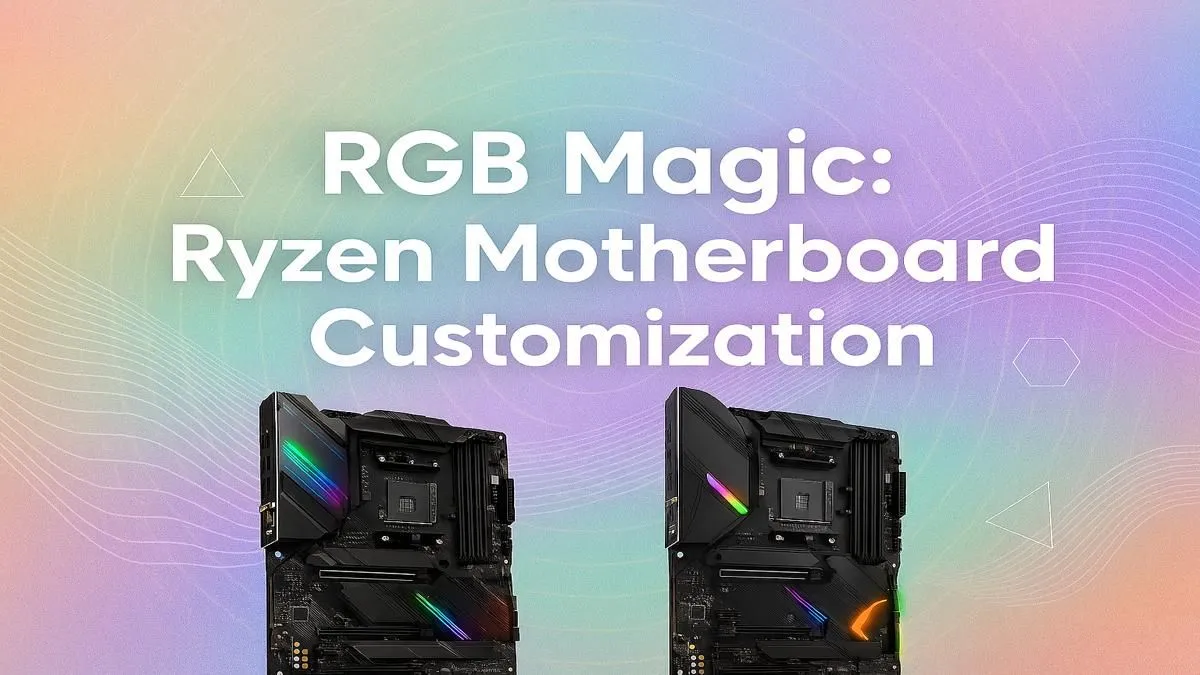
So, you've built your dream PC with a powerful Ryzen CPU, but the RGB lighting looks like a tangled mess of Christmas lights? You're not alone. Getting your fans, RAM, and motherboard to sync up can be a real headache. This guide provides everything you need for total Ryzen motherboard RGB control, turning your rig from a chaotic disco into a synchronised masterpiece. Let's get those colours sorted. ✨
Understanding Your Ryzen Motherboard's RGB Ecosystem
Before diving into software, it's crucial to understand the hardware. Your motherboard is the central hub for all things RGB. Most modern boards have two types of headers:
- 4-Pin 12V RGB: The older standard. It can display one colour across all connected LEDs at a time. Simple, but limited.
- 3-Pin 5V ARGB (Addressable RGB): The new champion. Each LED on a connected strip or fan can be controlled individually, allowing for complex effects like rainbow waves.
Mixing these up is a recipe for disaster... and possibly fried components. Always check your motherboard manual and your component's specifications. The good news is that whether you're a beginner or a pro, you'll find a board to match your needs in our wide selection of AMD motherboards.
The Software Side: Mastering Ryzen Motherboard RGB Control
Getting your lights to dance in harmony is all about the software. Each major motherboard manufacturer has its own utility to manage colours and effects.
Your Step-by-Step Software Guide
- Identify Your Brand: Is your board an ASUS, MSI, Gigabyte, or ASRock? Find the brand name printed clearly on the board itself.
- Download the Correct Utility: Head to your motherboard's support page on the manufacturer's website and download the latest version of their RGB software (e.g., ASUS Aura Sync, MSI Mystic Light Center, Gigabyte RGB Fusion 2.0).
- Install and Run: Install the software and restart your PC. Upon launching, it should automatically detect your motherboard and any compatible RGB components connected to its headers.
- Start Customising: This is the fun part! 🚀 You can now sync all your devices, choose static colours, or apply dynamic effects. For many builders, a solid B550 motherboard offers the perfect balance of features and price for a stunning RGB setup.
Universal Control Pro Tip 🔧
Manufacturer software can sometimes be bloated or conflict with other programs. For ultimate control over components from different brands, check out OpenRGB. It's a free, open-source application that aims to control all your RGB devices from one central program, cutting down on background processes.
Troubleshooting Common RGB Sync Issues
Even with the right software, things can go wrong. Here are a few common issues and how to tackle the challenge of achieving perfect Ryzen motherboard RGB control.
- Lights Aren't Detected: Double-check that your RGB cables are securely plugged into the correct headers on the motherboard. A loose connection is the most common culprit. Also, ensure your motherboard's BIOS is up to date.
- Wrong Colours Are Displaying: This often happens if you've plugged a 3-pin ARGB device into a 4-pin 12V header or vice-versa. Power down immediately and check your connections to prevent damage.
- Software is Buggy: Competing RGB programs can cause conflicts. Uninstall any other RGB software (like from your GPU or RAM manufacturer) and try running just your motherboard's utility to see if it solves the problem. Sometimes, newer platforms like the upcoming AMD B850 motherboards can offer more refined software integration out of the box.
Planning Your Build for Perfect RGB Harmony
The easiest path to flawless lighting is to plan ahead. When picking parts for a new build or an upgrade, try to stick within a single brand's ecosystem where possible. An ASUS motherboard, ASUS GPU, and ASUS AIO cooler will almost always sync perfectly via Aura Sync with minimal fuss.
Pay close attention to the number of ARGB headers on a motherboard's product page. If you're planning a light-heavy build with multiple fans, strips, and components, you need a board that can handle it all. If you're planning a high-end build with multiple RGB zones, investing in a premium platform like an AMD X870 motherboard gives you the best foundation and connectivity for your masterpiece.
Ready to Build Your RGB Masterpiece?
Getting your Ryzen motherboard RGB control right is the key to a stunning build. Whether you're starting fresh or upgrading, the right foundation is everything. Explore our massive range of AMD motherboards and find the perfect canvas for your creation.