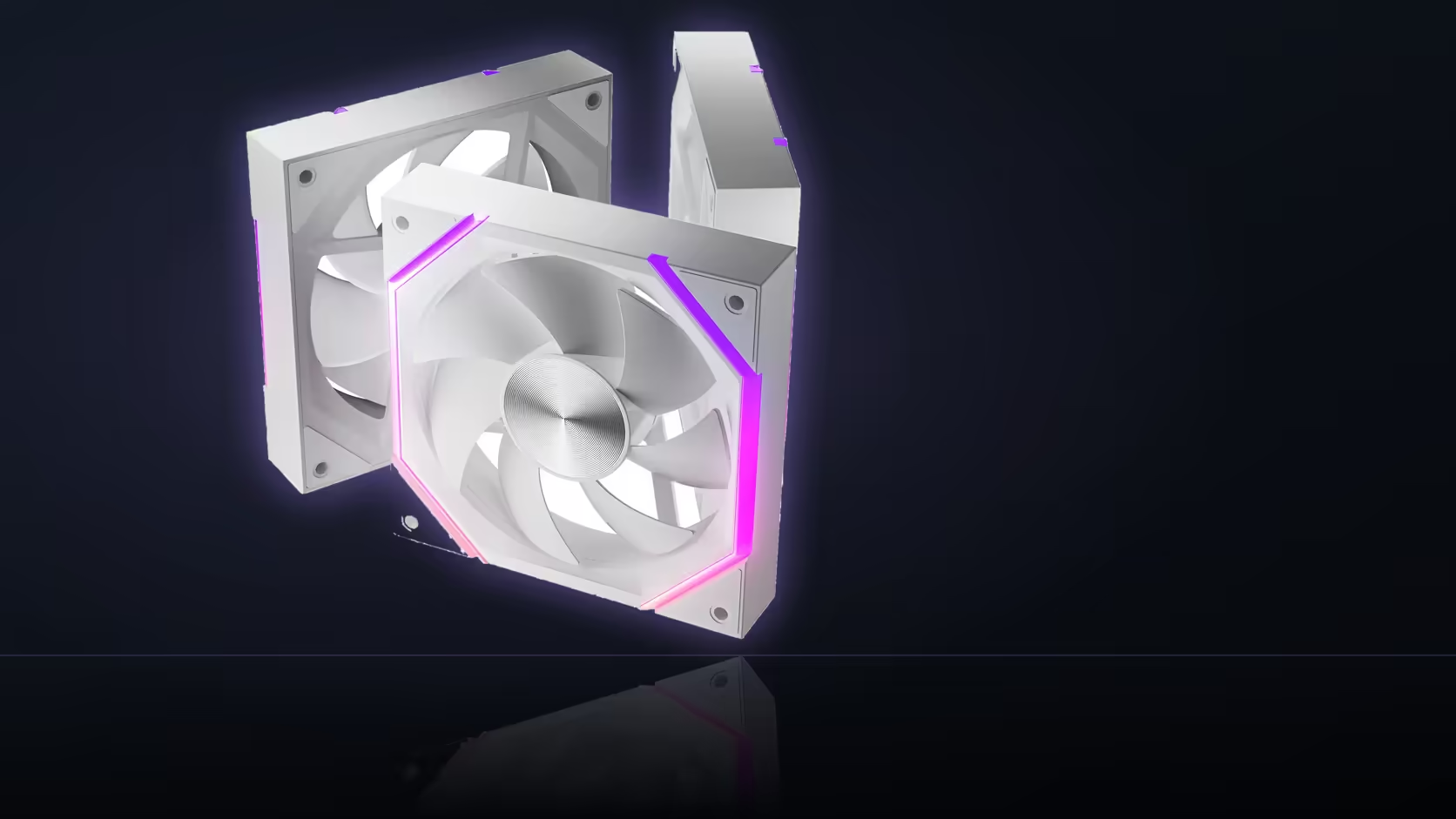
Fan tuning has a way of sprawling - one adjustment leads to another, and an hour later the original working setup is a fuzzy memory rather than something you can confidently restore. Before touching a Nyota A12 row's BIOS settings, take the two minutes to record where it started.
Quick Answer
Record the Nyota A12's original BIOS fan settings before experimenting with curves, sensors, or header modes - a photograph of the relevant screen is generally enough. That record lets a session that goes badly be undone in a moment rather than reconstructed from memory. Fan tuning touches several related values at once, and remembering all of them accurately afterwards is harder than it sounds. The three-pack costs R499.
📸 What's worth capturing before you start
The full fan control screen for the header a Nyota A12 chain is plugged into - curve points, the selected temperature sensor, the PWM/voltage mode setting, and any response timing values - are all worth having in one image before anything changes. Most BIOS fan screens display these together in a single view, which makes a single photograph a genuinely complete backup.
Why a photograph beats memory
Fan tuning rarely involves adjusting just one thing. A curve point here, a sensor swap there, a mode toggle you weren't even sure needed changing - by the time a session wraps up, remembering the original state of every setting accurately is far harder than it seemed going in. A photograph sidesteps that entirely.
💾 Does the board offer anything better?
Many boards support saving fan settings as a named profile directly in the BIOS, which is more convenient than a photograph where that option exists - it restores everything in one click rather than requiring you to re-enter each value by hand. Check for a profile-save option before relying on a photograph as the only backup.
Why loading BIOS defaults isn't a safe shortcut
Resetting to factory defaults undoes every BIOS setting, not just the fan configuration - boot order, memory timings, and anything else you've previously tuned all revert too. That's rarely what anyone actually wants when the goal is simply restoring a working fan curve.
🧪 How often is the record actually needed?
Often enough that it's worth having as routine practice, particularly on a session adjusting several curve points, sensor selections, or header modes in one sitting. A record that's never needed costs almost nothing; a session gone wrong without one costs considerably more time to untangle.
Does this cover the ARGB lighting too?
Lighting settings typically live in separate board software rather than the BIOS, so they're generally recorded - if at all - through a different method, such as a saved lighting profile in that application.
The fastest recovery path
If a tuning session does go sideways, restoring the recorded curve returns the row to known, predictable behaviour immediately - a solid base to work from before trying a different adjustment approach.
🗂️ Where to actually keep the record
A photograph left sitting in a phone's camera roll is easy to lose track of months later, buried under everything else taken in between. Moving it somewhere specifically tied to the build - a build-notes folder, alongside receipts and warranty documents for the A12 pack itself - keeps it findable the one time it's actually needed, which is often long after the original tuning session is a distant memory. That same folder is a sensible place to note the header the chain is plugged into and which BIOS version was running at the time, since a later firmware update can occasionally reset fan settings to defaults without warning.
Revisiting the record after a build changes
A recorded baseline is worth reviewing whenever the build itself changes meaningfully - a new case, an added component that shifts internal airflow, or fans moved to different headers. The original photograph still shows what worked in the old configuration, but it may no longer be the right target once the physical layout is different, and treating an outdated record as gospel can mean chasing a curve that made sense for a case the fans aren't in anymore.
Frequently Asked Questions
What exactly is worth recording before making changes?
The curve points, selected sensor, header mode, and any response timing settings - all four genuinely affect fan behaviour.
Is a single photograph really enough?
For most boards, yes - the fan control screen typically shows the curve and its related settings together in one view.
Do boards offer a more formal way to save settings?
Many support named profiles that can be stored and restored in the BIOS, which is more convenient than a photograph where available.
Why not just reset to BIOS defaults if something goes wrong?
Because that undoes every BIOS setting, not just fan configuration, which is rarely the outcome anyone actually wants.
How often does a tuning session genuinely need this backup?
Often enough to make it routine, especially when adjusting several related settings - curve, sensor, mode - in one sitting.
Does this same approach apply to ARGB lighting settings?
Not usually - lighting typically lives in separate board software and is backed up differently, often via its own saved profile.
What's the fastest way to recover if a session goes wrong?
Restoring the recorded curve and settings, which returns the row to known behaviour before trying a different approach.
With a safety net in place, tuning your own fan row gets a lot less risky. Evetech's case fans and case accessories ranges cover what else the build needs.
About to start tuning your own fan curves?
Check Evetech's case fan range first, then back up your BIOS settings before making any changes.