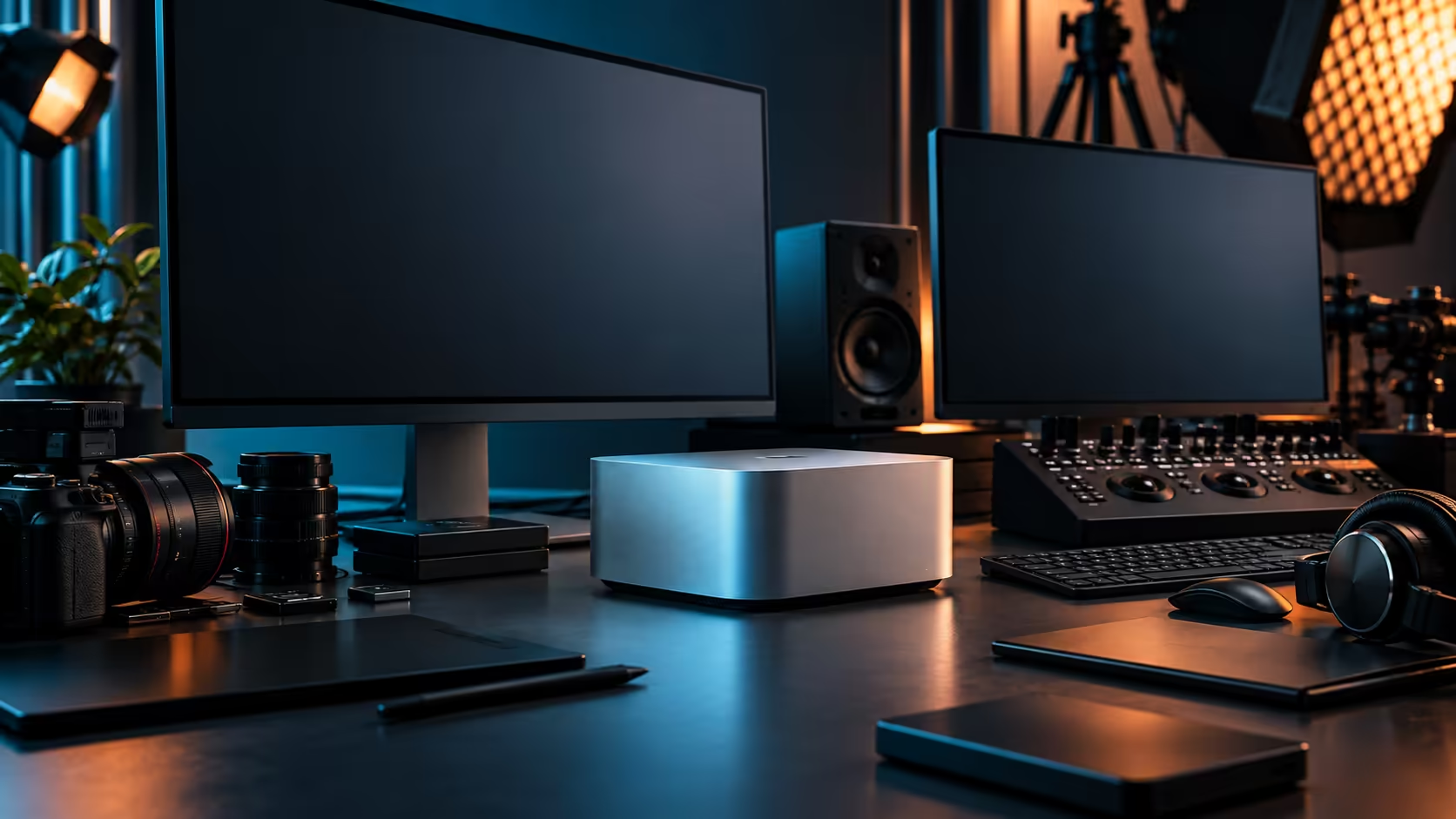
A 10Gb Ethernet port is only as fast as the weakest link between it and whatever it's talking to, and the Mac Studio M5 Max ships with exactly one of those ports sitting unused in most home studios. Wire it up properly and a full day of footage moves between machines in minutes instead of an afternoon.
Quick Answer
The 10Gb LAN port only runs at 10Gb when the switch, the cable and the device on the other end all support it, which means most South African fibre routers won't get you there on their own since they typically hand out 1Gb ports. Build the fast link separately, between your own machines, using Cat6A cable and a small 10Gb switch. The 36GB Mac Studio M5 Max carrying that port is R49,499.
🔌 Why your fibre router is not part of this plan
Confusing internet speed with local network speed is the single most common mistake here.
Your fibre line's advertised speed describes the connection to the internet, not the connection between two computers in the same room, and the router most South African fibre providers install typically has 1Gb LAN ports at best. A 10Gb link exists entirely on your own local network: Mac Studio to switch to NAS, or Mac Studio to switch to a second workstation, with the internet connection playing no part in that transfer at all.
This is good news in one sense: a slow or contended fibre line doesn't limit how fast you can move a project between two machines on your own desk, provided the local wiring supports it.
🧵 Cabling and hardware that actually reaches 10Gb
Getting the full speed out of the port takes three matching pieces, not one.
Cat6A cable is the practical minimum for reliable 10Gb over any meaningful run; older Cat5e will bottleneck the connection well below what the port is capable of. A small unmanaged 10Gb switch, rather than the switch built into a typical home router, is what lets more than two devices share the fast link, and a NAS or second Mac needs its own 10Gb-capable network adapter to make full use of it. Wi-Fi 7 and Bluetooth 6 handle wireless peripherals and casual connections well, but neither substitutes for a wired 10Gb link when the job is moving large media files. This particular port sits on every configuration in the mini PC range, so the wiring plan below applies whichever tier you settle on.
Look at the wired networking range for the cable and adapters, and the switches range for hardware built to actually pass 10Gb traffic rather than merely having a fast-looking port on the box.
📁 What this changes for a working day
The difference shows up at the exact moments that used to cost the most time.
Moving a day of 4K camera footage from a field drive to a NAS, or handing a finished project between two editors in the same studio, goes from a coffee-break-length wait on a 1Gb link to something closer to the time it takes to check email on a proper 10Gb one. For a two-person edit suite sharing one project archive, that difference compounds daily rather than being a one-off convenience.
Backups benefit the same way. A nightly backup job that used to run for hours over a 1Gb connection, sometimes bumping into the start of the next working day, comfortably finishes overnight on 10Gb with room to spare.
📶 Where Wi-Fi 7 and Bluetooth 6 actually fit in
Wireless has its place, just not this one.
Wi-Fi 7 comfortably handles video calls and general browsing on its 6GHz band, and it's a sensible default for laptops moving around a studio. Bluetooth 6 covers keyboards, mice, and audio accessories reliably. Neither is the right tool for shifting large media libraries between machines, where a wired connection removes the variability that wireless introduces, particularly in a shared office with several networks competing for the same airwaves.
Frequently Asked Questions
Will my fibre connection give me 10Gb speeds between my computers?
No. Your fibre line's speed applies to internet traffic, and most routers only provide 1Gb LAN ports. A 10Gb link is a separate wired setup between your own devices.
What cable do I need for a reliable 10Gb connection?
Cat6A is the practical minimum for consistent 10Gb performance; Cat5e will not reach that speed reliably.
Do I need a special switch for 10Gb networking?
Yes, a switch with 10Gb-capable ports. A standard home router or an older switch limited to 1Gb ports will cap your speed regardless of the cable used.
Is Wi-Fi 7 fast enough to replace a wired 10Gb connection?
For everyday tasks, yes. For moving large media files between machines, a wired connection remains more consistent and considerably faster in practice.
How much faster is a day's footage transfer on 10Gb versus 1Gb?
Roughly ten times the raw throughput, which in practice turns a coffee-break-length wait into something closer to a couple of minutes, network conditions and the storage on both ends permitting.
Ready to stop waiting on file transfers?
Pair the Mac Studio's 10Gb port with the right cabling and switch to move projects at the speed the hardware allows.