Quick Answer
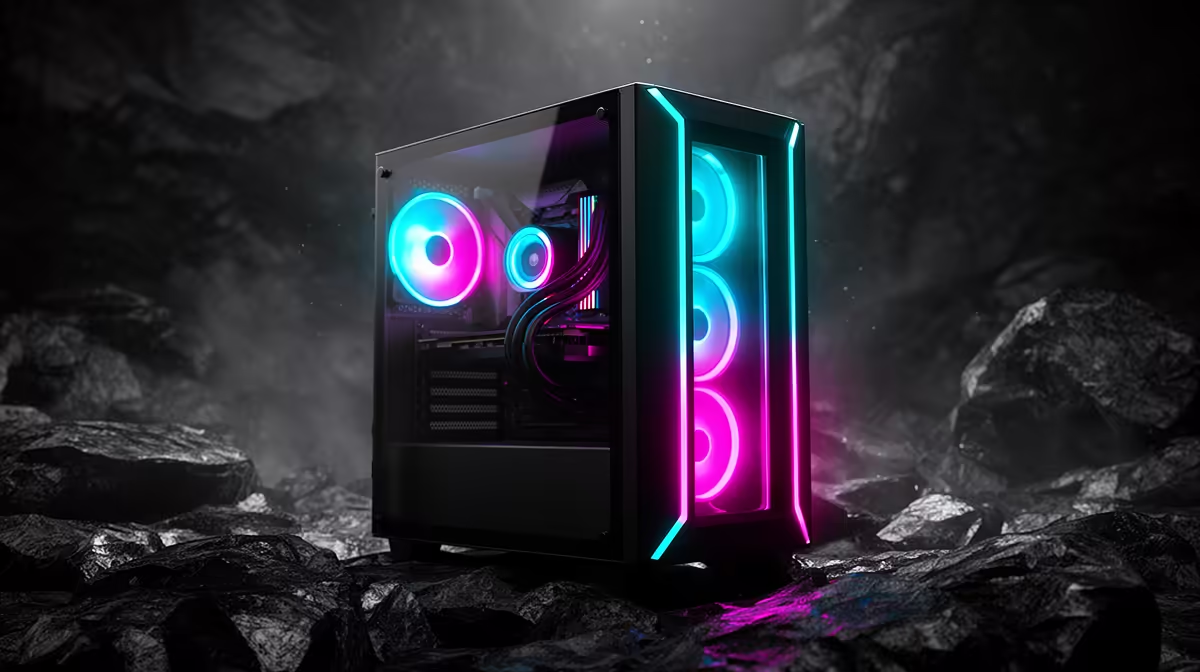
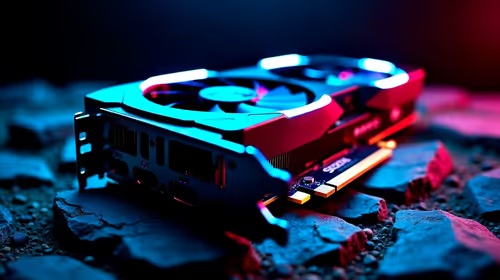
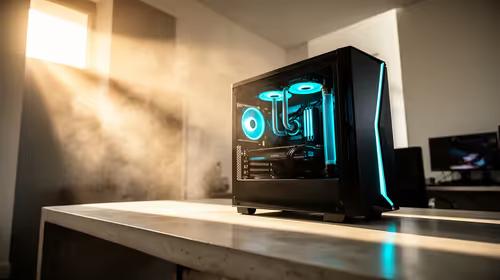
A streaming build under R20,000 in Standerton can pair a Ryzen 5 7600 with an RTX 4060, whose NVENC encoder streams 1080p60 at 6,000 kbps while you game. Add 16GB DDR5 and a 1TB NVMe and you're set — the real prerequisite is a fibre line with 20 Mbps+ upload.
Single-PC streaming on a budget
The RTX 4060's NVENC (with AV1) encodes your stream while the GPU renders the game, so a single sub-R20,000 PC streams and plays at once. A 6-core Ryzen 5 7600 runs the game plus OBS, browser sources and chat; 16GB DDR5 is the floor, with 32GB nicer once overlays pile up. Stream Twitch at 1080p60 / 6,000 kbps; YouTube allows higher.
Internet and audio for Standerton streamers
Upload bandwidth decides quality. A 6,000 kbps stream needs about 6 Mbps up, so fibre with 20 Mbps+ upload on wired Ethernet is ideal. Add a USB dynamic mic — clear audio keeps viewers watching longer than a slightly sharper picture ever will.
OBS basics
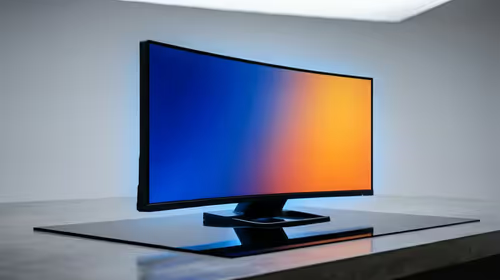
Set OBS to NVENC, 1080p60, a 6,000 kbps CBR bitrate and a 2-second keyframe interval for Twitch. Build a few scenes (starting soon, live, BRB) for a polished look. A USB dynamic mic and a second monitor for chat are the highest-value additions once the PC is sorted. A 650W 80+ Gold PSU covers the Ryzen 5 7600 and RTX 4060 with headroom, keeping the budget streaming rig stable under load. A USB dynamic mic adds the clear audio that keeps viewers watching, and a second monitor for chat makes live management far easier.
FAQ
Can I stream on a sub-R20,000 PC?
Yes. A Ryzen 5 7600 with an RTX 4060 streams 1080p60 while gaming thanks to NVENC, all within budget.
What internet do I need to stream?
A stable 10 Mbps+ upload, ideally fibre on Ethernet, to carry 1080p60 at 6,000 kbps without dropped frames.
Should I use AV1 or H.264?
AV1 where supported — it's cleaner at the same bitrate; otherwise NVENC H.264 is the reliable default.
Set OBS to NVENC and connect via Ethernet — together they keep frame rates high and dropped frames near zero on a budget rig.