


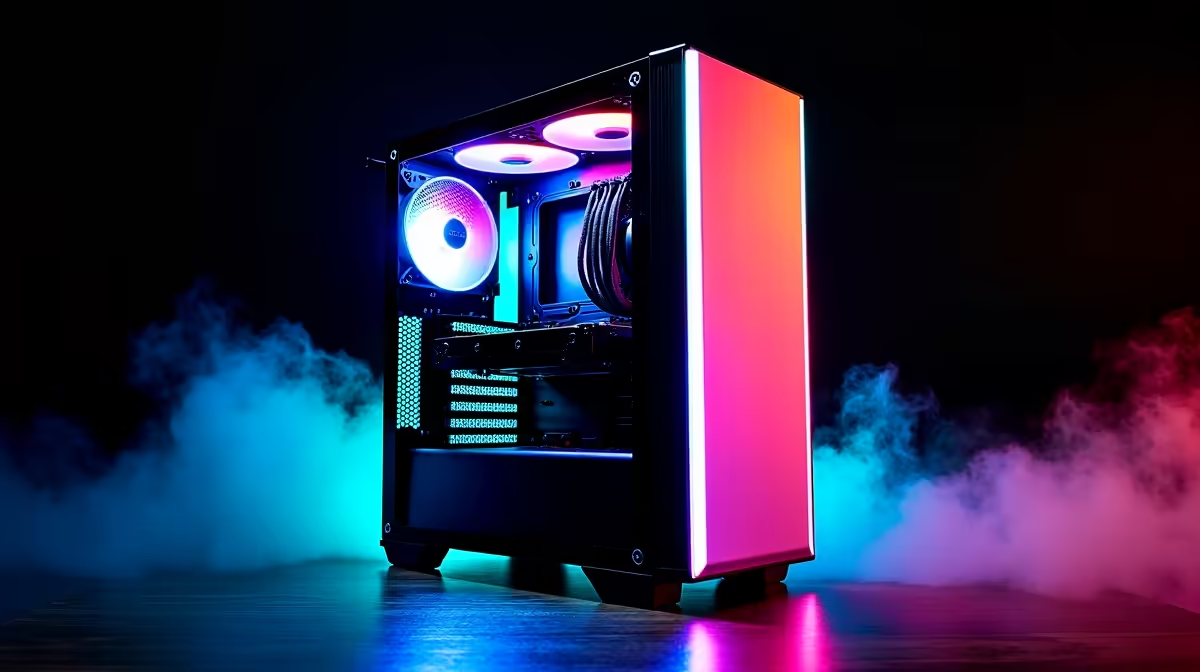
Your stream is hitting its peak viewership… and then it happens. Frame drops. Stuttering. Your PC fans spin up, sounding like a jet engine preparing for takeoff. Here in Mzansi, the summer heat can be brutal on a high-performance rig. That's why effective streaming PC cooling in South Africa isn't just a nice-to-have; it's absolutely essential for keeping your content smooth, your audience engaged, and your expensive hardware from throttling. 🚀
Why Your Streaming PC Gets So Hot
Streaming is incredibly demanding. Unlike just gaming, your PC is juggling multiple intensive tasks at once. Your CPU is encoding the video feed in real-time while your GPU is rendering the game at the highest possible settings. This double workload generates a massive amount of heat.
When components get too hot, they automatically slow down to protect themselves—a process called thermal throttling. For a streamer, this is disastrous. It means lower frame rates, a choppy broadcast, and a frustrating experience for your viewers. Proper cooling ensures your components can run at their peak performance, even during the longest sessions.
The Great Debate: Air vs. Liquid Cooling
Choosing the right cooler is the first step in managing your PC's thermals. The two main options for streaming PC cooling in South Africa each have their own strengths.
Air Coolers: The Reliable Workhorse
A traditional air cooler uses a heatsink with metal fins to draw heat away from the CPU, which is then dissipated by a fan.
- Pros: Highly reliable with fewer points of failure, often more affordable, and modern high-end models can compete with many liquid coolers.
- Cons: Can be bulky, potentially interfering with RAM or case side panels. Their performance might top out with the most power-hungry CPUs.
For many streamers, a quality air cooler is more than enough, especially when building on a budget. You can find many excellent PC builds under R20k that use efficient air cooling to deliver fantastic performance.
Liquid Coolers (AIOs): Peak Performance & Aesthetics ✨
All-in-One (AIO) liquid coolers use a closed loop to circulate a liquid coolant between a block on your CPU and a radiator.
- Pros: Generally offer superior cooling performance, making them ideal for overclocking or taming top-tier processors. They also provide a cleaner, more modern look inside your case.
- Cons: More expensive and have more potential points of failure (like the pump or leaks, though rare in modern units).
If you're running a high-core-count CPU for demanding encoding tasks, an AIO is often the best choice. Whether you're looking at powerful Intel gaming PCs or the latest high-performance AMD Ryzen systems, liquid cooling helps unlock their maximum potential.
Dust Is The Enemy 🔧
Your PC case's dust filters are your first line of defence against heat-trapping buildup. In South Africa, dust can be a real problem. Make a habit of cleaning your filters every month. A quick wipe or a blast of compressed air keeps airflow optimal and your components running cooler. A clean PC is a happy PC!
Case Airflow is King
Your CPU cooler can't do its job if it's just circulating hot air. A well-designed case with a smart fan configuration is critical for any streaming PC. The goal is to create a consistent path for air to travel: cool air is drawn in from the front or bottom, flows over your hot components, and is then exhausted out the back or top.
Don't have the time or expertise to map out fan curves and airflow paths? Opting for one of our professionally assembled pre-built PCs ensures your system is optimised for thermal performance right out of the box. Our technicians know exactly how to configure a build to beat the South African heat, letting you focus on what you do best: creating amazing content.
Ready to Build a Cooler Streaming PC? Beating the heat is about making smart choices, from the cooler to the case. For a PC built to handle the demands of streaming and South African conditions, look no further. Explore our massive range of custom and pre-built PC deals and find the perfect rig to keep you live and lag-free.










