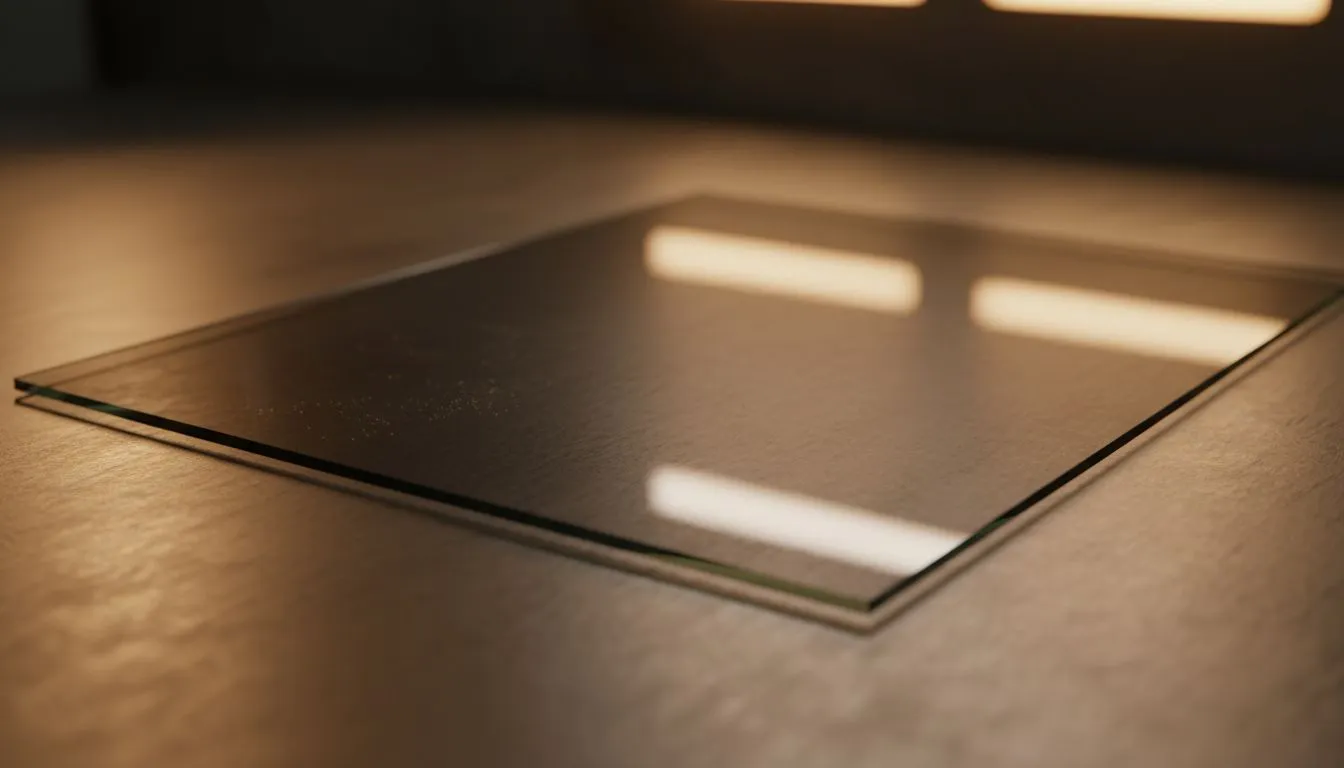
You’ve just finished building your dream rig. The RGB is glowing, the cables are tucked away, and then you see it... a massive, greasy thumbprint right in the middle of your view. Tempered glass side panel cleaning is about more than just aesthetics. It is about maintaining the clarity of your build while ensuring you do not end up with a thousand tiny shards on your carpet. 🔧
The Best Tools for Tempered Glass Side Panel Cleaning
When it comes to cleaning your PC glass, the tools you choose matter just as much as the technique. Avoid using paper towels or old rags. These often leave behind lint or, worse, tiny scratches that dull the finish over time. Instead, always opt for a high-quality microfiber cloth.
Whether you are looking for a new chassis from our wide selection of computer cases or just maintaining your current one, remember to avoid ammonia-based cleaners. Ammonia can strip away special coatings or tinting found on premium glass panels. A simple mixture of distilled water and a drop of dish soap, or a dedicated screen cleaner, works wonders.
The Golden Rule of Glass ⚡
Never clean your tempered glass panel while it is still warm from a long gaming session. Sudden temperature changes from cleaning agents can cause thermal stress. Always wait for your PC to cool down to room temperature before applying any liquids to the surface.
Handling Your Side Panel to Prevent Accidents
Tempered glass is incredibly strong on its surface but surprisingly vulnerable at its edges. One small knock against a tiled floor can cause the entire panel to shatter instantly. If you are working with premium Fractal Design PC cases, you will notice they often use vibration-dampening mounts to protect the glass... a feature worth its weight in gold.
Always remove the side panel completely before cleaning. Place it on a soft surface, like a bed or a plush towel. Never lean it against a desk leg where it might slip. Many Gamdias gaming cases feature edge-to-edge glass that looks incredible, but these require extra care during removal to ensure you don't put uneven pressure on the mounting holes. 🚀
Long-term Maintenance and Longevity Tips
To keep your build looking fresh in the dusty South African climate, regular maintenance is key. Dust build-up on the inside of the glass is often caused by static. Using an anti-static cloth can help repel these particles for longer. Even for those seeking budget-friendly cases under R1,500, tempered glass has become the standard, and keeping it clear ensures your hardware remains the star of the show.
Check your rubber grommets and mounting screws every few months. Over-tightening screws is a common mistake that leads to unnecessary stress on the glass. Hand-tight is always enough. By following these simple handling and longevity tips, your tempered glass will remain crystal clear for years to come. ✨
Ready to Upgrade Your View?
A clean build deserves a chassis that shows off every detail of your hard work. From high-airflow designs to silent masterpieces, we have the perfect home for your components. Explore our massive range of computer cases and find the perfect machine to conquer your world.