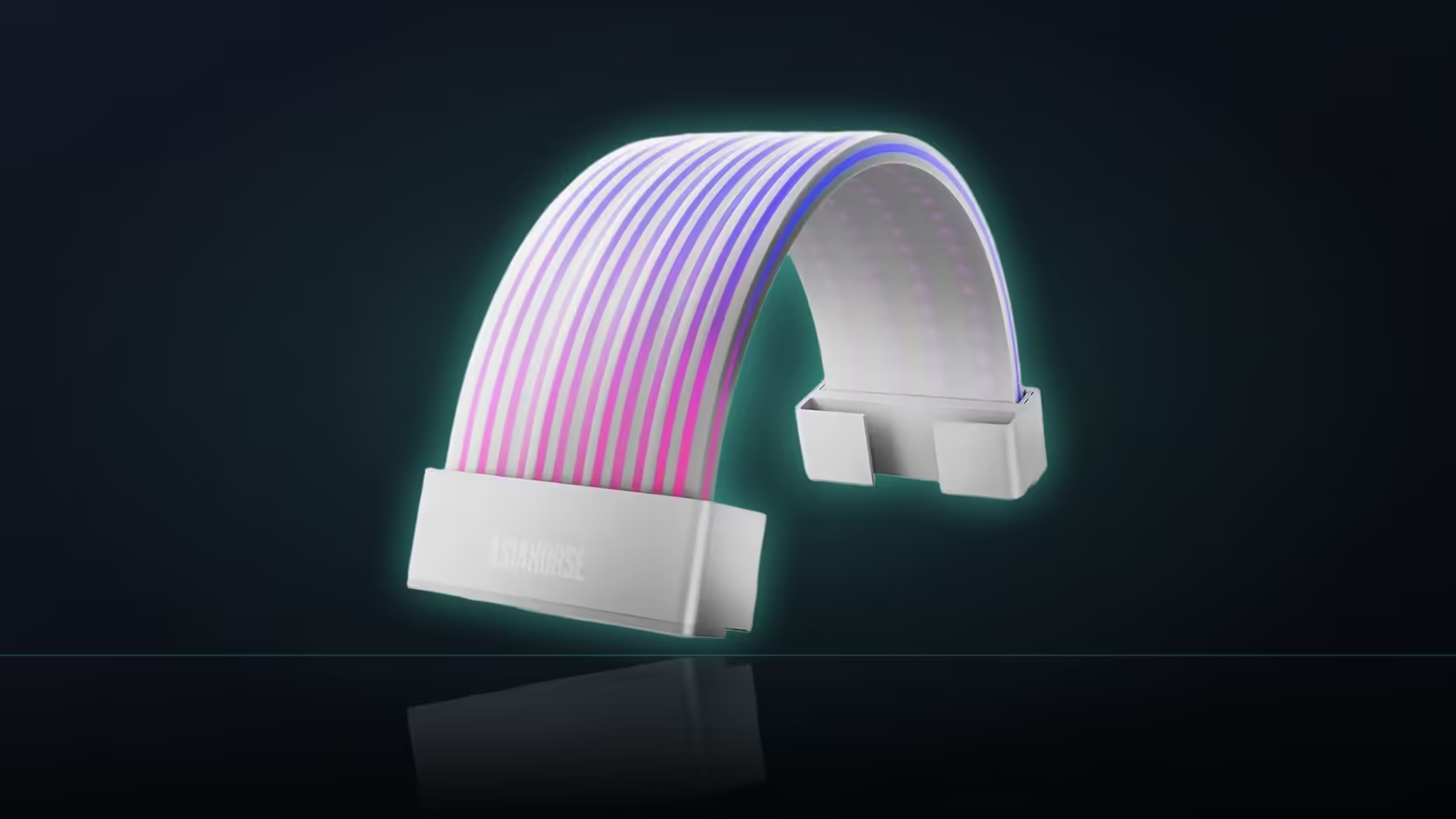
Every addressable lighting product eventually comes down to the same question: is there actually a header free to run it from? AsiaHorse's Aurora ARGB cover kit is no exception, and because it draws from a single connection rather than several, that one check matters more here than it might for a product with its own controller. Before the kit goes anywhere near a cart, it's worth working out whether the board it's going into actually has room for it.
Quick Answer
The Aurora ARGB PSU Cable Cover Kit needs exactly one free 5V 3-pin motherboard header, which supplies both power and the sync signal for the two shells. It has no controller box or SATA fallback to reach for instead, so a board where every addressable header is spoken for leaves nowhere to plug it in. At R699, confirming that header before ordering is the cheapest step in the whole process.
🔍 Why the header is the whole requirement
Most lighting products in this class need at least a power connection and often a separate sync lead as well, sometimes routed through a small controller box tucked behind the motherboard tray. Aurora skips all of that. The description is specific: power and sync both come from a single motherboard 5V 3-pin header, with nothing else involved. That simplicity is also the constraint - there's no SATA-powered fallback to reach for if the board headers are all in use, and no controller that could take the connection instead.
Finding out if a header is actually free
The motherboard's own specification sheet will list how many addressable (5V 3-pin, sometimes labelled ARGB or D_RGB) headers it carries - usually somewhere between one and four depending on the board tier. From there it's a matter of counting what's already plugged in: case fans with their own lighting, a lit fan hub, RGB strips stuck inside the case, or a lit AIO pump head can all occupy a header before the Aurora kit is even considered. Boards ship anywhere from a single header on budget models to several on higher-end ones, so this genuinely varies build to build.
🔀 What to do if every header is already taken
An addressable splitter is the usual fix, letting several devices share one header rather than each needing its own. Whether that's the right move depends on what the board's documentation says about how many devices - and how many total LEDs - a single header can reliably drive; overloading one can produce dim or flickering results rather than a clean failure, which makes it worth checking the spec rather than just trying it. A trip through Evetech's cable management accessories is also worth it at this stage, since routing a splitter and its downstream leads cleanly is its own small job.
🧭 Checking before, not after
Because the covers have no alternative power source, this is a pre-order question rather than a post-install one. A build with no spare addressable header simply cannot light the shells - they'd still clip on and look like plain covers, but the strands inside them would stay dark. Working that out before the kit arrives, rather than discovering it once the panel is back on, is the single step that decides whether the R699 spend delivers what it's meant to.
For a broader sense of what else can sit on the same kind of connection, the site's case lighting range is worth a browse - several products there draw from the same 5V 3-pin standard and compete for the same limited headers.
Frequently Asked Questions
Why is the header check so important here?
Because it's the only source of power and control for the shells - there's no controller box and no SATA connection to fall back on if it's missing.
How do I work out if a header is free?
Check the board's specification for how many addressable headers it has, then count what's already plugged into each one.
What if every header on the board is taken?
A splitter lets several devices share one header, which is the usual route when a board has fewer headers than the build needs.
Does the kit include any kind of adapter?
No. Power and sync both come from a single motherboard header, with no controller box or SATA lead anywhere in the box.
Would a 12V RGB header work instead?
No - the covers need the 5V 3-pin addressable type specifically, which is a different standard to a 12V RGB header.
Do the two shells each need their own header?
No, the kit is described as drawing from a single header, so one connection feeds the pair rather than each shell separately.
Should this be checked before or after buying?
Before. A board with no spare addressable header can't light the covers at all, which makes the header the very first thing to confirm.
Not sure your board has a header to spare?
Check Evetech's motherboard range to see addressable header counts before committing to a lighting upgrade.