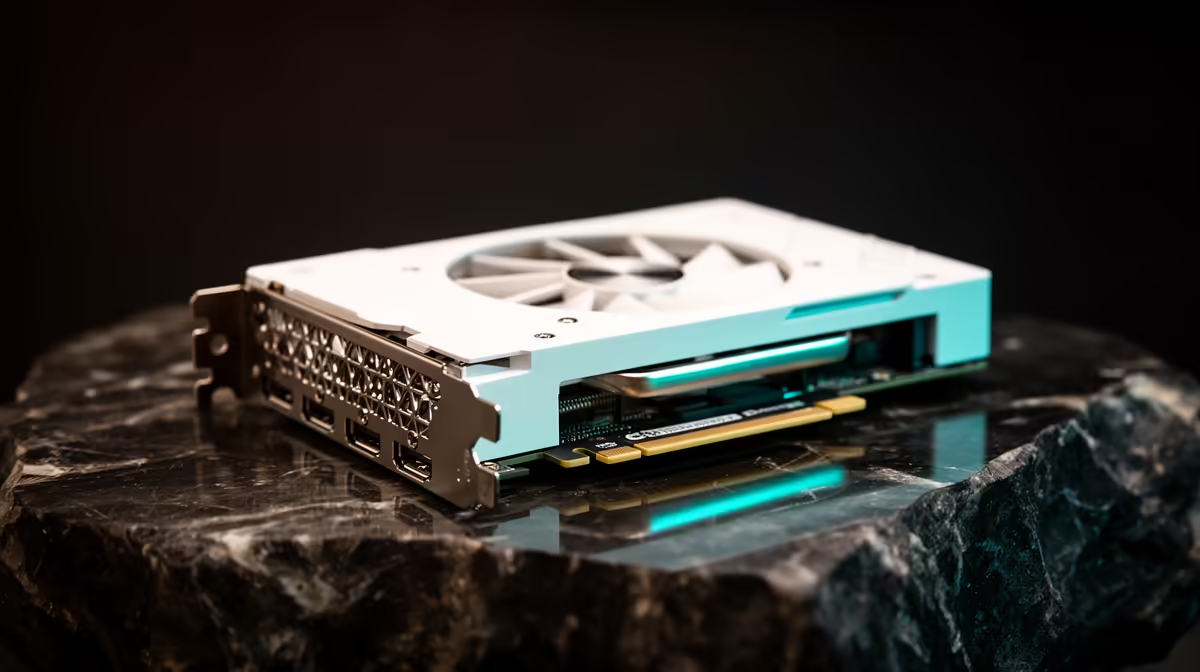
That crisp, all-white PC build... it's a thing of beauty, isn't it? A clean, minimalist masterpiece that looks incredible on any desk in South Africa. But keeping that brilliant white finish pristine can feel like a full-time job. Dust, fingerprints, and the dreaded yellowing can turn your dream rig into a grubby nightmare. Don't stress! Our guide to white PC components troubleshooting will give you the pro tips to keep your setup looking factory-fresh. ✨
Understanding Why White Components Get Dirty
Before we break out the cleaning supplies, let's understand the enemy. The primary issues you'll face when troubleshooting your white PC components are discolouration and dust buildup.
- UV Exposure: Just like old photos, direct sunlight is the number one cause of yellowing in plastics. The UV rays break down the chemical bonds in the ABS plastic used in many cases, fans, and cable sleeves, causing that unwanted creamy tint.
- Heat: Constant high temperatures from your CPU and GPU can accelerate the yellowing process, especially in areas with poor airflow.
- Dust & Grime: White surfaces are unforgiving. They show every single speck of dust and every oily fingerprint. This grime can get baked on over time, making it harder to clean.
- Smoke: If you're a smoker or vaper, that residue will inevitably coat your components, leaving a sticky, yellowish film.
Properly managing these factors is the first step in maintaining that clean aesthetic, ensuring your setup remains one of the best gaming PC deals you've ever invested in.
Proactive Care for Your Pristine Build
The best troubleshooting is prevention. A few simple habits can drastically reduce the amount of deep cleaning your white PC build will need.
Strategic Placement
Keep your PC case out of direct sunlight. It's that simple. If your desk is near a window, consider a UV-blocking film or just repositioning the tower itself. This single step is the most effective way to prevent long-term yellowing.
Optimise Your Airflow 💨
Good airflow doesn't just keep your temps down; it helps prevent dust from settling. Ensure your case fans are configured for positive pressure (more intake than exhaust), which helps push dust out of unfiltered cracks and crevices. Regularly clean your dust filters—at least once a month is a good rule of thumb for the average South African home.
Quick Dust Filter Clean ⚡
No need for a full teardown. Most modern case filters are magnetic or slide out easily. Just take them outside, give them a good brush with a soft-bristled brush (an old toothbrush works wonders), and pop them back in. It takes less than five minutes!
The Ultimate Cleaning Guide for White PC Parts
Okay, so prevention failed, and it's time for a proper clean. Don't panic. With the right tools and techniques, you can restore that brilliant white shine. This process is key for all builds, from affordable workhorses to high-end rigs.
Your Essential Toolkit:
- Compressed Air: For blasting dust out of tight spots like heatsinks and fan blades.
- Isopropyl Alcohol (90%+): Perfect for cutting through grime and oils without damaging components.
- Microfibre Cloths: A few clean ones for wiping surfaces without leaving lint behind.
- Cotton Swabs & Soft Brushes: For detailing and getting into hard-to-reach corners.
Step-by-Step Cleaning
- Power Down & Unplug: Safety first! Disconnect everything from the wall before you open the case.
- Exterior First: Lightly dampen a microfibre cloth with isopropyl alcohol and wipe down all external panels. Pay close attention to the top and front where dust settles most.
- Interior Dust-Busting: Take the PC outside if possible. Use short bursts of compressed air to blow dust out of the case, starting from the top and working your way down. Target fans, GPU shrouds, and the motherboard.
- Detailing White Components: For stubborn spots on your white GPU, RAM, or AIO cooler, apply a small amount of alcohol to a cotton swab and gently rub the area. This is where you bring back the brilliance, even on fantastic PCs under R20k.
- Cable Management: White-sleeved cables are dust magnets. Wipe them down individually with the alcohol-dampened cloth. This level of detail is crucial, especially for powerful PCs over R20k where aesthetics are paramount.
For many, this hands-on maintenance is part of the fun. For others, it's a chore they'd rather avoid, which is where our expertly assembled pre-built PC deals come in, offering pristine builds right out of the box.
What if the Yellowing is Permanent?
Sometimes, the yellowing is just too far gone, especially on older components. While extreme methods like "retrobrighting" exist, they involve UV lights and chemical solutions and can easily damage your parts if done incorrectly. 🔧
A safer and more effective solution is often to simply replace the affected part. A new set of white cable extensions, a new case fan, or even a new case can revitalise your build's look without breaking the bank. You can often find great value replacements by exploring options in our budget gaming PCs range or component sections.
Love the Look, Not the Labour?
A pristine white PC is a statement. If you want the flawless aesthetic without the constant upkeep, let the pros handle it. Explore our massive range of custom and pre-built PCs and find the perfect machine to conquer your world, delivered pristine to your door.