Quick Answer
Your gaming laptop is most likely affected by fan curve, dust, high CPU power or a hot room, not a mystery fault in every component. Test on charger power, confirm the dedicated GPU is active, then record FPS, temperature and timing. Confirm the same behaviour on charger power before spending on accessories or a replacement.
Start With Power And GPU Mode
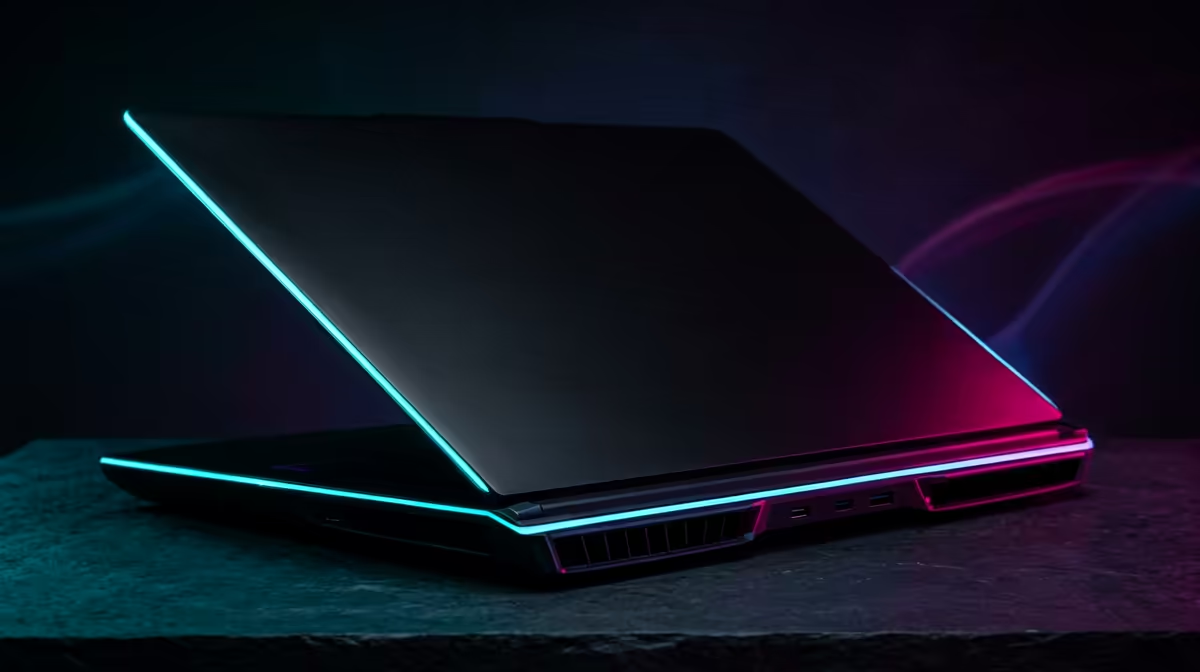
Gaming laptops can behave like two different machines depending on battery mode, charger state and GPU routing. A RTX 4060 gaming laptop should be tested on AC power with the performance profile selected. At 1080p, many RTX 4060-class laptops target 60-120fps depending on the game, while heavy titles may need medium settings for stable 1 percent lows.
Check Heat, Drivers And Background Load
Fan noise is expected under load, but sudden max fan at idle points to background load or sensor trouble. Use a monitoring tool, then compare CPU temperature, GPU temperature, fan speed and RAM use. Broad SA cost anchors help the decision: cooling pads often sit around R400-R1,200, a RAM or SSD upgrade can sit around R1,000-R3,500, and a new gaming laptop starts far higher, often from about R8,000 for entry stock.
Separate Network, Screen And Game Issues
If the symptom is online lag, test Vumatel, Openserve or Rain 5G performance separately from local FPS. If the symptom is flicker or ghosting, check refresh rate, panel mode and adaptive sync. If the symptom appears only after sleep or restart, save the driver version and power profile that works.
FAQ
What should I test first on a gaming laptop?
Test charger connection, performance mode, active GPU, CPU temperature and GPU temperature. Those five checks catch most laptop gaming faults before you spend money.
Is a Windows update enough to cause this?
Yes, an update can reset drivers, power mode or display settings. It is still a trigger, not proof of broken hardware, so retest with the same game and settings after driver cleanup.
When is an upgrade worth it?
Upgrade only when the evidence shows a limit you cannot tune around. More RAM helps memory pressure, a cooling stand helps heat, and a newer laptop helps when the GPU cannot reach your FPS target.
Pro Tip
one test profile: charger connected, performance mode, native resolution and the same game scene. That profile makes every future fix easier to judge.