A single word on the box can separate your 8BitDo Ultimate 2C Wireless from a different controller. The model with the supplied 2.4GHz receiver connects differently on Windows and Android. On Windows, establish a wired or receiver connection before spending time in the Bluetooth menu.
Quick Answer
For an 8BitDo Ultimate 2C Wireless on Windows, use its supplied 2.4GHz receiver or plug it in with a USB data cable. Bluetooth is the documented Android path for this variant. Testing both Windows connection modes costs R0 if you have the included parts.
🎮 Confirm the model before pairing
Check for the word Wireless and the separate receiver in the packaging. Similar-looking variants can have different radio support. A tutorial for a Switch-focused model may take you into a menu that is irrelevant to this one. If the receiver went into a drawer after unpacking, retrieve it before testing wireless input on the PC.
Use a direct USB port for your first test. Set the controller close to the computer and watch the status light. Record what Windows sees with the receiver connected before going back to the game.
🔌 Split the receiver and cable tests
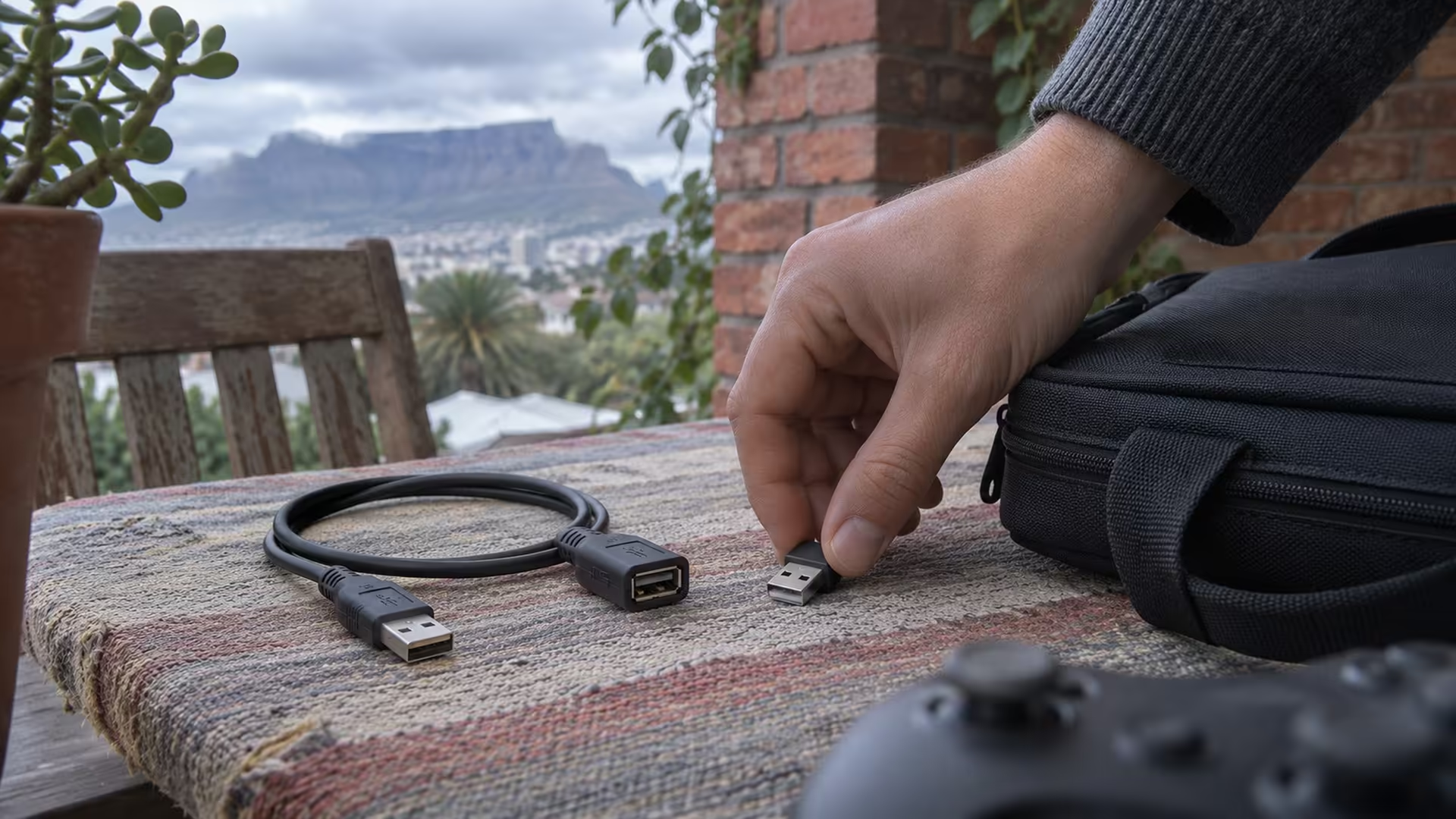
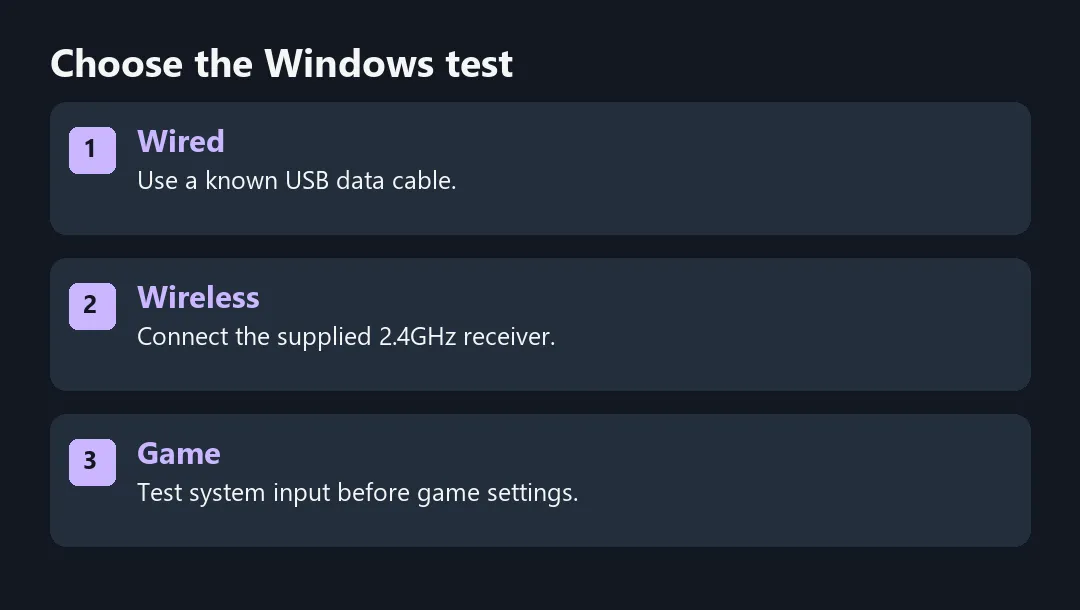
To test wired mode, remove the receiver and use a cable that you have previously used to copy data, or the supplied cable. A light showing charge proves the controller gets power. Wait for the status light described in the manual and check that Windows can see button input.
If wired works, take that cable out and repeat with the original receiver. Try another direct port if necessary. That keeps a loose hub or long extension cable from being part of the first comparison.
🕹️ Move to the game once Windows sees it
If the computer can read the sticks and buttons but one title ignores them, turn to the title's input options and the controller settings in its launcher. Change one input layer at a time and test again. You want to identify which piece is ignoring the pad before resetting everything.
The Gaming Controllers listings can help you compare explicitly supported modes if you need a pad for several platforms. If this is part of a new setup, compare the USB connections on the particular machine in Best Gaming PC Deals against the ports you rely on.
Frequently Asked Questions
Which Ultimate 2C does this guide cover?
The Ultimate 2C Wireless model with a 2.4GHz receiver. Check the full name on the box.
Can I use the Windows Bluetooth pairing screen for the documented setup?
The documented Windows paths are 2.4GHz with the supplied receiver and USB wired. 8BitDo lists Bluetooth for Android.
Can a charging cable fail the wired test?
Yes. Some cables carry power only. Use one you know can transfer data.
What does a solid status light mean?
The manual says it indicates a successful connection.
What if Windows recognises it but one game does not?
Test buttons outside the game first, then check the game's controller settings and any launcher input profile.
Should I flash firmware first?
Establish one working connection mode first. If you need an update, use the manufacturer's updater for the exact variant.
Choose the Windows test
Use the supplied receiver or a USB data cable to isolate a Windows connection problem.