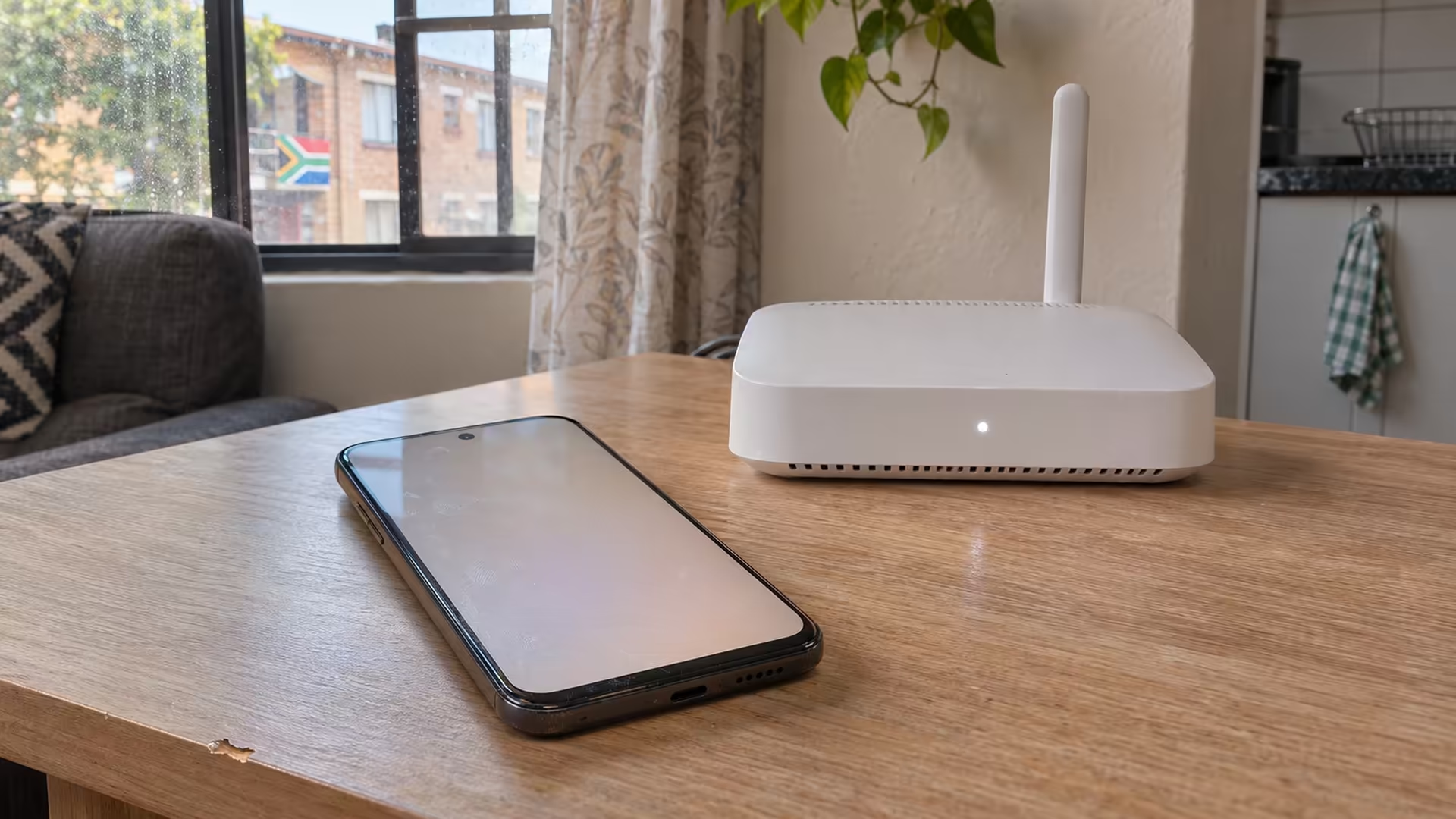
A video spins on TikTok while your phone still shows a Wi-Fi symbol. Give the same clip a short try on mobile data. Then test another app on the connection where TikTok failed.
Quick Answer
If TikTok is not working, briefly try the same video on Wi-Fi and mobile data. If only Wi-Fi fails, check another app or phone on that network. If TikTok alone fails on both, restart the app, check for an update and clear its cache from inside TikTok.
📶 Change the connection once
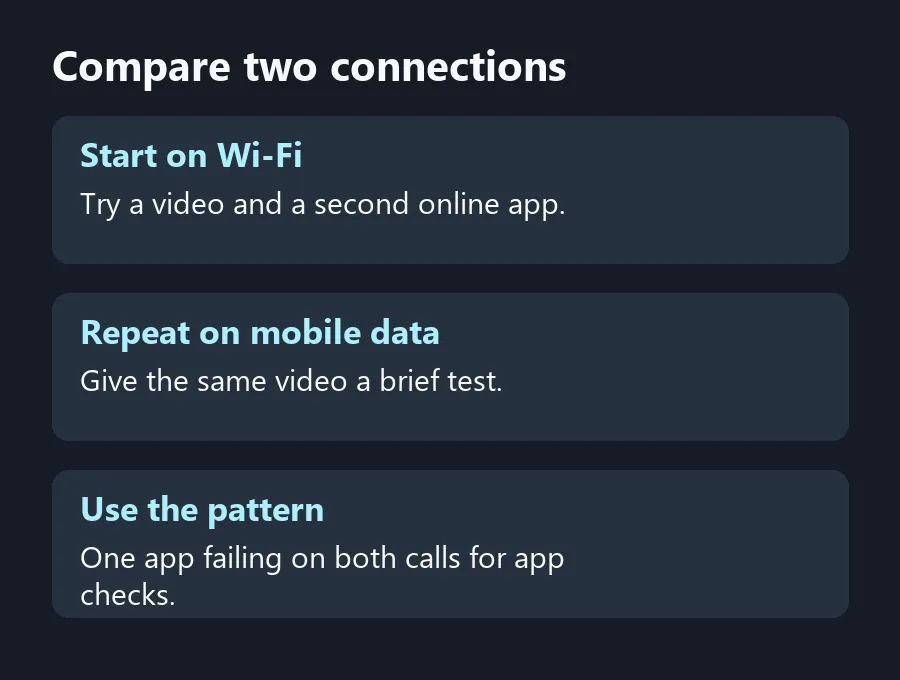
Try to open one video or a profile on Wi-Fi. Write down what happens, including any message about the internet connection. Then switch off Wi-Fi, confirm the phone has mobile data available and try the same video. A quick check is enough. Video uses data, so stop once the clip starts or you see the same error. Switch back to Wi-Fi when you finish.
If TikTok works on mobile data, try another online app or website over Wi-Fi. If that stalls too, check a second device on the same network. A phone that works near the router but fails in the back room points to a different problem from multiple devices failing throughout the house. Try the phone in both places before you change the network setup.
📱 Work through the app when both connections work elsewhere
Close TikTok and reopen it. If the video still won't play, restart the phone and check your app store for an update. If you can reach your profile, open the menu and look for Settings and privacy, then Free up space. Clear the cache only. Leave drafts and downloads alone. The exact menu label can vary with the app version.
Retest the same video after each change. Try another video too, so you can tell a single missing post from a feed that will not load. If you see the same error on both connections, check TikTok on another device if you have one. If several devices show the same error, include that in your report.
🏠 Decide where to spend your time
If only one room has trouble and other apps struggle there as well, start with a coverage check. Move the phone closer to the router and repeat your short test. A router that works for both devices in the same room gives you a useful baseline. Write down where the problem starts before moving equipment or comparing Wireless Routers.
If the whole house loses access on more than one device, check the lights on the fibre box and the router, then report what you saw to your provider. Use Fibre Routers to check the kind of equipment you are comparing if you later shop for a replacement. If the rest of your connection works and only TikTok fails, use the app's support option and include the error, the phone model and the networks you tested.
Frequently Asked Questions
Why does TikTok say no internet connection when I have Wi-Fi?
A Wi-Fi symbol shows the phone has joined a network. Open another online app or try the same TikTok video on mobile data.
What should I check if TikTok works on mobile data?
Try another app on Wi-Fi, then see whether a second device has the same problem near the router.
Can I clear the TikTok cache from the app?
Yes. Look for Free up space under Settings and privacy, and select Cache.
Should I delete drafts when clearing the cache?
Leave drafts alone. Choose the option labelled Cache only.
Can one brief test confirm a TikTok outage?
No. Check another video and, if you can, another device on a different connection.
What should I include in a TikTok problem report?
Include the exact message, which action failed, the phone model and what happened on Wi-Fi and mobile data.
Start on Wi-Fi
Use one short comparison to decide whether to look at the app or your connection.