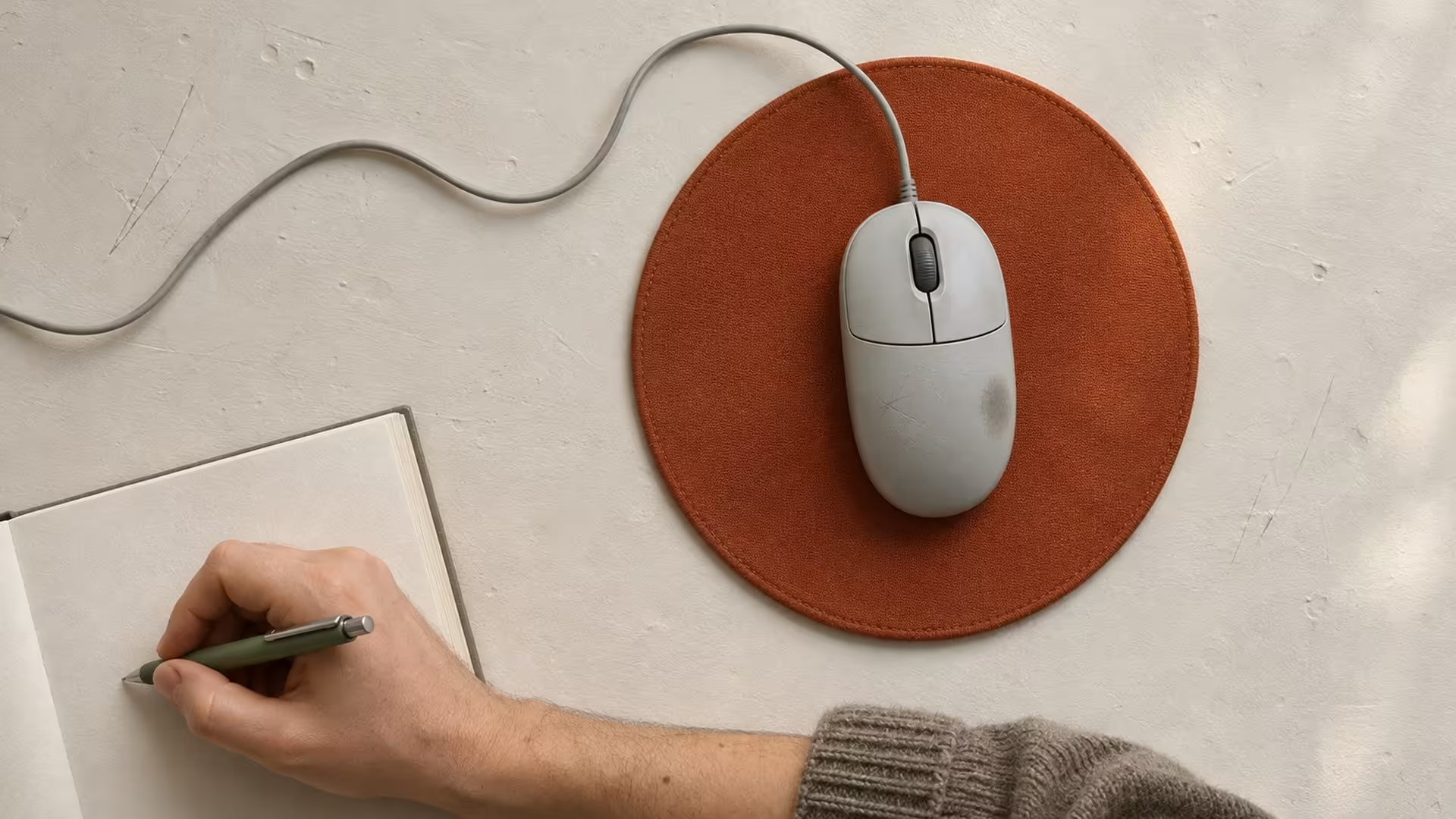
When mouse DPI keeps resetting, pay attention to the moment it happens. If the pointer changes speed when a game opens, look at the mouse software before you change Windows settings. If it happens just after you restart, check what the mouse loads before its app opens.
Quick Answer
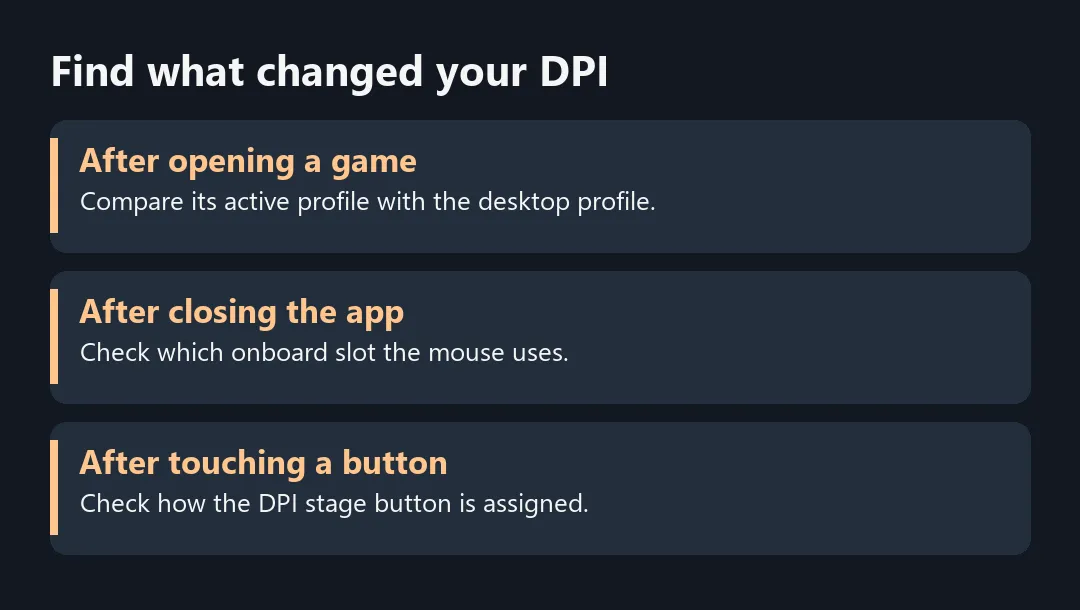
Watch which profile is active when the pointer speed changes. Compare its DPI with the desktop profile, then check the saved onboard slot if your mouse supports one. Those checks cost R0. Test the pointer after closing the app and after reopening your game.
🎯 Separate the two profiles
DPI affects how much movement the mouse reports when you move it across a surface. Games can apply their own sensitivity on top of that. Start with a game and a desktop task where you can repeat the same swipe a few times. Note the selected DPI in the mouse app on the desktop, then see which profile loads when the game opens. Some tools allow different DPI stages in each profile. Check which stage is active because the app can save several values for the same mouse.
If you want one setting, use a persistent profile where the software supports it or set the same stage in the relevant profiles. Test the game without changing its own sensitivity. Try the same mouse movement again when you go back to the desktop.
🧠 Check what the mouse remembers
Some devices use separate settings stored on the mouse when the desktop app is closed. Select the onboard slot you want to use and check the instructions for saving it. Depending on the model, applying a change in the desktop app may not write it to the device. Compare the behaviour after closing the app and after reconnecting the mouse. Read the features of an individual Wireless Mouse before assuming it can carry a DPI setting between PCs.
🖱️ Rule out the stage button
If the change happens when you adjust your grip, look at the button near the wheel and check what it does. A stage button can cycle to a sensitivity you rarely use. Review which stages are saved before you decide to change the button assignment. Take a note of your starting values so you can restore them when a test ends.
Compare Wired Mouse models by how you will use them. If you carry the mouse between machines, look for onboard DPI support and a control you won't press by accident. If the problem remains on one PC after profile changes, check whether the speed changes in the desktop and the game. A consistent result across both gives you stronger evidence to keep tracing the device.
Frequently Asked Questions
Why is DPI different when I open a game?
Mouse software can switch to a game profile with its own sensitivity setting. Check the active profile first.
What if DPI resets after a restart?
Check which software profile loads and which onboard slot the mouse uses before its app opens.
Can I save one sensitivity for all games?
Some mouse software offers a persistent profile. Others let you set the same DPI in the profiles you use.
Can every mouse save its DPI onboard?
No. Check whether your model has onboard memory and which settings it supports.
What if only one game feels slower?
Check its in-game sensitivity as well as the mouse profile. Keep a known DPI value as your baseline.
Does this test need extra hardware?
No. Checking profiles and observing the change costs R0.
Find what changed your DPI
Check whether the mouse loads a game profile or an onboard slot before you replace it. Compare compatible options at Evetech.