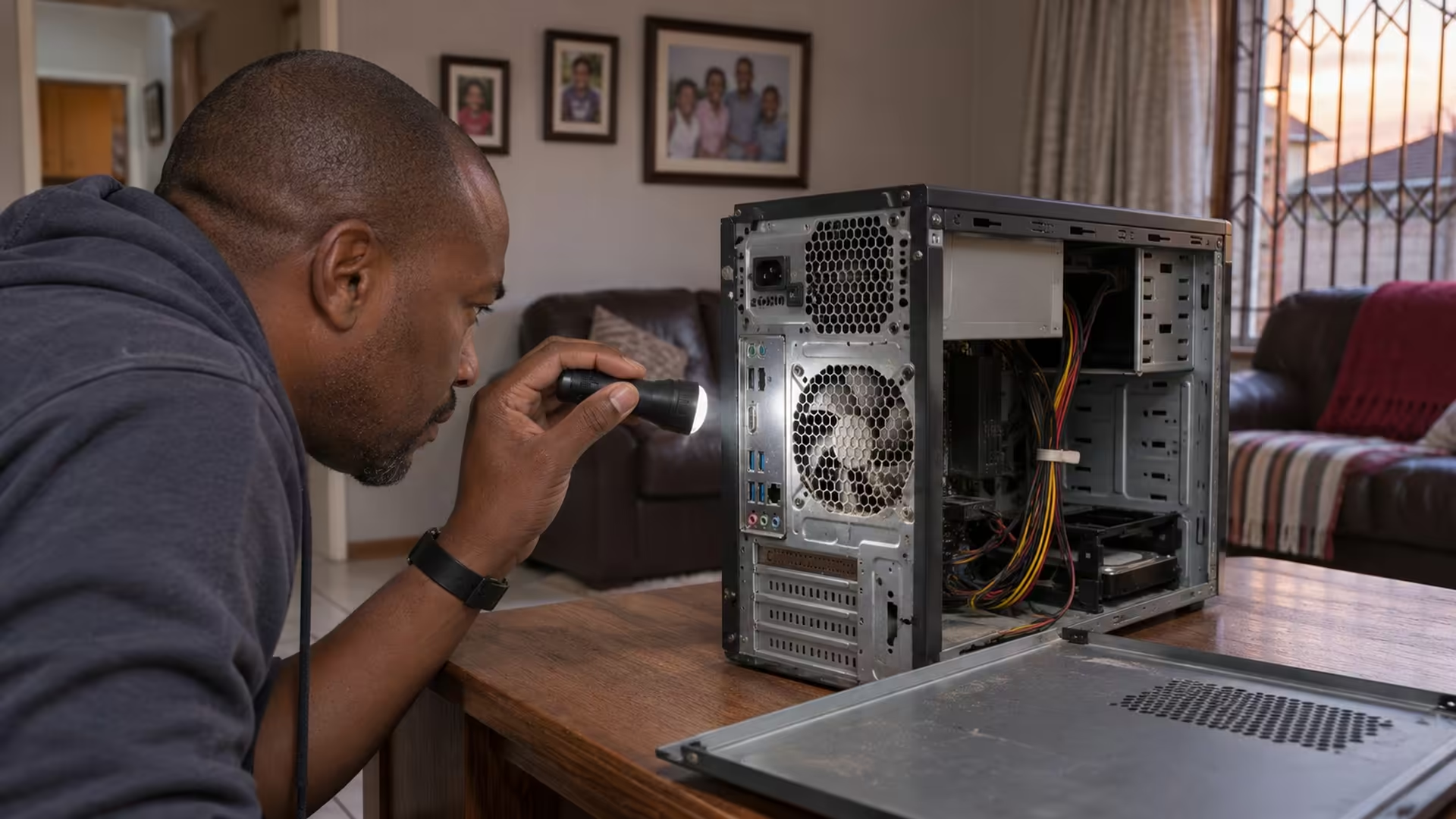
A case fan stops at idle and starts again during a game on some builds. The useful detail is whether the fan responds when the control setting rises. Look at which fan stopped before you touch any settings. This check is for the fan on the chassis, away from the processor heatsink or liquid cooler pump.
Quick Answer
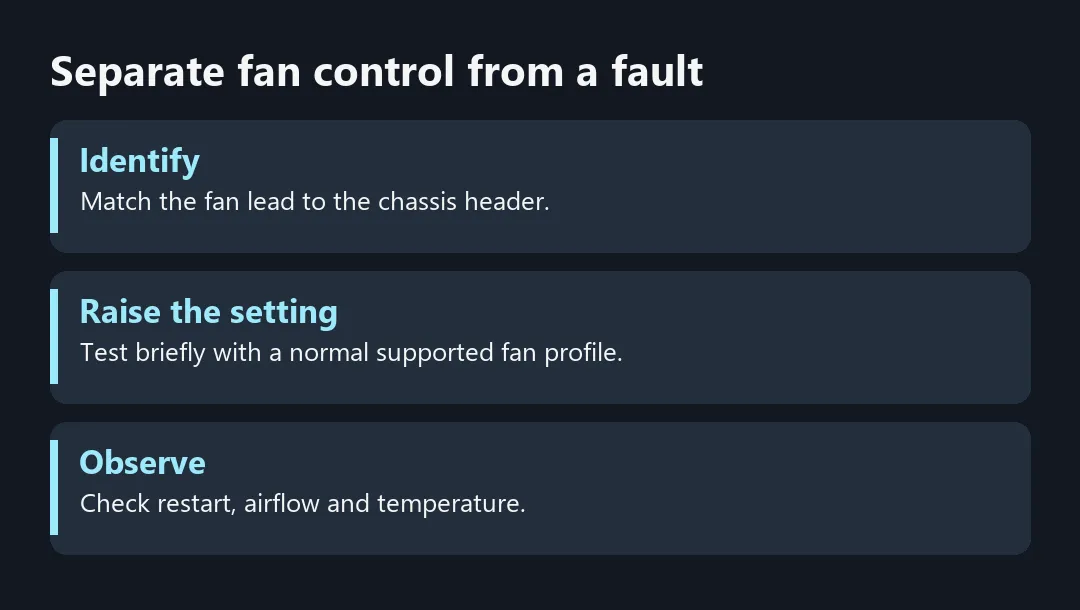
Find the chassis fan's header and test a supported fan profile that keeps it turning at idle. The setting check costs R0. Some PWM fans stop at 0% and some keep spinning. If a fan stays still even with a suitable setting, check its connection with the PC unplugged.
🌡️ Find the control for that fan
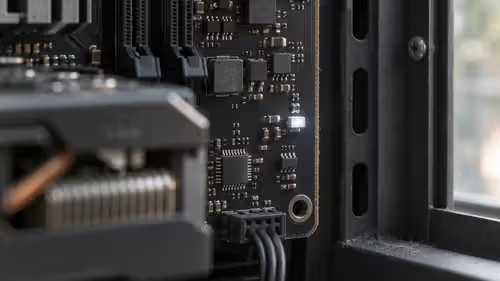
Check the motherboard handbook for chassis fan connectors. If the wire leads to a separate hub, read the hub instructions to see where it gets power and which lead carries control. Before you move anything, make a note of the fan position and the setting you see for that header. The rear fan you can see through a grille is easy to follow, once you match its cable to the label in the menu. On a new build, choose All Motherboards with enough accessible fan connections for the setup you plan to use.
Check whether the controller is reading the sensor you expect. A fan following CPU temperature can behave differently from one using a different source while a game keeps the GPU busy. Start with a normal documented preset and change only the header assigned to that chassis fan. Leave the CPU cooler and pump controls as they were.
⚙️ Try a repeatable change
On systems with an adjustable fan curve, pick a supported preset where the fan should spin, observe it briefly and save the result in your notes. If the fan starts, pick a usable minimum and observe the next cold start as well as idle. A fan that keeps moving after warming up may still struggle to start from rest at a low setting. If your board offers its own calibration, follow its documentation instead of assuming a percentage from someone else's build.
🌀 Check the fan and the next step
Shut down and unplug before checking a loose lead or cable rubbing a blade. Never push a spinning fan by hand. If a different compatible control path is available, test the fan there and watch whether the problem follows it. Keep a record of whether the fan failed to start, stopped after warming up, or ran with noise. Those give you different clues when you take a build in for assessment.
Compare All Case Fans by mounting size, thickness and the header or hub you already have if you need a replacement. Also check which direction the old fan moves air so you can restore the same path. A fan that starts and keeps temperatures stable on the intended profile may just need that curve adjustment.
Frequently Asked Questions
Can a fan stop at idle by design?
Yes, if the controller commands it and the fan supports it. Check that it restarts when expected.
Can two fans act differently at 0% PWM?
Yes. Some stop and some keep spinning at a minimum speed.
Where can I find the current curve?
Check the fan controls in the board's UEFI or the software that controls its hub.
Should I change the CPU fan settings?
This guide is for chassis fans. Leave the CPU cooler and pump controls alone while you isolate the case fan.
Should I reconnect a lead while the PC is running?
No. Shut down and unplug the PC before changing a connection.
When should I price another fan?
If the fan cannot start on a known-good compatible control path, check its size, connector and mounting before replacing it.
Separate fan control from a fault
Find the fan header and see whether the fan restarts at a higher setting. Compare compatible options at Evetech.