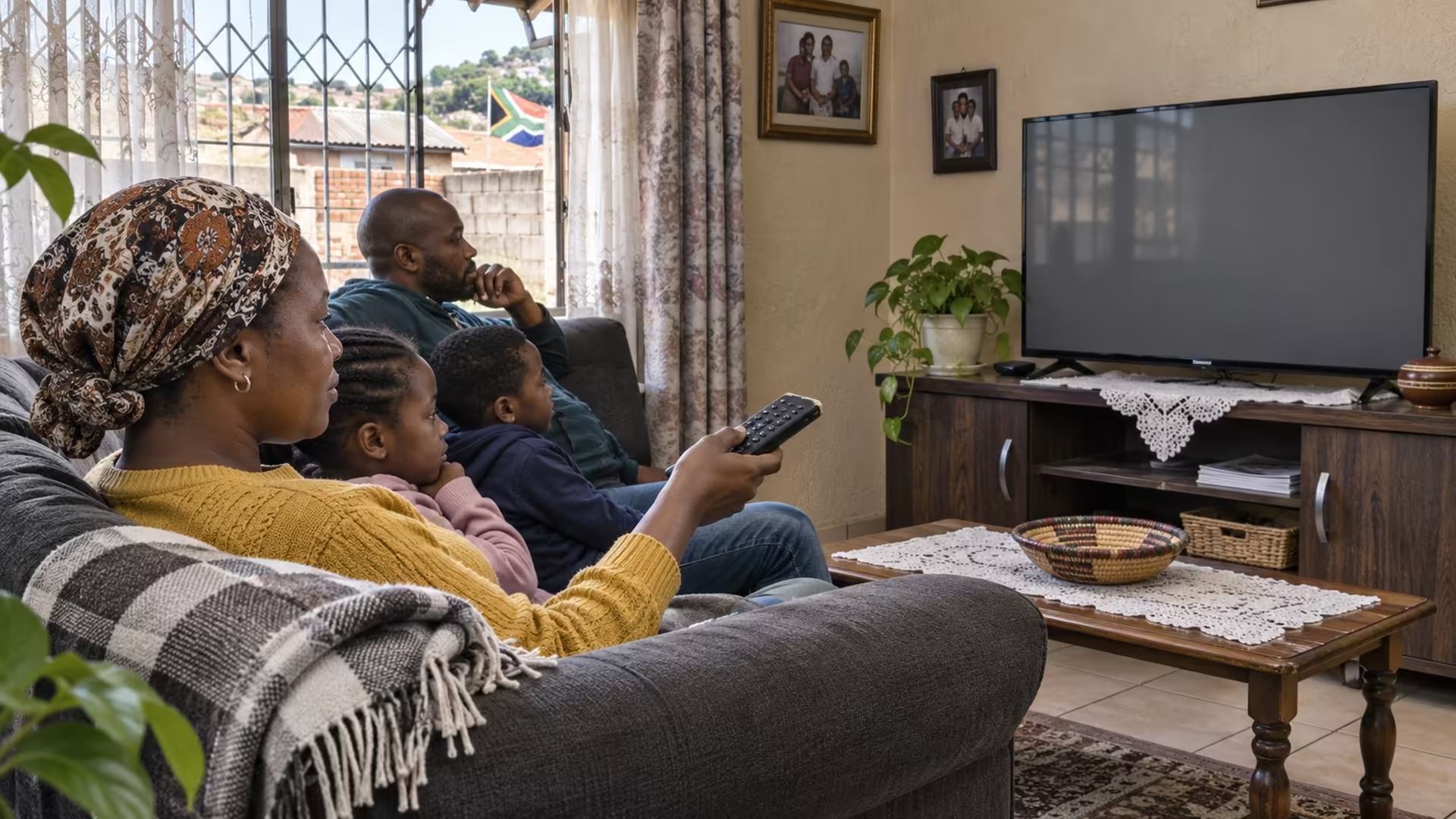
If DStv Stream not working is what you see just before a match, copy the error shown on the screen. It can point to an active stream, a linked device or the app on one screen. Keeping that wording can save you from changing settings on the wrong part of the setup.
Quick Answer
If DStv Stream stops playing, read the on-screen error and try the same account on another supported device. For a stream-limit message, close a stream you already have open. For an app that fails on one TV, check for an update in that TV's app store. These checks cost R0.
📺 Check which screen fails
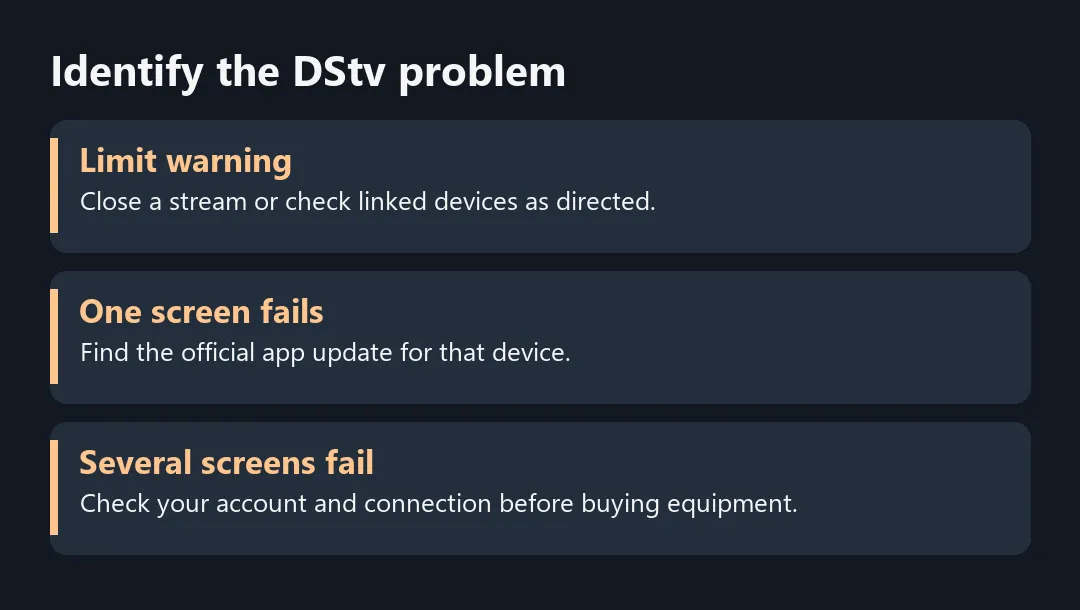
Use another supported device you already have, such as a phone or laptop. Try the same programme under the same account. If one screen plays and the other fails, read the problem screen's error while the account is still signed in. A TV with an app that closes immediately needs different attention from a screen that opens the app but shows an account warning. Write down the TV or phone model and which app version is available in its official store. DStv says updates to its security requirements can affect devices. If an update is available for your device, see whether it changes the exact symptom.
🔢 Follow the type of limit
A warning about too many active streams is a concurrency issue. Close the programme on another screen, then wait a few minutes if you just switched devices. A linked-device warning refers to which devices are registered. Check Manage Devices if the error names that limit, and confirm which screens you recognise before removing one. If you paid recently and the app says you cannot access a programme, check whether the account you signed into has the expected access. Save the message for DStv support if the details do not match.
📶 Compare the connection after the app check
If several apps stall on that same screen, try it near the router or use a temporary wired test if your device has a network port. Do the comparison with the same programme so you can tell whether a change in picture quality or stalling follows the connection. Check Network Cables if you need to run a lead to a TV. If several rooms receive a weak signal, compare Wireless Routers after you find where the coverage gap begins.
If other apps work and DStv shows a named account warning, keep your network configuration while you handle the error. On a supported screen where the app opens but streaming still fails, report whether the same account played on another device. That one comparison gives support more detail than a list of unrelated settings you changed.
Frequently Asked Questions
Why is DStv Stream not working on my TV?
Read the exact error, then check the official app store and test the same account on a second supported screen.
What if it fails only on my laptop?
Try a supported playback setup and test another device on the same connection to identify whether the issue follows the laptop.
What if it says streaming limit reached?
Close another active stream. If it says the linked device limit was reached, check Manage Devices instead.
Can changing screens cause a temporary limit message?
DStv says it can take a few minutes to clear the prior session when you switch devices.
Should I pay again if playback fails after a payment?
Check your service access and error wording in the account first. Contact DStv support about any payment or access mismatch.
Will a new router clear a limit warning?
No. A stream or linked-device limit needs the related account or stream check.
Identify the DStv problem
Use the error and a second supported screen to narrow a DStv Stream playback problem. Compare compatible options at Evetech.