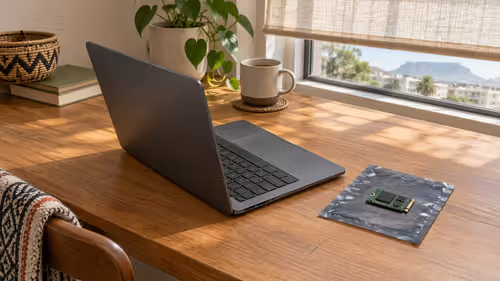
A drive that is absent from File Explorer can still be visible to the computer. If the Samsung 990 EVO Plus is missing in Windows, check the motherboard's storage inventory before taking the drive out. The next step depends on whether the machine sees it below Windows.
Quick Answer
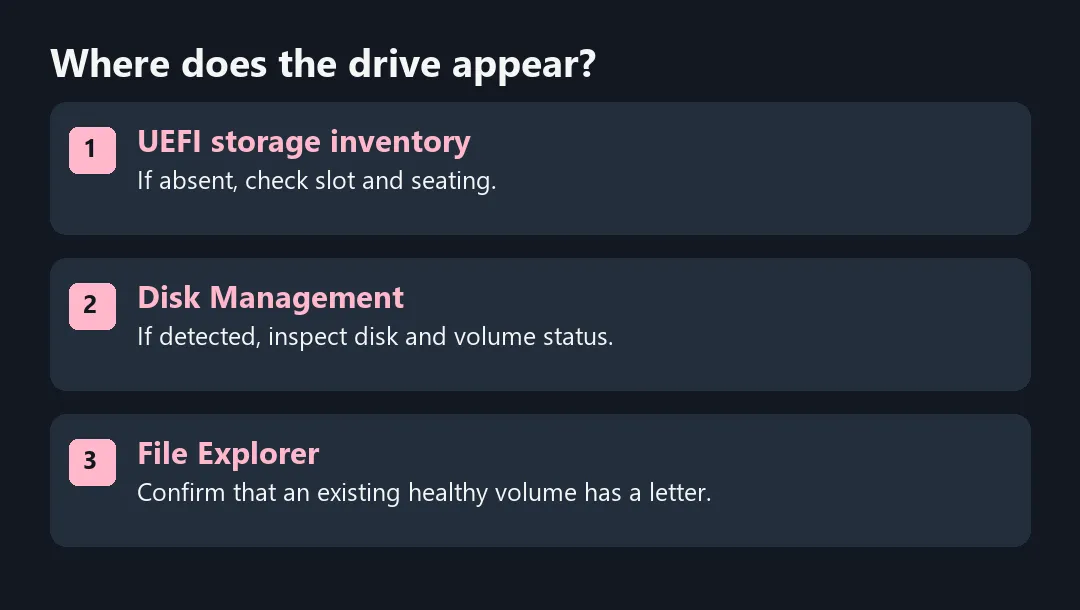
Check for the Samsung 990 EVO Plus in UEFI first. If it appears there, open Disk Management and check its status and drive letter. If it is missing in UEFI, check that the slot accepts an M.2 2280 NVMe drive. These checks cost R0.
🧩 Check the slot and its length
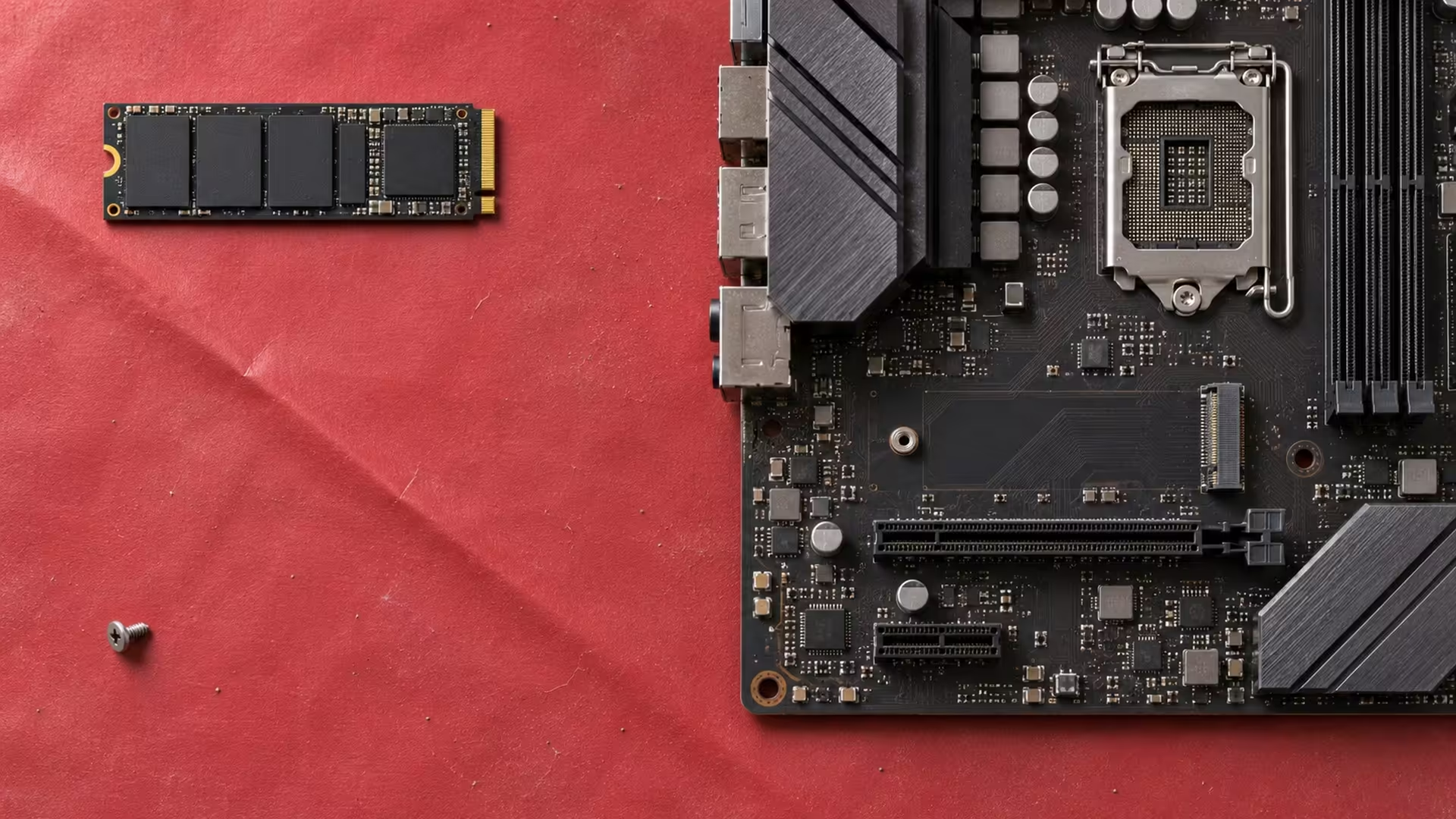
Samsung's 990 EVO Plus is a PCIe NVMe drive in the M.2 2280 format. An M.2 socket's position and shape do not tell you which storage protocols it accepts. Consult the board manual for the exact slot label. Look for any conditions tied to a shared port, and make sure you have the correct standoff position.
If the firmware inventory offers no entry for the drive, shut down and unplug the computer before reseating it. Check that the card sits flat once secured. If you test a second slot, change only the slot so the result is easy to interpret.
💽 Keep existing files safe
If the firmware shows the drive, inspect Disk Management from Windows. Note its reported size and model where available before selecting it. A healthy data volume may simply need a drive letter. A confirmed blank disk can be set up as new, but a familiar drive with unexpected missing partitions deserves more care than an empty one out of a box.
Don't click Initialise or Format on a drive that should still contain files. Take a photo of what Disk Management reports and check your backup options first.
🔍 Compare after isolating the fault
If the computer can already see the drive and Windows can access its volume, a separate storage utility's failure to show it is a different symptom. Record exactly which screens see the disk, and leave any storage controller changes until you understand what the current Windows boot drive requires.
For a second drive or a replacement, compare GEN 4 NVMe SSDs by format and the clearance for a heatsink. Use the broader NVMe SSDs range if you need a different length for your particular machine.
Frequently Asked Questions
Does the Samsung 990 EVO Plus fit every M.2 slot?
No. Check for PCIe NVMe support and the M.2 2280 length in the motherboard or laptop manual.
Why can UEFI see it but File Explorer cannot?
A new drive may need a volume, or a healthy existing volume may have no drive letter. Inspect Disk Management first.
Should I initialise a drive that previously held files?
No. If you expect data and the disk appears uninitialised, stop before making changes.
Can I try another slot?
Yes, if the manual identifies it as compatible. Power down and unplug the computer before moving the drive.
Should I change storage controller settings?
Avoid a controller mode change just to test this SSD. The existing Windows installation may depend on its current mode.
Can I compare a replacement locally?
Yes. Match slot type and length before checking the Evetech NVMe categories.
Where does the drive appear?
Start at UEFI detection and only initialise a confirmed new blank drive.