Your teammates can stop hearing you even while the game sounds fine through the headset. When the Logitech G Pro X 2 mic stops working, test the included USB receiver first. You can tell whether the microphone reaches the PC before changing any game settings.
Quick Answer
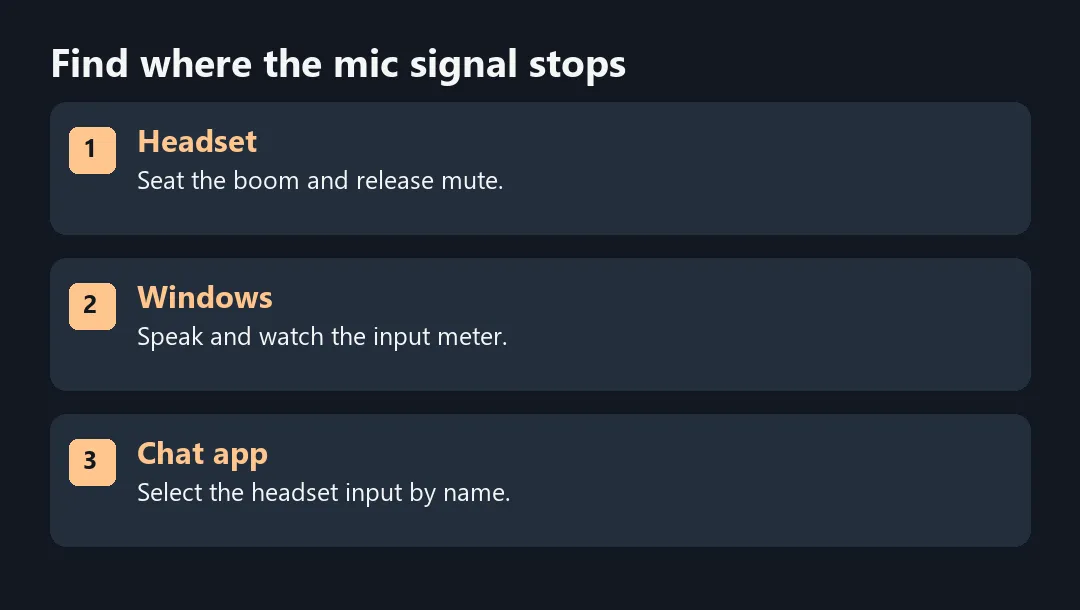
Seat the detachable boom, take the headset off mute and select Microphone (PRO X 2 LIGHTSPEED) under Windows Sound input. Speak and watch the meter. These checks cost R0. Evetech listed the replacement headset at R4,499 on 29 November.
🎙️ Establish a known connection
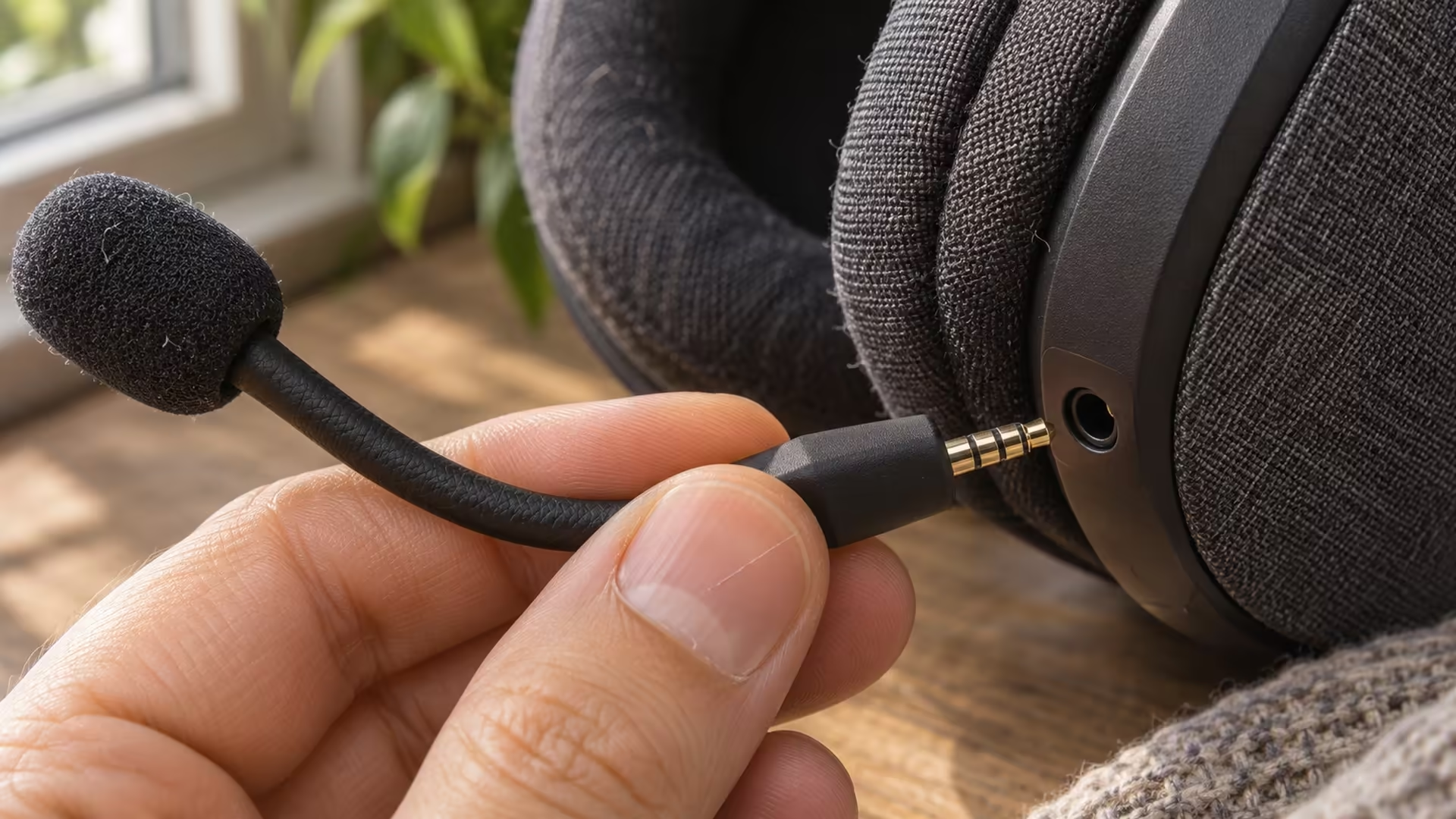
Use the included LIGHTSPEED receiver for this test so that your setup matches the device name in the guide. Unplug the removable boom and press it back into its socket. Check the headset's mic mute control. Keep the charging cable, Bluetooth devices and any analogue audio lead out of the test so you know which connection Windows is hearing.
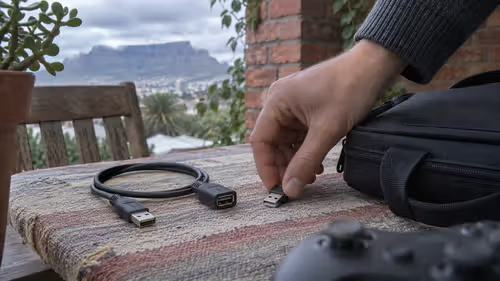
If the expected input is missing, try the receiver in a direct USB port. Windows can have a working output device while using a different microphone, so check the name of the capture device separately.
📊 Read the meter before opening the game
Open Windows Sound, go to Input and choose the headset microphone. Speak a short sentence. If the input meter responds, listen back to a test recording if you can. Check if the chat app has microphone access and use its own input selector to choose the same device by name. In a game with push-to-talk, confirm the input key is actually being sent.
A meter that never moves points earlier in the chain. Test the physical mute again, then see whether the input still appears after plugging the receiver into a different direct port.
🔧 Rule out one fault at a time
Try the mic and receiver together on a second Windows PC if you have access to one. Record whether Windows sees the input and whether the meter moves. Those two observations help if you later need support. It is also worth noting whether the issue began after switching from the USB receiver to another connection.
Use Gaming Headsets to compare a replacement only if testing points to a hardware problem. The Wireless Headset listings can help you check which connection types come with the exact replacement model.
Frequently Asked Questions
Can I hear game audio even if the boom is disconnected?
Yes. The speakers and microphone are separate. Check that the removable boom is fitted firmly.
Which input should I pick over LIGHTSPEED?
Pick Microphone (PRO X 2 LIGHTSPEED) in Windows sound settings.
What if the Windows meter moves but my team cannot hear me?
Select the headset as the input inside your chat app, check its mic test and confirm the push-to-talk key.
What if the device name never appears?
Reconnect the USB receiver directly to the PC and check Windows sound settings and Device Manager again.
Should I buy another headset first?
Try the included boom and receiver on a second computer before spending money. Record where audio and mic input work.
How much was this headset locally?
Evetech listed the G PRO X 2 LIGHTSPEED at R4,499 on 29 November. Recheck the listing before buying.
Find where the mic signal stops
Trace the removable boom through the headset mute and Windows input meter before replacing it.