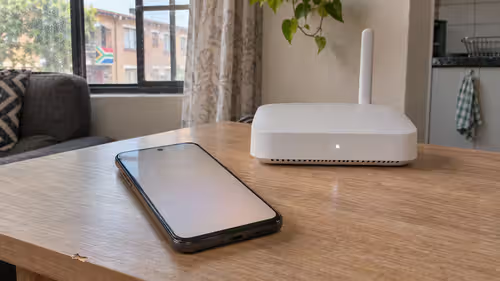
If your keys usually disappear between the front door and the couch, a Bluetooth key finder that rings loudly enough at home can be plenty. If you lose the same keys away from your phone, the network the tag supports matters more. Start with the device you will use to find it.
Quick Answer
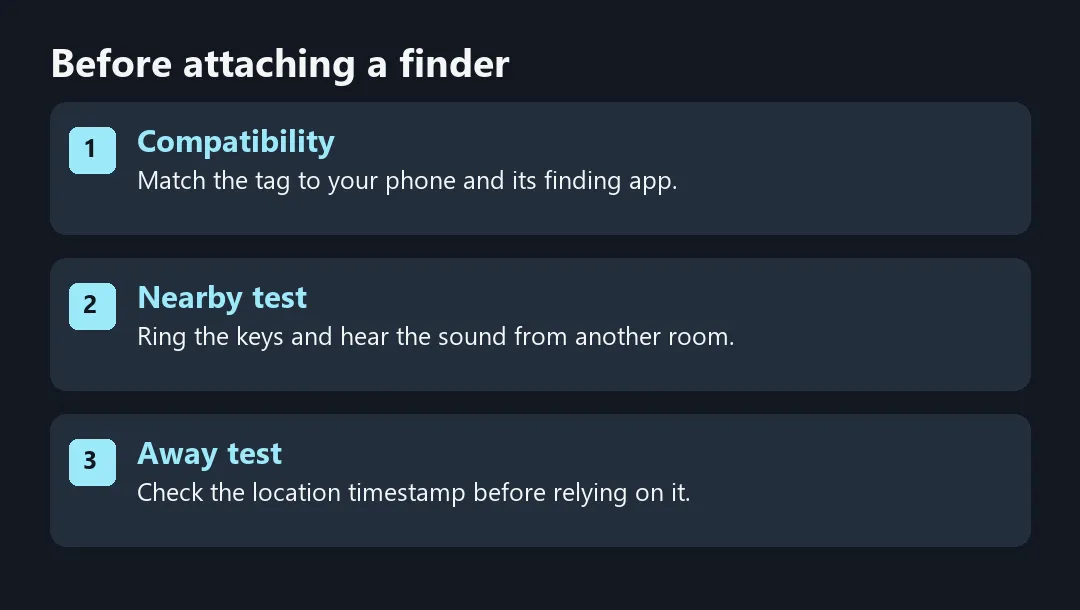
Buy a Bluetooth key finder that explicitly works with your phone. Check whether it can ring nearby and whether it joins Apple Find My or Google's Find Hub for supported offline finding. Try both the nearby sound and the location timestamp on your own keys before relying on the tag.
🔑 Work out where keys usually go missing
If you're looking for keys within the flat, try ringing the tag. Leave the keys under a cushion and try playing a sound from the next room. Do the same with the tag attached as intended, since a bulky holder or a zipped pouch can change what you hear.
For keys misplaced away from home, check whether the tag uses a supported network. A location on the map may come from another device detecting the tag. Look at the time shown beside the map pin before setting out.
📱 Read the phone requirements first
Apple's Find My support covers AirTag and compatible items. Android phones can use Google's Find Hub with compatible tags. Read the requirements for the exact model rather than assuming any product with Bluetooth will work with both apps. Check how you would remove the tag from your account if you pass it on.
Keep tags to items you own or have explicit permission to tag. An unfamiliar tracker alert on a phone is a separate safety feature, not a method for locating your personal key ring.
🎒 Price the setup you would actually carry
Look for a hole or clip that fits your keys and check the battery type and maintenance instructions. If the tag will move between a key ring and a laptop bag, decide where it will sit before buying a holder. The Laptop Bags And Backpacks range can help you compare compartments for your kit. Browse Smart Home Appliances for other gear tied to your phone and confirm app compatibility each time.
Frequently Asked Questions
Does every Bluetooth key finder support Android and iPhone?
No. Check the product's supported phone, operating system and finding app before ordering.
Can I ring the tag if the keys are nearby?
If the tag offers a sound feature in its app, test whether it rings while attached to your actual key ring.
Does the map show the tag continuously?
A finding app may show a last known location. Check the timestamp before deciding the tag is still there.
Can the network find a tag away from my phone?
A compatible network can help if participating devices detect it. Conditions and the tag's battery affect when that happens.
Can I use a tag on a shared bag?
Use it with the owner's knowledge and check the maker's item-sharing options if more than one person needs access.
What should I check on the key ring fitting?
Check whether the tag has a built-in hole or needs a separate holder, and leave room to hear its sound.
How do I check which Android app a tracker tag uses?
Look for the exact tag model on its maker's support page. It should name Find Hub or a separate app.
Before attaching a finder
Choose a tag for your own keys or bag and test it at home before relying on it away.