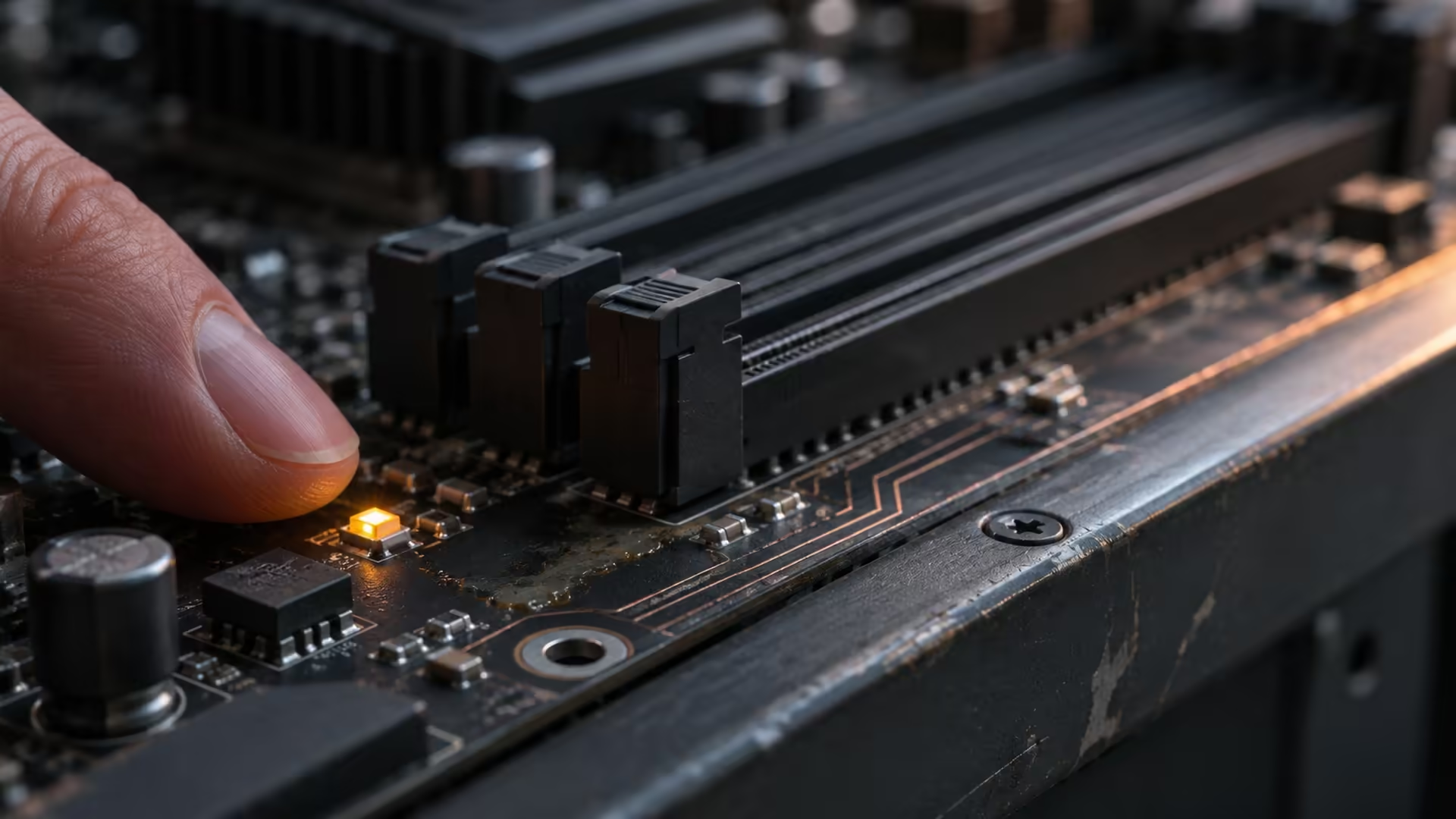
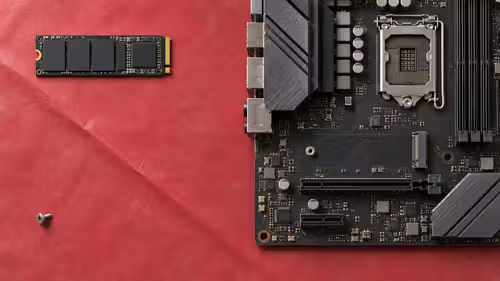
When the fans turn but the screen stays blank, the MSI B650 Tomahawk DRAM light can tell you where to start. Read the label next to the LED before dismantling the PC. If it stays on at DRAM, a single-stick test can narrow the problem without replacing anything.
Quick Answer
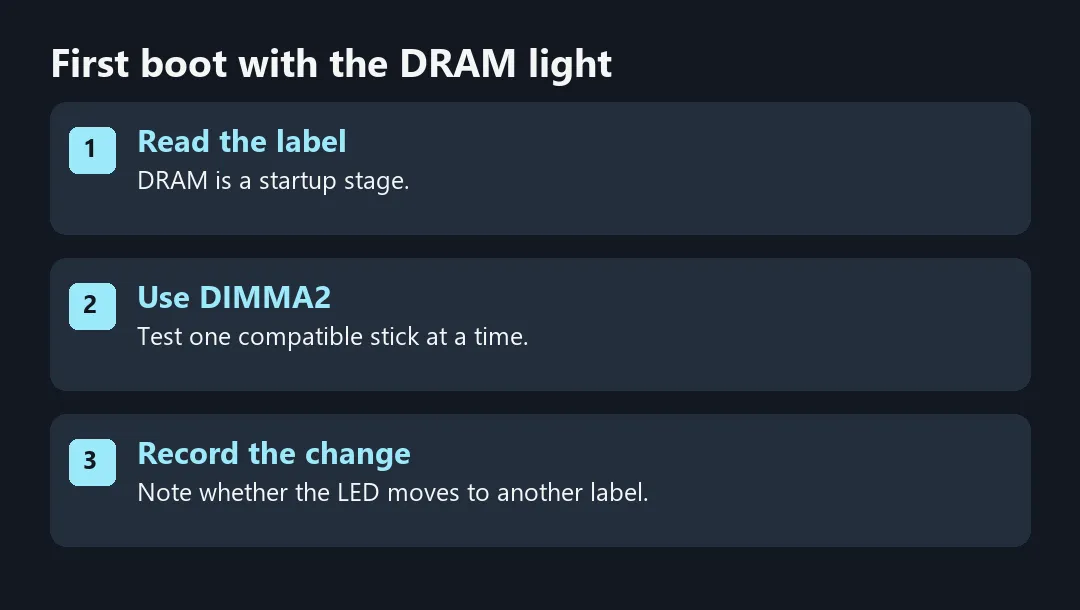
With the PC switched off and unplugged, test one compatible DDR5 stick in the DIMMA2 slot on the MSI MAG B650 TOMAHAWK WIFI. Record which debug light stays on after startup. If you already have the memory, the comparison costs R0.
🔦 Read the label beside the light
Use the board diagram in the manual to find the four EZ Debug indicators. Watch whether the DRAM light remains on or later moves to a different label. Record this from one full startup attempt. A short flash as the machine runs through initial checks is different from stopping at the same stage on every attempt.
If you can see an image later, note how long it took and whether this was after changing memory or firmware settings. Avoid interrupting startup repeatedly just because the display took longer after a hardware change.
🧩 Run one controlled memory test
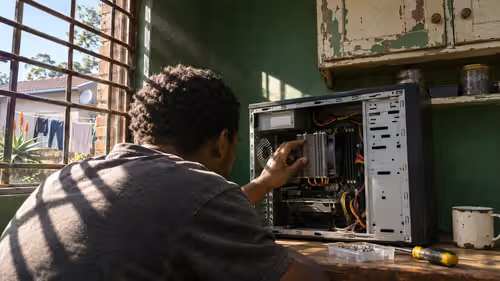
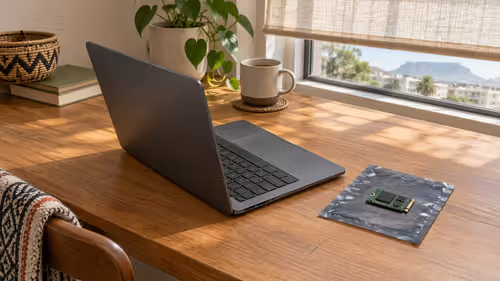
Disconnect power before touching a memory module. Use the first slot shown for a one-module setup in the board manual, DIMMA2. Check that the module is fully seated. If it still fails, repeat with the other stick in that same slot while keeping the rest of the test as close as possible to the first attempt.
If one module consistently gets farther through startup than the other, keep that detail for support. If both stop at the same LED, check the exact memory kit and CPU against MSI's compatibility information.
🗒️ Gather the model details before ordering
Write down the board's full name, processor and memory kit code, and whether this is a new build or a machine that used to start. Note any settings changed shortly before the fault. Those details matter more than the colour of the LED. Stick to MSI's instructions for this board if you need to diagnose further.
If you do need parts, consult DDR5 after checking tested kit support. Use B650 Motherboards to compare another board only after the first tests give you a specific reason to replace it.
Frequently Asked Questions
Is a DRAM light proof that a RAM stick is faulty?
No. A persistent light marks the stage that failed. Check seating and compatibility before deciding which part failed.
Which slot takes a single stick first?
MSI's MAG B650 TOMAHAWK WIFI manual shows DIMMA2 first.
What if other lights flash and then go out?
Watch for the indicator that stays on when the computer never reaches a display signal.
Should I unplug the computer to move a module?
Yes. Shut down and disconnect power before reseating or swapping memory.
What if one stick works in A2 and the other does not?
Repeat the comparison with the same settings. Keep a note of which module completed startup.
What should I check if both sticks fail separately?
Check the board's CPU and RAM compatibility lists and its official startup guidance before buying a part.
First boot with the DRAM light
Use the labelled EZ Debug LED and a single-module test to narrow a first-boot problem.