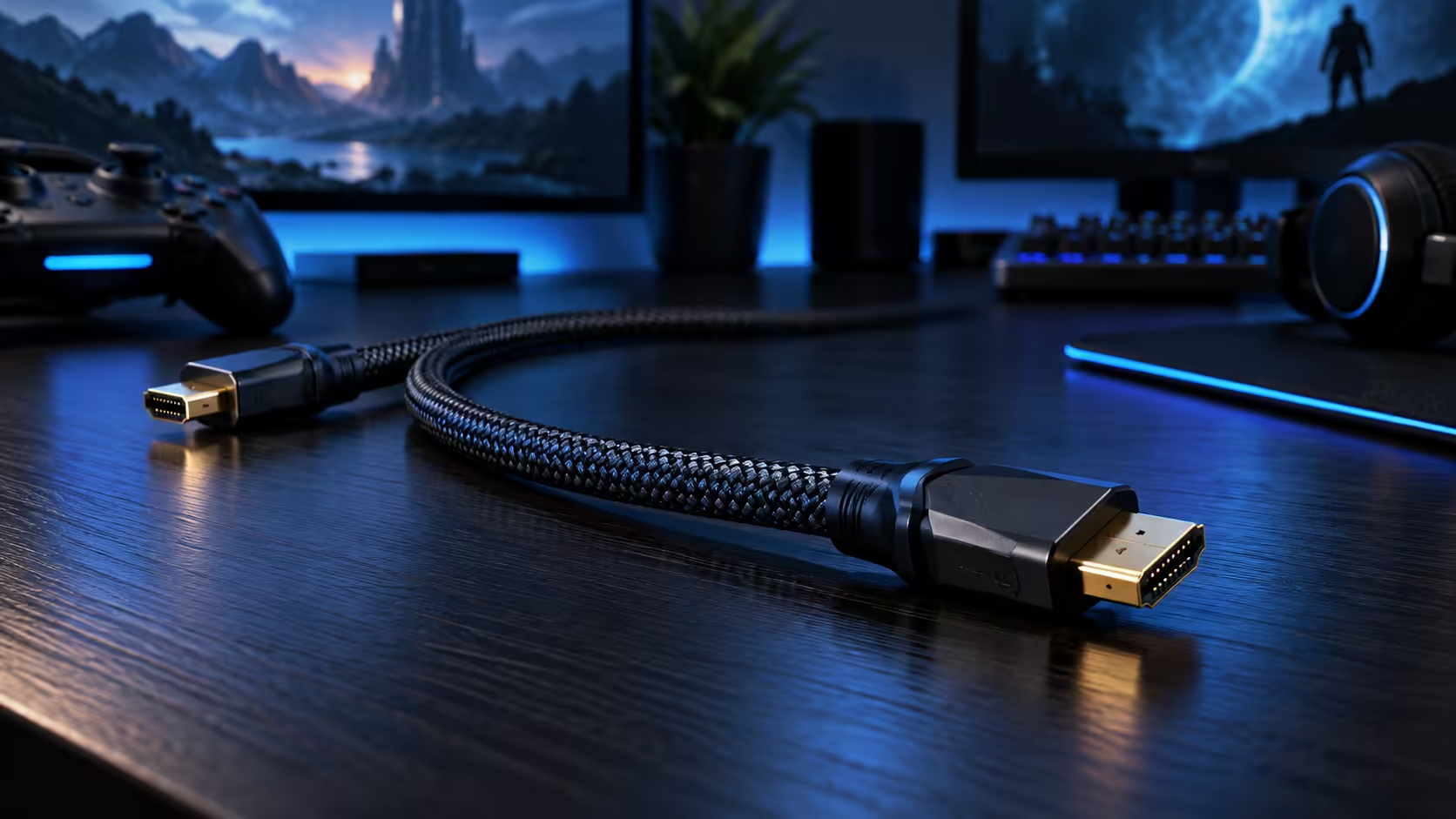
A durable HDMI cable for a South African lounge or streaming setup is not about a thicker jacket, it is about surviving the specific stresses that daily use actually puts on a connector: dust settling into a media unit, a cable pulled tight on a shelf, or a capture card plugged and unplugged more often than any spec sheet expects.
Quick Answer
Look at the connector shell, the strain relief and how rarely the run gets disturbed. Those three decide how long a cable lasts in a warm, dusty lounge far more than the jacket does. A 1.8m Anker at R299 keeps slack short, and a fault here is a warranty claim, not an export.
🏠 Where cables actually fail in daily use
Failure almost always starts at the connector, not somewhere along the length of the cable itself. A lead pulled tight because it is a touch too short for the run puts constant strain on that joint every time the shelf gets dusted or a console gets nudged, which wears the connection faster than years of normal use would on a properly measured cable. Dust settling into an open media cabinet does little to a sealed connector, but a cable coiled tightly to fit a cramped space stresses the copper inside more than the same length left with a single loose bend.
📡 Streaming setups add extra wear a lounge cable never sees
Anyone capturing gameplay through a dedicated device is plugging and unplugging an HDMI connector far more often than someone whose console stays wired to the same television for years. That repeated cycle is exactly what strain relief at the connector is built for, and it is worth checking for on a cable that will move between a console, a capture device and a monitor regularly rather than sitting untouched behind a unit. If a streaming setup is new to you, our guide on what you need to get started covers the wider kit beyond just the cable.
🛒 What to actually check before buying
Rating comes first: 48Gbps is what carries 4K at 120Hz or 8K at 60Hz, and it is worth buying to that figure even on a setup that only needs 4K60 today, since the cable tends to outlast whatever it is currently plugged into. Length comes second, matched to the real distance rather than a round number, since a cable stretched to its limit strains at the connector on both ends every single day. The 1.8m Anker, from the comprehensive cable range, meets the 48Gbps figure for R299, and our streaming essentials range covers the rest of a capture setup if that is what the cable is ultimately feeding.
Frequently Asked Questions
Does dust actually damage an HDMI connector?
Rarely on its own, since the connector is largely sealed. The bigger daily risk is mechanical strain from a cable pulled tight or coiled too tightly to fit a cramped space.
Do streamers need a different HDMI cable from a regular gamer?
Not a different rating, but strain relief at the connector matters more given how often a streaming setup's cable gets unplugged and replugged compared with one left permanently wired.
Is a thicker cable jacket more durable in a hot lounge?
Not meaningfully. Jacket thickness affects flex feel and resistance to physical wear more than it affects how the cable handles heat, which mainly comes down to how far it sits from an actual heat source.
How often should a well-used HDMI cable be checked for wear?
Roughly whenever a setup is moved or dusted is a reasonable habit, checking the connector for looseness or visible bending rather than waiting for a picture problem to appear first.
Ready to build a setup that survives daily use?
Rate the cable to 48Gbps, measure the run properly, and check the connector rather than the jacket.