Clicking with the wrong main button can make an otherwise comfortable mouse feel strangely clumsy. Windows primary mouse button is a simple preference that chooses which side performs ordinary selection. Start there when setting up a shared desk or changing hands, rather than trying to compensate with pointer speed.
Quick Answer
Open Settings, Bluetooth and devices, Mouse, then choose Left or Right under Primary mouse button. The change costs R0. Test selection, a short drag and the context menu afterwards. A MARVO WS005 combo was R179 in stock on 11 October, but replacement hardware is unnecessary just to swap these button roles.
🖱️ Change one role and test it
Use a harmless desktop item for the first click. Select it with the chosen main button, then try dragging an empty window by its title bar. Finally use the other button to open a context menu. This small sequence checks the tasks you repeat all day without touching important documents or changing several preferences at once.
If someone else uses the same PC, explain the choice before handing it over. A button swap can look like broken input to a person expecting the opposite layout. Keep the setting easy to find so either user can restore a comfortable arrangement.
✋ Keep hand preference separate from shape
The setting changes button function; it cannot move side controls or reshape the shell. A strongly shaped mouse may remain uncomfortable in the other hand. When comparing desk input combos, consider the physical grip as well as the software choice. The inexpensive dated combo reference is ordinary desk equipment, not evidence of any particular ergonomic fit.
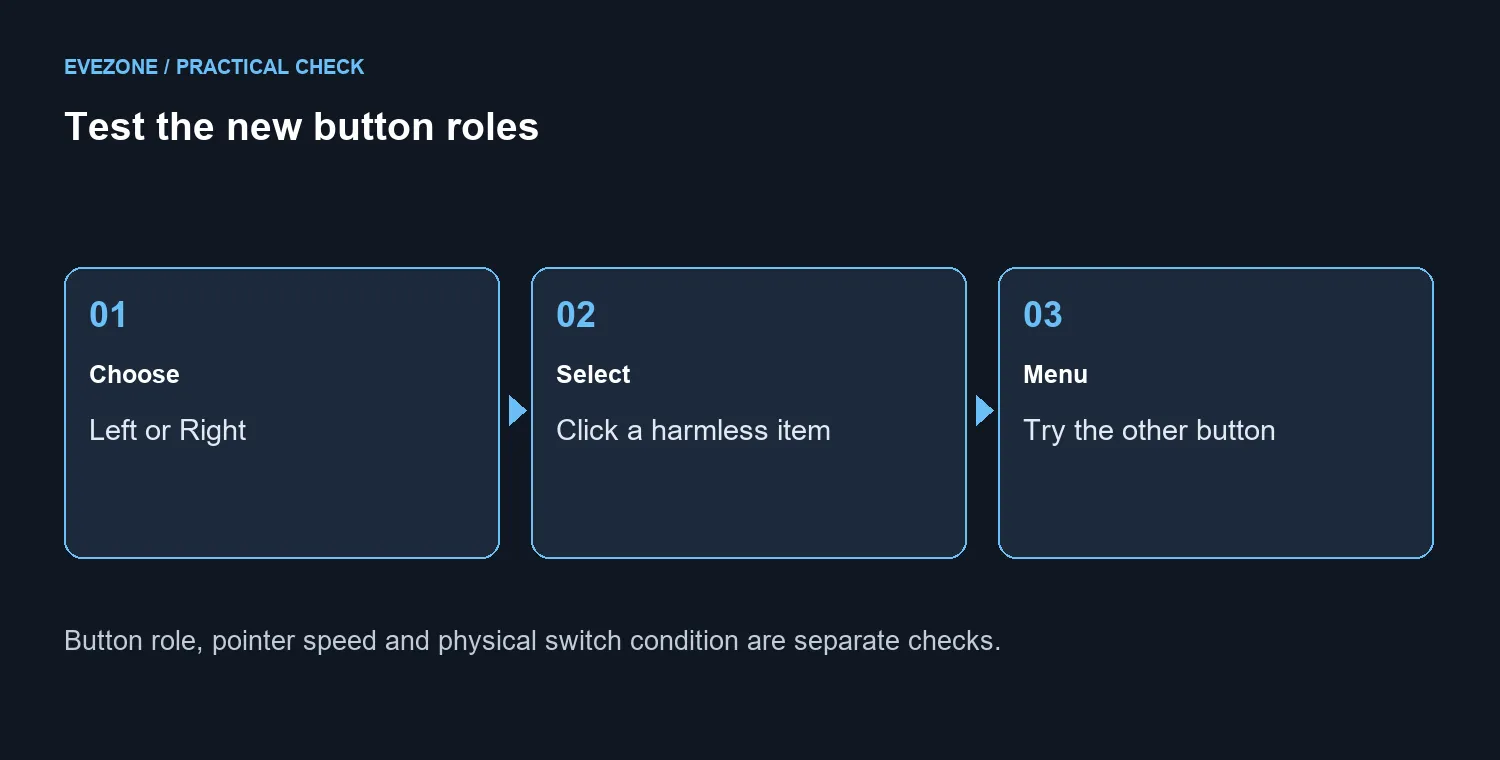
Pointer movement is another independent choice. Leave it alone while checking the buttons, then adjust it later if needed. A stable surface from the mouse-pad range can help the physical setup, but it does not choose which switch performs selection.
🔎 Recognise a separate click fault
Missing clicks, repeated clicks from one press or failures only in a particular program need their own checks. Swapping the primary role can help describe which physical button is affected, but it does not establish the cause. Record the behaviour in a second app and avoid changing double-click timing, speed and mapping all together. Keep a short note of the original preference so the next person investigating the fault can reproduce it.
Frequently Asked Questions
Where is the primary-button choice?
Open Settings, Bluetooth and devices, Mouse. Select Left or Right under Primary mouse button.
Will Right make the mouse left-handed?
It swaps the ordinary selection role to the right button. Physical shape and side-button placement do not change.
Does it change pointer speed?
No. Pointer speed is a separate control. Test the button change before adjusting other settings.
Will it fix double-clicking hardware?
No. A worn switch can still misbehave. Use the setting to choose a role, not to diagnose every click problem.
Does this setting cost anything?
The built-in preference costs R0. A new mouse is unnecessary just to swap the main click.
How should I check the result?
Select a harmless file, drag a test window and open a context menu. Confirm both roles before returning to work.
Make the click comfortable
Set the main click for your preferred hand. Confirm selection and the context menu before passing the desk to another user.