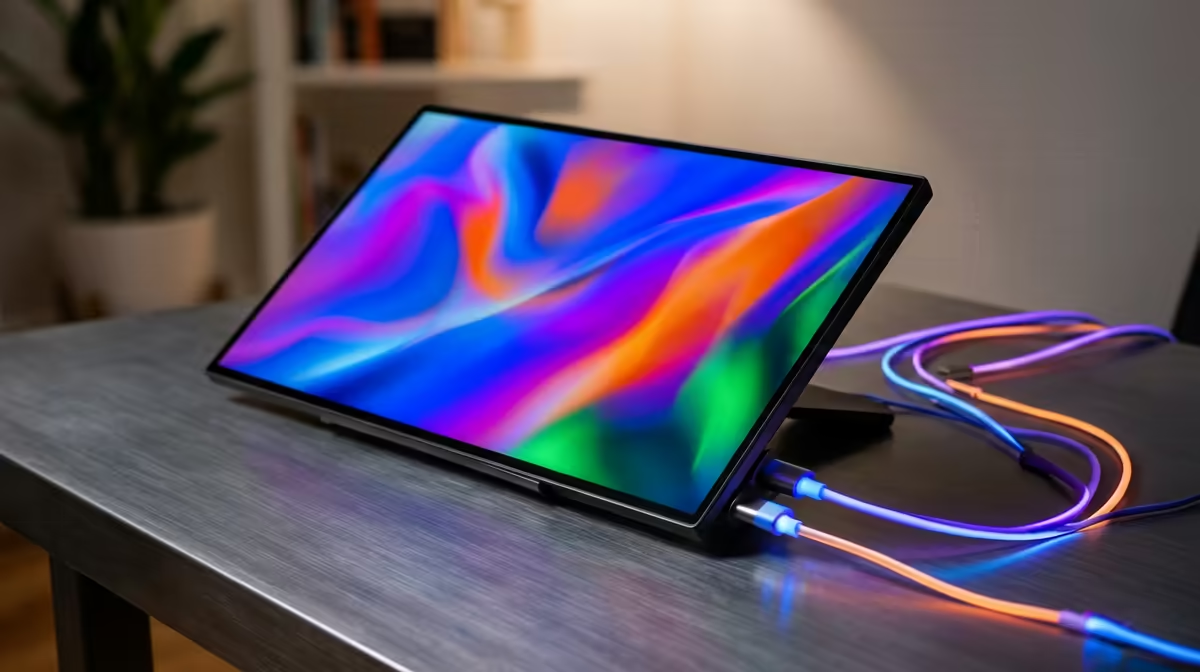
That slim travel screen plugged into one USB-C cable is quietly drawing power the whole time, and exactly how much wattage a portable monitor draws decides whether your laptop battery lasts the afternoon or dies an hour early. The figure is small but not trivial, and it explains why passthrough chargers exist. Knowing your panel's rated draw lets you pick an adapter that feeds both the screen and the laptop at once.
Quick Answer
A portable monitor draws roughly 8W for a basic 1080p panel and up to about 30W for a bright 4K or high-refresh screen over USB-C. If it pulls power straight from your laptop, that draw comes out of your laptop battery, which is why a PD passthrough setup is worth having for long days.
What Drives the Power Figure
Three things push a portable monitor's draw up or down: panel resolution, brightness, and refresh rate.
- A 1080p, 60Hz screen at moderate brightness sits at the low end, often 6 to 10W.
- A 4K panel has far more pixels to light and typically lands higher, around 15 to 30W depending on brightness.
- High-refresh gaming portables (120Hz and up) and very bright HDR modes also push toward the top of that range.
Brightness is the lever you control directly. Running a panel at full brightness can easily double its draw versus a comfortable indoor level, so dimming it is the quickest way to extend battery time when you are unplugged.
Why the Draw Comes Out of Your Laptop
A single-cable USB-C portable monitor takes both video and power from your laptop's USB-C port. That is brilliantly tidy, but it means the screen's 8 to 30W is drawn from your laptop battery on top of the laptop's own consumption. Plug a 4K portable into an unplugged ultrabook and you may see the battery percentage fall noticeably faster than usual.
This is the exact problem PD passthrough solves. A portable monitor with a passthrough port (or a USB-C hub that supports it) lets you connect a charger to the monitor, which then powers itself and forwards the rest to your laptop. Pick a charger with enough headroom for both and you keep working indefinitely.
Sizing a Charger for the Whole Setup
Add the laptop's charging need to the monitor's draw, then choose an adapter above that total. A thin laptop that wants 45W plus a 4K portable pulling 25W points you toward a 65W or, more comfortably, a 100W GaN charger. The extra headroom means the monitor never starves the laptop, and the laptop still charges rather than merely holding steady. You can compare panels and their power needs across the portable monitor selection at Evetech before matching an adapter to your specific screen.
Practical Tips to Stretch Battery
- Drop brightness to a comfortable indoor level; it is the single biggest saving.
- Use a 1080p panel rather than 4K if battery life matters more than pixel density.
- Carry one capable GaN charger with passthrough rather than relying on the laptop alone.
- For desk use, power the monitor from the wall so it never touches the laptop battery.
If you would rather see which screens SA buyers actually rely on for travel and dual-screen work, the top-selling monitors at Evetech are a quick shortlist to compare against the portable options.
Frequently Asked Questions
How many watts does a portable monitor use over USB-C?
Roughly 8W for a basic 1080p panel and up to about 30W for a bright 4K or high-refresh screen. Brightness, resolution and refresh rate are the main factors that move the figure.
Will a portable monitor drain my laptop battery?
Yes, a single-cable USB-C portable draws its power from the laptop battery, so an unplugged laptop drains faster. A PD passthrough charger removes that drain by powering the monitor and laptop together.
What size charger do I need for a laptop and portable monitor?
Add the laptop's charging wattage to the monitor's draw and pick an adapter above that total. A 65W to 100W GaN charger with passthrough comfortably covers a thin laptop plus a 4K portable.
Does brightness really affect power draw that much?
Yes, brightness is one of the largest factors. Running a panel at maximum can roughly double its draw compared with a moderate indoor level, so dimming it noticeably extends battery life.
Do all portable monitors support passthrough charging?
No, only models with a dedicated PD passthrough port or paired with a passthrough-capable USB-C hub. Check the specification before assuming a panel can charge your laptop while it runs.
Picking a travel screen? Browse the portable monitor selection at Evetech, check each panel's rated draw, and pair it with a charger that keeps both your screen and laptop running all day.