A 2TB PCIe 4.0 SSD is a solid upgrade for a South African gaming PC when the board has a 4.0 slot and the library needs more fast space. The speed helps large installs and patches, and the extra room stops the drive filling after the first few titles. Dust is the other half of the story here: Highveld air settles on case filters and heatsink fins, and a clean system keeps the drive cooler for longer.
Quick Answer
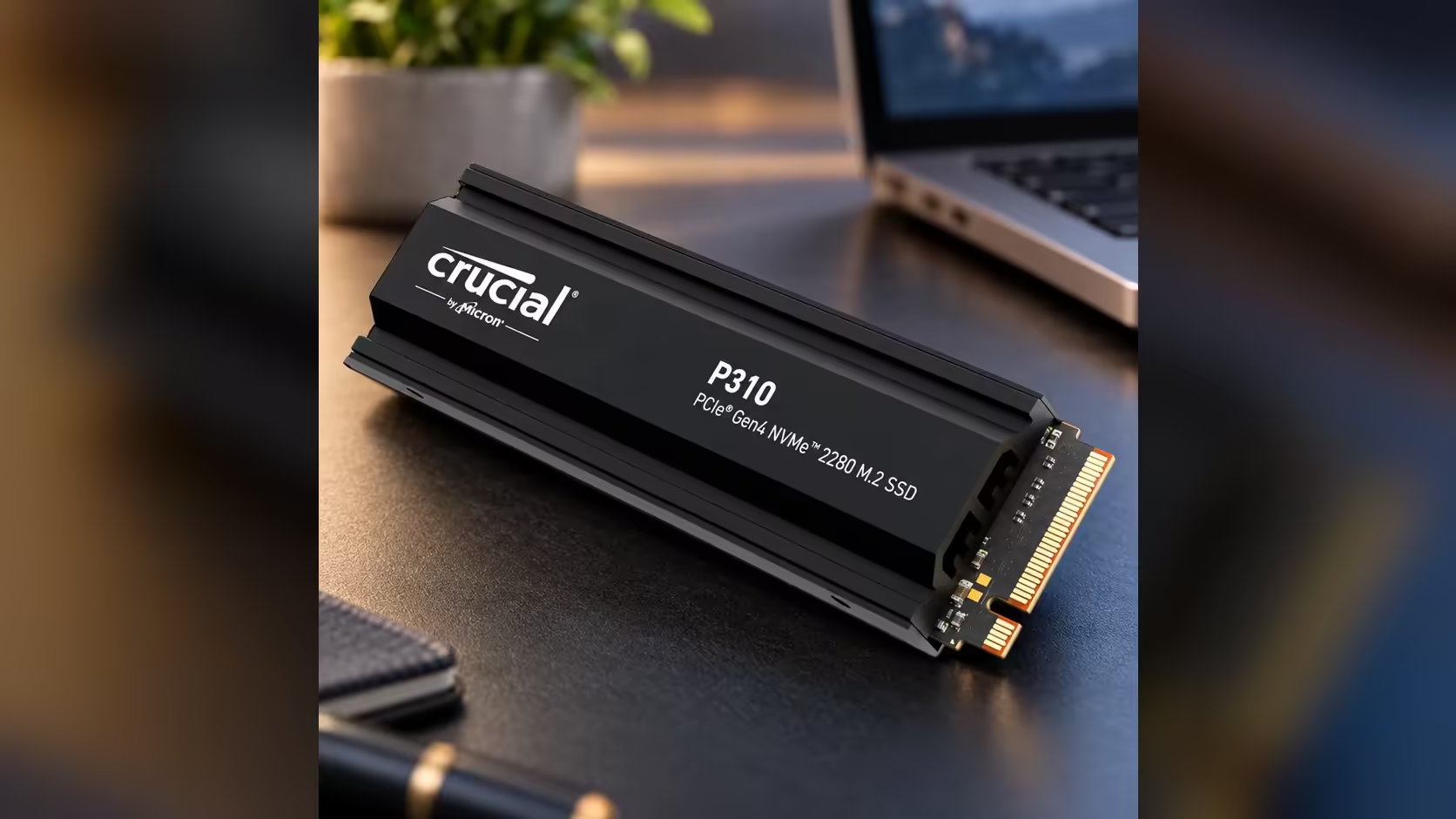
A 2TB PCIe 4.0 SSD is worth it when your board has a 4.0 slot fed by the processor and you keep several large games installed. Highveld dust builds up on filters and heatsink fins, so clean them on a schedule. The Crucial P310 2TB sits at R6,699 with Evetech and includes its heatsink, which covers both speed and capacity.
⚡ When the Upgrade Pays Off
The upgrade pays off when three things line up: a 4.0 slot, a library that fills the drive, and a habit of big installs or patches. If any one is missing, the gain shrinks. A 3.0 slot still works, but you will not see the top speed, so check the slot first.
The extra room is the other gain. A 2TB drive holds a rotating library without constant uninstalling, which saves time and the bandwidth of repeat downloads on a capped line.
🌬️ Keeping Highveld Dust Out
Blow out the fins every 30 days and clean the filters every 2 weeks.
Highveld dust is fine and dry, and it settles on case filters, fans and heatsink fins over time. Dust that builds up on the fins cuts the cooling a heatsink can deliver, and a clogged filter lowers the airflow over the drive. Both matter in a warm room.
Clean the case filters every few weeks, and blow out the fins with compressed air once a month. Keep the PC away from open windows where the dust is heaviest, and that alone reduces the build-up.
🌡️ Summer Heat and the Drive
Without air conditioning, a South African summer can push a room well above comfortable temperatures. A PC in that room runs warmer, and the drive inside it runs warmer too. The heatsink helps the drive shed heat, and clean filters keep the airflow steady.
Check the drive's temperature with CrystalDiskInfo during the hottest part of the day. A reading that stays under roughly 70C through a long session means the setup is coping.
🧭 Choosing the Drive
Choose the P310 2TB if your board has a 4.0 slot and you will use the speed. If the slot is 3.0, a 3.0 drive may be the sensible match, because you will not use the extra speed. For a bare-drive build in an open case, the heatsink is optional, and the money can go to capacity instead.
Frequently Asked Questions
Is a PCIe 4.0 SSD worth it for a South African gaming PC?
Yes, if your board has a 4.0 slot and you install large games often. The gain shows most in big transfers and installs.
How do I keep dust off the drive?
Clean the case filters every few weeks and blow out the heatsink fins monthly. Keep the PC away from the dustiest parts of the room.
Does summer heat matter for an SSD?
It can. A hot room raises the drive's temperature, so check the reading during a long session in the hottest part of the day.
Does the P310 need a heatsink in an open case?
Not always. It ships with one, which helps in closed spaces and during long writes.
For more drives with the 4.0 interface, start from the Gen 4 drive range, then widen the search with the solid state drive range or the SSD components page.
Ready to add fast space to your gaming PC?
Browse our NVMe SSDs and check your slot before you choose a 4.0 drive.