



PCIe 5.0 vs PCIe 4.0 for Video editing in 4k in SA
PCIe 5.0 vs PCIe 4.0 for video editing in 4k is mainly about fit, features, compatibility, cost, and upgrade path, not one automatic winner. SA buyers should match the choice to the setup.
Read moreA 27 inch 4K monitor is worth it if you sit closer and want sharper pixel density, while a 32 inch panel suits buyers wanting a bigger canvas at a distance where extra sharpness matters less. Evetech stocks both 27 and 32 inch 4K options, so desk distance should decide.
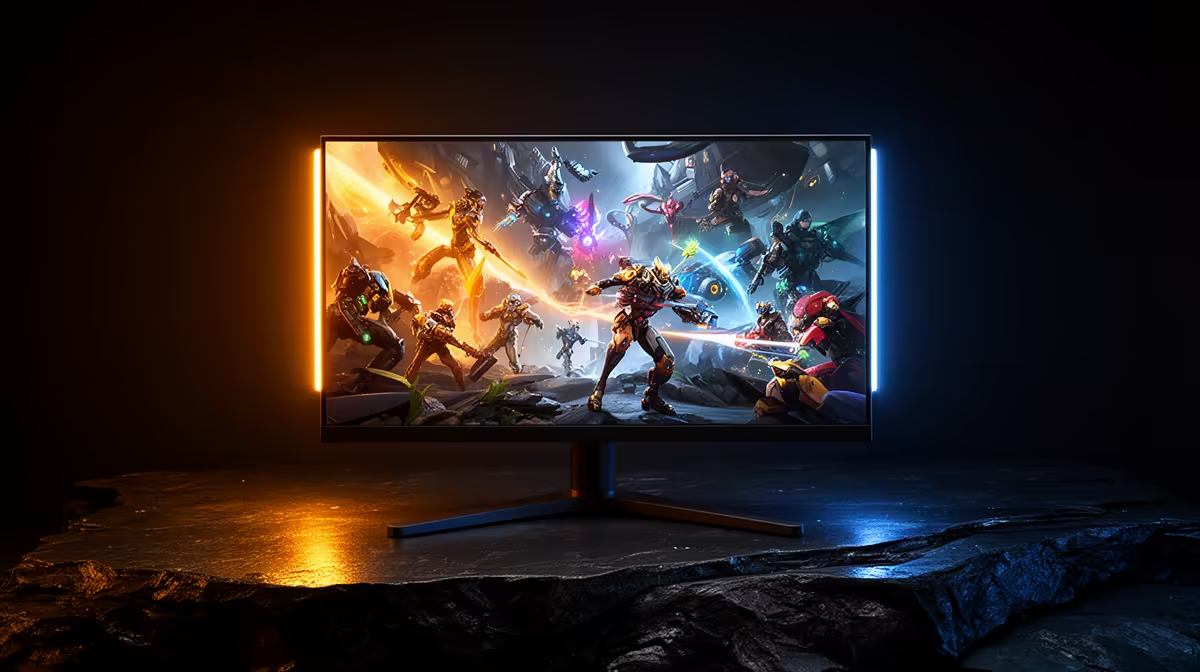
A 27-inch 4K monitor gives you denser pixels and a compact view. A 32-inch 4K screen gives the same number of pixels more physical room. Your viewing distance, scaling preference and desk depth decide which one feels better.
Choose 27 inches when you sit close, value crisp text and want the whole screen inside a tighter field of view. Choose 32 inches when you want a larger game or creative canvas, use several windows at once, or sit farther back.
Browse 4K-capable monitors and their full specifications, then use the monitor best-seller selection as a shortlist. Confirm resolution in the product details because size does not guarantee 4K.
Both sizes display 3840 x 2160 pixels. At 27 inches, those pixels are packed more tightly, producing roughly 163 pixels per inch. At 32 inches, the figure is around 138 pixels per inch.
That difference shows most in text, fine lines and close inspection. A 27-inch panel can look print-like at normal desk distance. The 32-inch screen still looks sharp, while icons and interface elements occupy more physical space at the same scaling setting.
Pixel density does not tell the whole story. Panel coating, subpixel layout, operating-system scaling and eyesight shape what you see. OLED text can look different from LCD text even at the same resolution and size.
Running 4K at 100 percent scaling creates a huge desktop and very small text. Many people use 150 percent on a 27-inch panel. That produces an effective workspace close to 2560 x 1440 while retaining smoother edges.
A 32-inch display may be comfortable at 125 or 150 percent, depending on distance. Lower scaling can expose more workspace, though comfort matters more than fitting another column into a spreadsheet.
Test the software you use. Current browsers and creative apps scale well. An old utility may appear blurry or draw tiny controls. Mixed-size multi-monitor setups can also behave awkwardly when windows cross between scaling levels.
At a shallow desk, 32 inches can feel imposing. You may move your head to inspect corners or push the screen back until the stand hits the wall. A 27-inch model fits more desks and leaves room for speakers.
At a deeper desk, the larger screen becomes easier to take in. It can also serve a person sitting behind you or work as a close console display. Measure from your eyes to the planned panel position, not just the depth printed for the desk.
Stand design affects that distance. A deep V-shaped base may pull the panel forward. A suitable VESA arm can move it back and free surface space, provided the desk and arm support the weight.
The graphics card renders the same 8.3 million pixels on both screens. A 32-inch panel does not require more GPU power than a 27-inch 4K panel at the same settings and refresh rate.
Refresh rate changes the target. Driving 4K at 144Hz asks far more of a system than a 60Hz desktop. Check frame-time results for your games, then decide whether native 4K, upscaling or reduced settings gives the balance you want.
Screen size can affect how image compromises feel. Upscaling artefacts or low-resolution textures may be easier to notice on the larger physical image at the same distance. Sit farther back and the difference narrows.
The 32-inch format is generous for a large timeline, a full-resolution image preview or four practical window regions. You can keep tools visible without covering the subject. The larger surface also makes a 100 or 125 percent scale more plausible.
The 27-inch option suits focused work. Your eyes travel less from a central document to toolbars at the edges. Two 27-inch screens can provide more total area than one 32-inch display, though they need extra width and outputs.
For photo and video work, prioritise colour accuracy, gamut coverage, uniformity and calibration support over diagonal size. A bigger weak panel does not become a better creative tool.
IPS panels tend to offer stable colour from wider angles. VA can bring stronger native contrast with possible dark-transition smearing. OLED offers deep blacks and fast response, along with brightness behaviour, text-rendering and image-retention considerations.
HDR quality depends on contrast, brightness control and local dimming or per-pixel light. The 4K label says nothing about those qualities. Check measured performance for the exact model.
A 32-inch screen exposes uniformity problems across a wider area. Inspect grey backgrounds and dark scenes during the return window. On either size, one dead or bright pixel can be distracting because you sit close.
If a console shares the screen, confirm HDMI bandwidth, 120Hz support, variable refresh rate and the exact resolutions accepted. A DisplayPort specification may cover the PC while leaving the console input more limited.
For a work laptop, USB-C video and charging can reduce cable clutter. Check charging wattage and whether USB hub use reduces the available display mode. Some monitors include a KVM for moving peripherals between laptop and desktop.
Read the manual before buying a cable. High refresh 4K may need Display Stream Compression or a specific port version. The supplied cable is usually the safest starting point.
Set a current display to the font and scaling you find comfortable. Estimate the physical size on each proposed panel, then decide whether you want sharper edges or larger elements. A store demo running a bright video will not answer that question.
For close keyboard-and-mouse use, 27 inches is the safer fit. For a deep desk, creative canvas or combined PC and console role, 32 inches can be the more satisfying screen. Exact panel quality can overturn either preference, so compare models after settling the size.
Yes. The smaller panel has higher pixel density, though both can look sharp at suitable viewing distances.
No. Both sizes render the same pixel count at the same resolution, settings and refresh rate.
It can be on a shallow desk. Measure eye-to-screen distance and account for the stand before choosing.
Measure your eye-to-screen distance, choose a comfortable scaling level and compare exact 27-inch and 32-inch 4K panels from that position.
Yes. The smaller panel has higher pixel density, though both can look sharp at suitable viewing distances.
No. Both sizes render the same pixel count at the same resolution, settings and refresh rate.
It can be on a shallow desk. Measure eye-to-screen distance and account for the stand before choosing. {{PRODUCTS: { facets: { query: "4K gaming monitor" }, limit: 12, title: "Compare 4K Monitor Sizes", style: "4" } }}
PCIe 5.0 vs PCIe 4.0 for video editing in 4k is mainly about fit, features, compatibility, cost, and upgrade path, not one automatic winner. SA buyers should match the choice to the setup.
Read more
Wi-Fi 7 vs Wi-Fi 6e for competitive esports comes down to router support, latency goals, device compatibility, and coverage. SA buyers should match the choice to the real network setup.
Read more
ATX 3.1 vs ATX 3.0 for mMO and live-service games buyers - what changes is mostly about compatibility, budget, upgrade path, and setup fit. SA buyers should check device support and real needs before expecting a clear win from either option.
Read more
LGA 1851 vs LGA 1700 can affect Twitch and YouTube streaming when gaming and encoding share CPU resources. For SA creators, the real-world difference depends on encoder choice, memory support, motherboard cost, thermals, and upgrade plans.
Read more
X870E vs X670E for aaa single-player gaming is mainly about fit, features, compatibility, cost, and upgrade path, not one automatic winner. SA buyers should match the choice to the setup.
Read more
Hall Effect switches vs Mechanical switches for mMO and live-service games is mostly about compatibility, budget, upgrade path, and setup fit. SA buyers should check device support and real needs before expecting a clear win from either option.
Read more
A fake 113GB GTA VI ISO reportedly used empty padding around a small malware payload. SA gamers should delete unofficial builds, keep Windows security active and wait for official channels.

Wi-Fi 6E vs Wi-Fi 6 matters for 4K video editing when files move across a network. The real-world difference between Wi-Fi 6E and Wi-Fi 6 for video editing in 4K depends on NAS access, cloud uploads, router range, and SA creator workflows.

The difference between PCIe 5.0 and PCIe 4.0 for SA gamers is mostly bandwidth headroom. Compare GPU slot needs, NVMe speed, motherboard support, and upgrade timing before paying extra for a newer platform.

Gaming PC stuck pixel checks in South Africa should confirm the monitor fault first. Use colour tests, screenshot comparison, cable swaps, display menu checks, and clear photos before deciding on support.

Shokz OpenFit Air 2 earbuds weigh 7.2g each and use a redesigned dual-driver open-ear layout. SA buyers should choose them for comfort and awareness, not maximum isolation.

AMD's current driver now lists a Radeon RX 9050 4GB, while product coverage details a narrowed memory system. SA buyers should weigh the low VRAM ceiling against current local Radeon options.

Samsung Display has demonstrated a 16-inch 2.5K OLED laptop panel running at 300Hz. SA buyers should wait for a named notebook, full panel specifications and a local price before planning an upgrade.

Microsoft says some Windows 11 game crashes after recent updates are linked to RGB-related drivers. Affected SA gamers should confirm the update and driver before using the published registry workaround.

RTX 5090 on a 650W PSU is a tight pairing with very limited headroom. For SA gaming PCs, focus on total system draw, PSU quality, connector support, CPU choice, and avoid OC plans unless the full build is carefully power-limited.
PCIe 5.0 vs PCIe 4.0 for video editing in 4k is mainly about fit, features, compatibility, cost, and upgrade path, not one automatic winner. SA buyers should match the choice to the setup.

850W PSU safety for RTX 5090 is plausible with a quality unit and balanced parts. In SA, confirm connector support, CPU power draw, case airflow, PSU age, and spare capacity before building around 850W.
Wi-Fi 7 vs Wi-Fi 6e for competitive esports comes down to router support, latency goals, device compatibility, and coverage. SA buyers should match the choice to the real network setup.