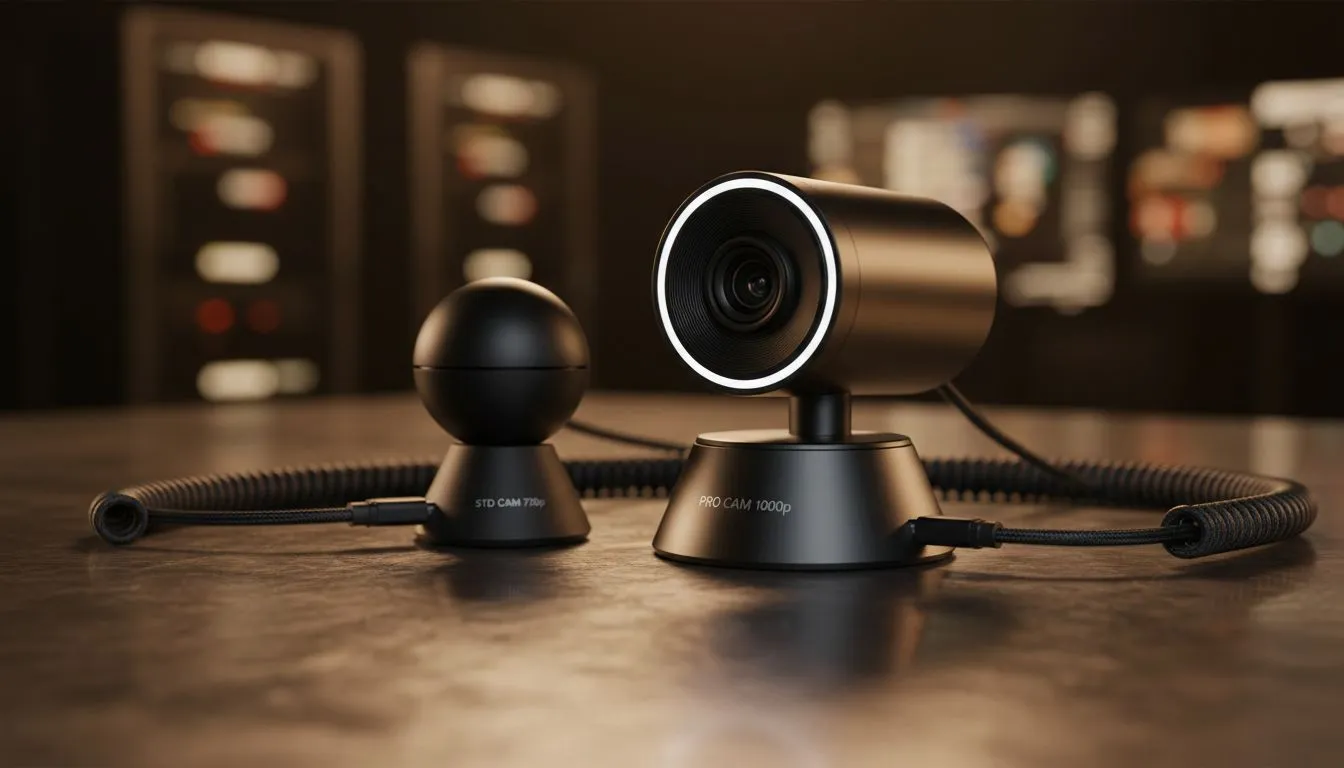
In a world where remote work and online gaming define our daily lives, your visual presence matters more than ever. Whether you are pitching to a client in Sandton or streaming a late-night raid, the 720p vs 1080p webcams debate is central to your video conferencing quality. Is the jump to Full HD worth the extra ZAR, or is standard HD enough for your needs? 🚀
Understanding 720p vs 1080p Webcams for Video Conferencing Quality
The primary difference lies in the pixel count. A 720p resolution consists of roughly 921,600 pixels. In contrast, 1080p offers over 2 million pixels. This massive jump in detail significantly impacts your video conferencing quality. If you are currently browsing Intel laptops on special, you will notice that many entry-level models still feature 720p sensors. These are perfectly functional for basic calls... but they often struggle in the low-light conditions common in South African home offices during load shedding.
Why Lighting and Sensors Matter
A 1080p camera won't save your image if you are sitting in a dark room. However, the superior sensors in higher-end machines, like those found in our Ryzen laptop deals, often handle light much better. High-definition video requires more data... so you must ensure your fibre connection can handle the increased upload demand. If your internet is slow, a 1080p feed might stutter, making a 720p stream a smoother choice for consistent video conferencing quality. ✨
Lighting Pro Tip ⚡
Always face a window or a dedicated ring light. Even a premium 1080p webcam will look grainy if the light source is behind you. This simple adjustment can improve your video conferencing quality more than a hardware upgrade ever could.
Balancing Budget and Stream Performance
For gamers who want to show their face on stream, resolution is vital for a professional look. Many of the best gaming laptop deals now include 1080p webcams as a standard feature. If you are hunting for gaming laptops under R20k, you might find 720p is the norm... but you can always add an external USB camera later as your channel grows. 🔧
The Role of AI in Modern Video Quality
Modern hardware does more than just capture light. When looking at GeForce RTX gaming laptops on special, you gain access to powerful tools like NVIDIA Broadcast. This software uses AI to clean up your 720p or 1080p feed... removing background noise and even correcting your eye contact to ensure your video conferencing quality remains top-tier regardless of your environment.
Ready to Elevate Your Video Presence?
Choosing between 720p and 1080p depends on your professional needs and budget. For the best visual clarity and performance in South Africa, upgrading your hardware is the first step. Explore our massive range of laptop specials and find the perfect machine to look your best on every call.