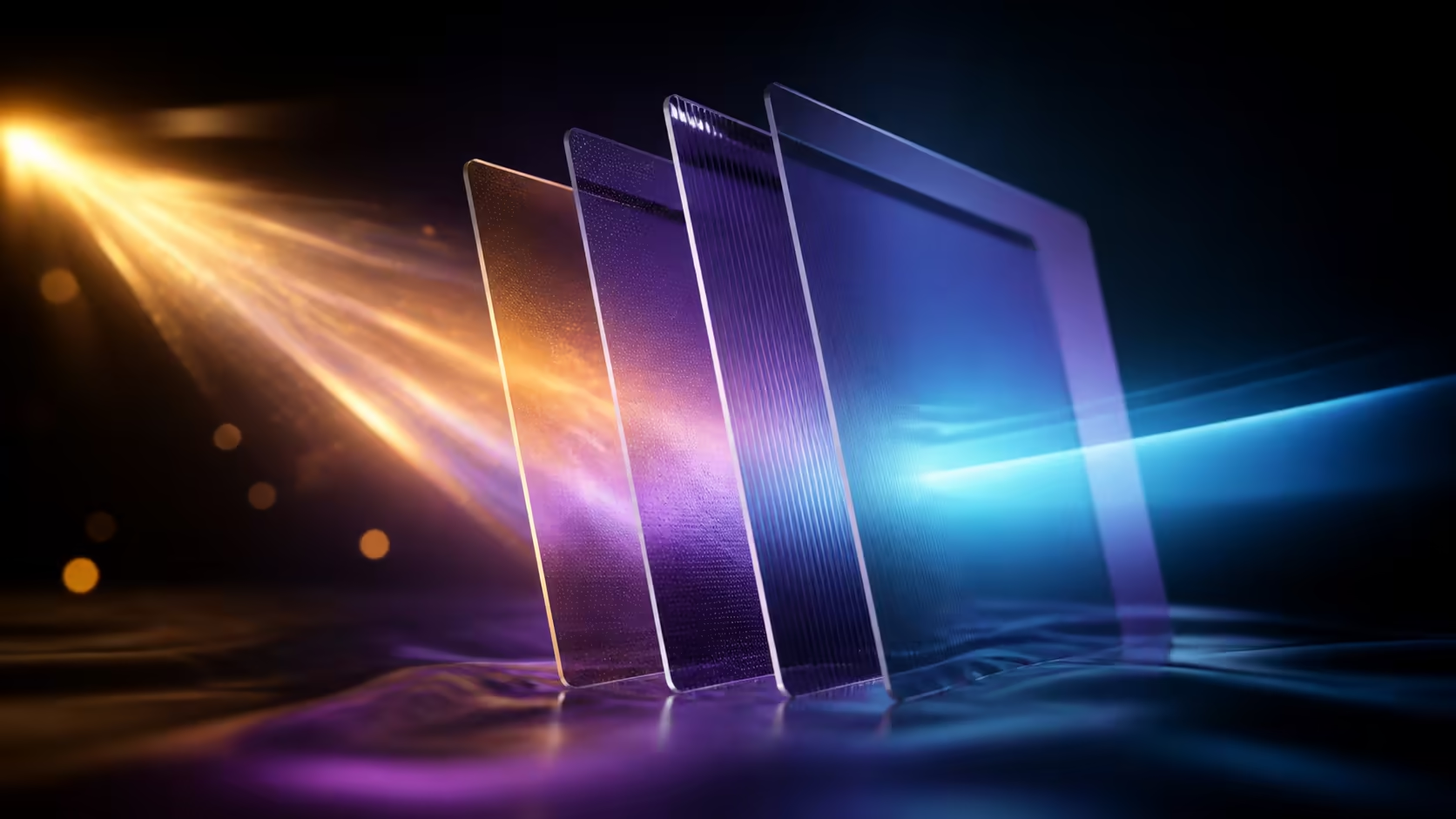
Reflections are not a single bright patch. They move with the viewer, intensify on dark content and change as daylight crosses a room. An anti-glare laptop privacy filter combines a treated viewing surface with side-view control, giving everyday value through two distinct problems rather than one vague promise.
Quick Answer
Anti-glare treatment reduces distracting reflections, while anti-spy filtering makes casual side viewing less useful. This R299 Laptop Privacy Screen Protector Filter fits a 15.6-inch display with 16:9 proportions. It is most relevant where changing light and nearby observers repeatedly affect normal laptop work.
🌞 Understand where glare starts
Reflection is a three-part relationship
Glare depends on the light source, screen direction and user's position. Daylight from behind the user can cross a dark page, then disappear when the laptop turns. An overhead fitting may become visible only after the lid is tilted for a taller user.
Begin by opening several types of content: a pale document, dark interface, spreadsheet and colour image. Keep the brightness at the everyday level. Reflected shapes often reveal themselves differently across those pages, and the most disruptive task should lead the evaluation.
Move the laptop slightly relative to the source before changing screen settings. Close a blind, adjust a movable lamp or rotate the desk where practical. This establishes how much of the problem belongs to the room and prevents the filter from receiving credit for an unrelated layout change.
Review the wider workstation through Evetech's laptop accessory selection. Treat a stand as an orientation tool, a sleeve as carrying protection and a privacy filter as a visual layer; their jobs should remain separate.
Anti-glare is not an automatic display control
The accessory sits at the screen surface. It does not adjust brightness, colour or contrast settings on the laptop. That distinction matters because users should compare the same display configuration before and after placement.
Use the filter for a long enough period to read, scan data and move between applications. A five-second look may miss a reflection that appears during a darker task or after the sun moves. Everyday benefit is measured by fewer interruptions, not by a technical percentage attached to another product.
🕶️ Add privacy without confusing the result
Side observers create another axis
Anti-spy treatment concerns the person beside the laptop, not the light reflected toward its owner. Use an invented test page with several text sizes and a mock table. Sit directly in front, then ask a helper to check the adjacent and diagonal positions.
Keep the lighting stable during this exercise. A bright reflection can obscure content for the helper and falsely suggest a stronger privacy effect. Change the helper's seat before altering screen direction. That order reveals how geometry changes the result.
Someone behind the primary user may remain close to the central view. Use a wall or quiet background where possible, and avoid placing the display toward a doorway or queue. The filter narrows casual side exposure; room awareness controls the sightlines outside that role.
The main user still sets the usability standard
Return to the centre after every side test. Check fine text, tables, dark backgrounds and colour. A layer that the owner removes whenever detailed work begins cannot provide consistent privacy during those tasks.
Comfort varies, so another person's preference is not decisive. The owner should assess the R299 filter over representative sessions and at more than one desk. Record whether anti-glare, anti-spy or both functions earn their place in each location.
Secure the device before the user steps away. Visual privacy does not prevent file access, account use or network exposure. These controls remain independent of the surface layer.
📐 Match and place the 15.6-inch layer
Aspect ratio completes the size description
This example targets a 15.6-inch diagonal in the 16:9 shape. Diagonal and ratio describe different properties, so both entries must be checked on the exact laptop configuration.
Avoid measuring across the outer lid. Bezels and chassis trim sit outside the active panel. If a laptop family contains multiple displays, save the full model identifier beside the screen format to prevent a match intended for another configuration.
The monitor accessories category at Evetech offers a display-focused comparison route. Carry the written diagonal and ratio into that search, allowing format to filter the options before surface features.
Fitting method should follow its own guidance
Size does not identify attachment. Use the placement directions for the exact privacy filter, work on a clean table and inspect all active-area edges. Do not transfer magnetic, adhesive or tab techniques from another model simply because the dimensions sound similar.
Move the lid through its normal work positions carefully after fitting. If the filter travels separately, handle it in the manner intended for the accessory. Recheck alignment after a commute or cleaning session before interpreting a change in glare or side visibility.
🧭 Turn the benefits into a buying decision
Score the interruptions, not the feature count
Keep two tally lines for a week. On the first, mark every session disrupted by reflected light. On the second, mark each time someone occupies a concerning side position. This creates a record of how often the two functions could help.
Then note whether changing the laptop orientation solved the issue. If a simple turn handles nearly every reflection, the treated surface may add less value. If glare returns across several locations, anti-glare has a stronger everyday case.
R299 becomes more persuasive when both tallies contain repeated events and the laptop passes the 15.6-inch 16:9 fit check. It is not automatically better value for someone working alone in controlled lighting.
Use a before, during and after routine
Before work, map light and nearby seating. During the session, keep only needed sensitive windows visible and observe whether reflections return. Afterward, close the document and lock the laptop before leaving the area.
This routine keeps the anti-spy benefit in perspective. It supports careful habits but cannot guarantee complete visual isolation, especially for someone positioned directly behind the user. Anti-glare controls reflections but should not be treated as physical impact protection.
When the workspace changes, repeat the short map. New furniture, a monitor stand or a different time of day can alter both light paths and observer paths. Everyday benefit remains connected to the environment.
Everyday benefit also includes physical care. The filter's resilient surface protects against scratches, dust and oily fingerprints while maintaining a sharp picture for the front-facing user. Its thin construction avoids excessive weight, and the ability to attach or detach it easily lets a traveller respond to changing privacy conditions. That combination serves well-lit shared environments without making the laptop permanently filtered.
Frequently Asked Questions
How can reflection control help through a normal day?
It can make reflected windows and lights less distracting during documents, data work and darker interfaces from the central seat.
How does anti-spy filtering add another benefit?
Neighbouring viewers have a less useful off-centre picture, which matters in shared and public spaces.
Is glare reduction defined by one percentage?
Use the user's actual room and tasks instead. Light source, screen direction and content all affect how disruptive a reflection feels.
Can the combined functions justify R299?
Yes, when a matching 15.6-inch 16:9 laptop repeatedly encounters both side observers and reflections while remaining comfortable centrally.
Where is the filter most relevant?
Shared offices, study spaces, client sites and public seating create the clearest overlap between changing light and nearby viewers.
Ready to measure everyday value through real interruptions?
Track glare and side exposure separately, confirm the laptop format and compare suitable screen accessories with Evetech.