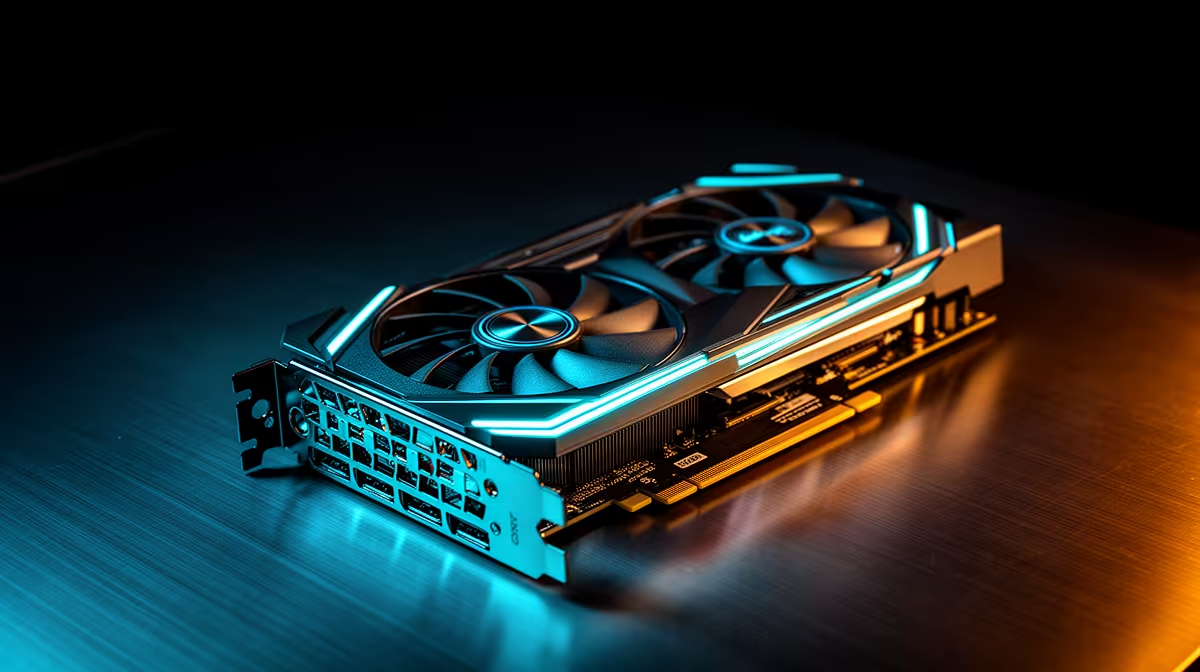
Clock speed gets quoted on every GPU box, yet most buyers skip past the number without understanding what it controls once real work starts. It is not a measure of overall power, it is a pace, the rate at which the chip completes operations every second. Here is what a 2400 MHz clock on a 24gb creator graphics card actually delivers once you are past the spec sheet.
Quick Answer
A 2400 MHz clock speed sets the pace at which the GPU completes shading, ray tracing, and compute operations each cycle, directly affecting how responsive editing and 3D software feels during real use. That clock ships on the ASRock Intel Pro B60 Creator, a card retailing at R14,399 alongside 24GB of GDDR6 memory, keeping both processing speed and capacity in step with each other.
⏱️ What Clock Speed Actually Controls
Every operation a GPU performs, shading a pixel, calculating a ray bounce, running a compute instruction, takes a set number of clock cycles to complete. A higher clock speed means more of those cycles happen every second, which translates directly into more completed operations in the same span of time, assuming the rest of the card can keep feeding it work.
Clock Speed Versus Core Count
It is worth separating clock speed from the number of processing cores on a chip, since the two work together rather than substituting for each other. A card with fewer cores running at a higher clock can outperform one with more cores running slower on certain tasks, and the reverse holds true for others, which is why clock speed alone never tells the full performance story.
Sustained Clock Speed Under Long Workloads
A quoted clock speed is only useful if the card can actually hold it during extended sessions rather than throttling downward as temperatures climb. Long export queues, batch renders, and lengthy AI denoising passes all put sustained rather than brief load on a GPU, so how well a card manages heat and power during those stretches matters just as much as the number printed on the box.
🎬 Clock Speed in Editing and Colour Work
For video editors, clock speed shows up most obviously in scrubbing responsiveness and export times. Every colour adjustment or effect applied to a clip requires the GPU to recalculate pixel values across the frame, and a faster clock means that recalculation finishes sooner, which is the difference between a timeline that scrubs smoothly and one that visibly lags behind your mouse movements.
Where the 24GB Buffer Comes Into Play
Clock speed alone cannot fix a project that has outgrown available VRAM. On dense multi-layer timelines, the GPU needs both processing speed and enough memory to keep the working set loaded, which is exactly why this card pairs its 2400 MHz clock with a 24GB GDDR6 buffer rather than shipping a fast chip with limited capacity behind it.
🧊 Clock Speed in 3D Rendering and Viewport Work
3D artists feel clock speed differently, mainly in viewport interactivity rather than final render times, which depend more on total render duration across many frames. A faster clock keeps ray traced lighting previews and real-time shading responsive while orbiting or adjusting a scene, which matters enormously during the iterative part of a project where decisions get made quickly and repeatedly.
Ray Tracing Units and Clock Speed Together
Ray tracing units on this card's Xe2-HPG architecture handle the actual light bounce calculations, but clock speed still determines how many of those calculations complete each second. The two work in tandem, dedicated hardware doing specialised work, clock speed determining how fast that hardware cycles through it.
AI-Assisted Denoising and Clock Speed
Ray traced previews often look grainy at low sample counts before AI denoising smooths the result, and that denoising step runs through the card's dedicated XMX engines rather than the general shading pipeline. Clock speed still plays a supporting role here, since the rest of the frame keeps rendering while denoising happens, and a faster clock keeps that parallel work from becoming the bottleneck in the chain.
🔧 Balancing Clock Speed Against VRAM and Bus Width
No single spec tells the whole performance story, and clock speed is no exception. A high clock speed paired with too little VRAM will still stutter once a project outgrows the buffer, while ample VRAM paired with a slow clock leaves performance on the table during interactive work. This card's 2400 MHz clock, 192-bit memory bus, and 24GB GDDR6 buffer were specced as a matched set rather than one number chasing headlines. Reviewing this card's product listing shows the full picture of how these specs fit together at R14,399. It is also worth browsing Evetech's workstation graphics cards and ASRock's full graphics card range to see how differently balanced cards compare for your specific workload.
Frequently Asked Questions
Does a higher clock speed always mean better performance?
Not in isolation. Clock speed matters most when paired with sufficient VRAM and bandwidth, otherwise a fast chip still stalls once it runs out of memory to work with.
Why does clock speed matter more for viewport work than final renders?
Final renders depend heavily on total processing across many frames, while viewport interactivity depends on how quickly individual operations complete during real-time adjustments.
Is 2400 MHz considered fast for a creator-focused GPU?
It is a well-matched clock speed for this card's architecture and memory configuration, tuned for consistent throughput rather than chasing the highest number available.
Does clock speed affect export times in video editing?
Yes, faster clock speeds generally reduce the time needed to process effects and colour grades during export, though storage speed and CPU performance also play a role.
Can I rely on clock speed alone to judge a GPU's suitability?
No, clock speed should always be considered alongside VRAM capacity, bus width, and architecture rather than as a standalone measure of suitability for creative work.
Does clock speed drop during long render sessions?
It can on some cards if thermal management is poor, which is why sustained performance during extended workloads matters as much as the advertised peak figure.
Is clock speed something I can adjust myself?
Manual overclocking is possible on many GPUs, though for creative work most users get more reliable results sticking with the card's stock, factory-tuned clock speed.
Ready to see what 2400 MHz clocks mean for your projects?
Explore the ASRock Pro B60 Creator in Evetech's creator GPU lineup for R14,399 and judge its 2400 MHz clocks against your own export times.